
Parent Sign-off for Student Learning Plan (SLP) Reports
Directions for SLP Report Parent Sign-off
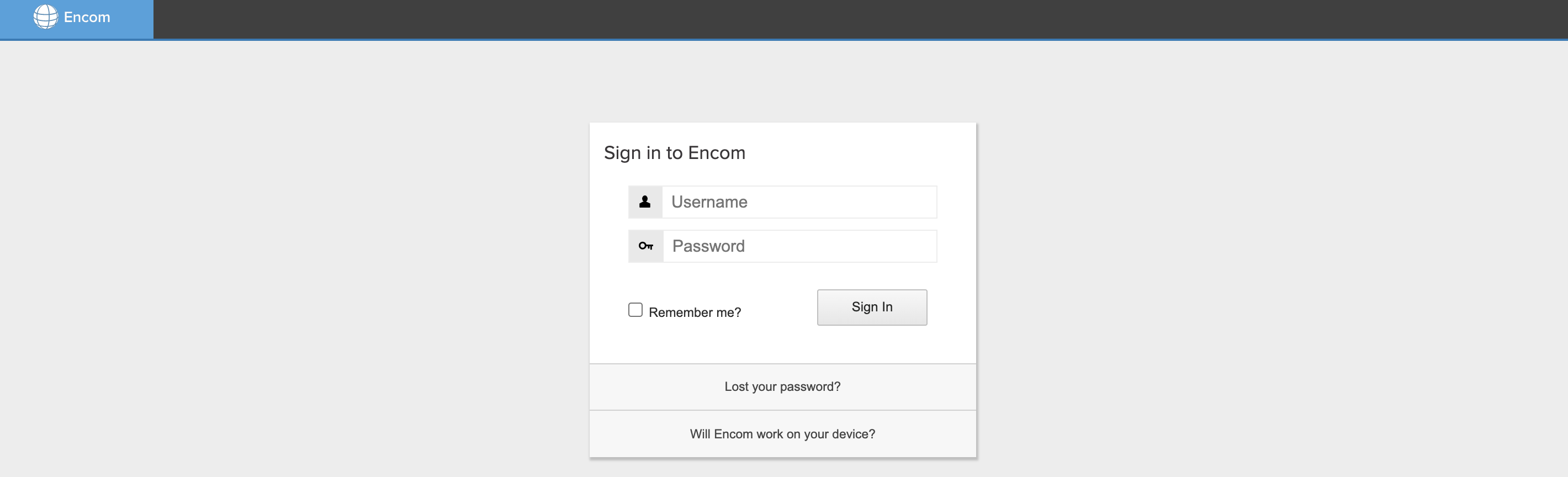
1. Log into Encom. If you have forgotten your password, please choose the "Lost your password?" option.
2. Read through your child's Student Learning Plan (SLP) Report to ensure it reflects your child's learning plan for the year. The SLP is a fluid document and should be updated throughout the school year.

3. Once you've reviewed the SLP Report, please click the SLP Parent/Guardian Sign-Off at the top of the SLP Report page.

4. To sign the SLP, begin by typing your name into the Parent/Guardian Full Name box, declaring that you collaboratively created the SLP in conjunction with your Support Teacher.
5. Next, sign your name by typing your full name into the Legal Signature box.
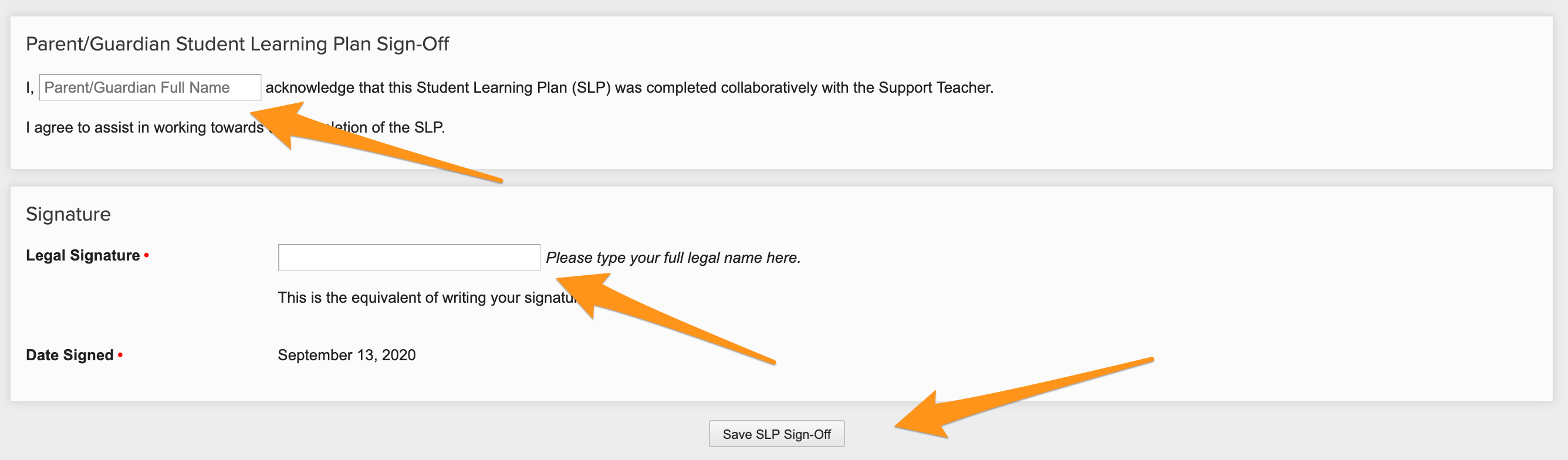
6. Before exiting the page, click Save SLP Sign-Off.
You will need to repeat this process for each child enrolled in HCOS's K-9 program.