
Mathseeds and Mathletics
Mathseeds (K-3) provides structured, engaging math lessons that support and motivate struggling learners. Mathseeds starts with a placement test of up to 60 questions. The program then assesses student work and provides review as needed.
Mathletics (Gr. K-9) is a supplementary math course that builds confidence through personalized learning, exciting games and mastery challenges. It is very grade-specific, aligned with BC curriculum, and organized into units with end-of-unit tests. There is no placement test. Families can choose what units to work on.
These Subscriptions are not available to HCOS registered students.
Logging In
Mathseeds and Mathletics are accessed through Reading Eggs.
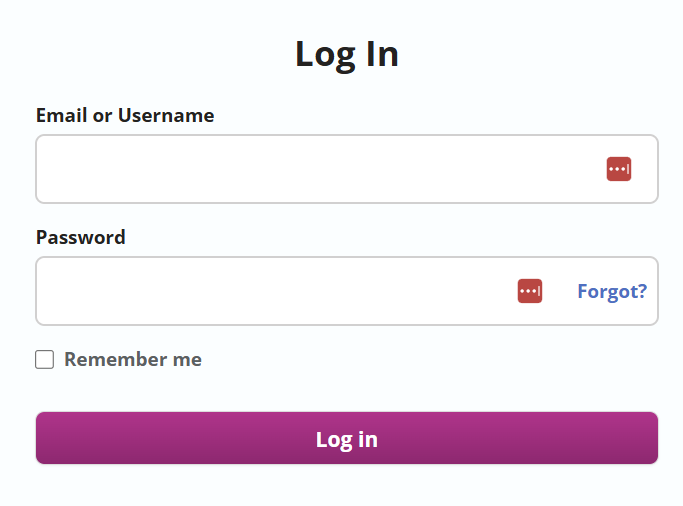
1. Log in to Reading Eggs. (If you have forgotten your login credentials, use the "Login" button and choose "Forgot?" in the login box.

2. Enter the login credentials that you received from your teacher.
Navigation and Use
Mathseeds
Mathseeds begins with a placement test. It is important for families not to help their children with the questions when they first begin. This ensures that the subscription places students at an appropriate level, rather than one that is too difficult.
Setting up a Mathseeds Parent Account
-
Go to www.international.readingeggs.com/linkschool to create a parent account. Sign up with your email address and chosen password.

-
Add your name.

-
At the “Link to School Account” step, enter your child’s login details and select “finish setup.

-
Select “start” below your child’s name.

Mathletics
Here is The Family User Guide For Mathletics.
Short Mathletics information video for parents.
Download your Mathletics Parent Pack for all the information you need.
Setting up a Mathletics Parent Account
Parent Portal
Receive weekly email reports on your child's progress, use Parent Packs with tips, and have access to the parent blog.
- Sign up for the Weekly Parent Report.

2. This will generate a page that has a button that will take you to the parent portal.

3. Use the “Forgot Password” button to set up your password.

4. Verify your email address by selecting the button in the email that they have sent to you.
5. Log in to the Parent Portal.

Learning the Times Tables with Mathletics
Yes, Mathletics teaches the times tables through various methods, including a space-themed game called Multiverse, interactive activities, and printable worksheets. It uses a combination of engaging content, including the Multiverse game, curriculum-based activities, real-time challenges, and practice materials, to help students master multiplication facts.
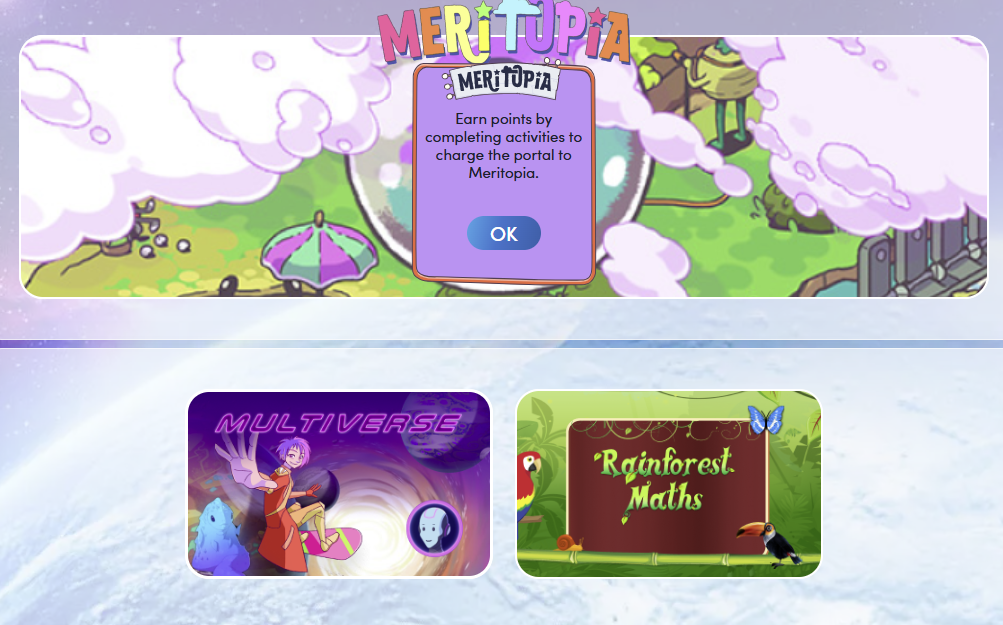
When a student is logged in, select the "Games" button from the top menu bar.

Choose the "Multiverse" button to allow the student to play a space game using the times tables.
Times Table Review can also be found in the downloadable workbooks accessed through the parent account described above, starting in Grade 3 with "Multiplication and Division."