
Focused Education Resources
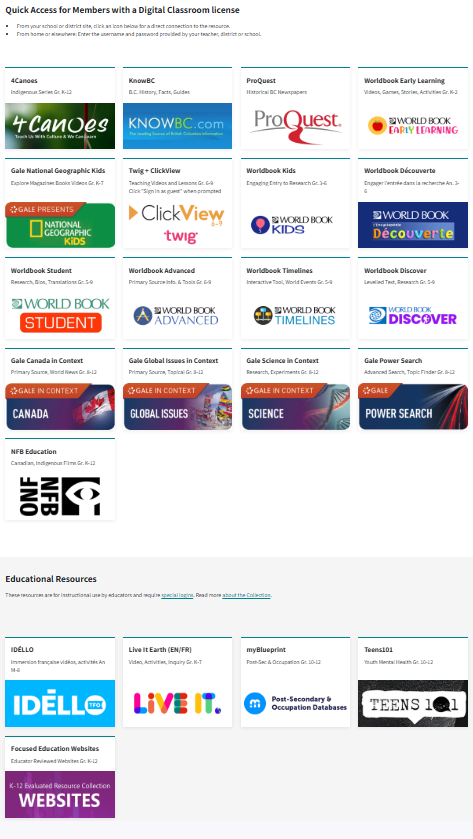
Focused Education Resources (K-Grade 12), also known as the BC Digital Classroom, is a consortium of BC public school districts and independent schools that work together to create accessible learning resources for BC schools.
See the available resources below.
Logging In
On Campus
To log in go here.
No username and password are required if you are on campus at Flex Academy. You can move easily between the different BC Digital Classroom resources.
At Home
Log in here.
Scroll down to select the subscription button you wish to access, and a login page will open. You will then enter the username and password found in the Search Portal. (Log in to the Search Portal using your Encom username and password. Select the Subs/Password tab.)
Once you have logged in to a Focused Ed resource, you can move between resources without signing in again. If you see a login area (especially on Nat Geo Kids), ignore it and scroll down to use the resource.
Navigation & Use
The Core Collection
The Core Collection includes resources from these vendors:
- National Film Board
- KnowBC
-
myBlueprint (We purchase an expanded version. Find the access on the Search Portal.)
-
Twig Science (Now available to families)
The à la Carte Collection
The à la Carte Collection includes the following resources (Some resources require teachers to set up an account):
-
Idello: This resource is only available to French Immersion schools.
-
Live it Earth: Your resource teacher can set up your account.
-
MyBlueprint: We purchase an expanded version. Do not log in to the Focused Ed dashboard. Find access on the Search Portal.
-
Teens 101: This is a secular site. Please preview items before using them.
- K-12 Evaluated Resources: This resource is only available to teachers.