BrainPOP
BrainPOP (K-Grade 8) is an educational platform with animated videos and engaging resources in various subject areas. There are three resources for different grade levels:
BrainPOP Jr. (K-Grade 3) uses animated videos, games, and interactive activities to engage learners, and support different learning styles.
BrainPOP (Grades 4-6) combines animated videos, games, quizzes, and hands-on activities to build critical thinking, literacy skills, and student engagement.
BrainPOP Français and BrainPOP Español (Grades 4-8) is designed for fluent French and Spanish speakers, not language learners.
This subscription is not available to HCOS Registered students.
Logging In
There are two account options tofor signlogging in with BrainPOP.BrainPOP: the "Shared" or "Individual" account.
Does My Child Need a "Shared" or an "Individual" Account?
BrainPOP: Shared Login vs. Individual Accounts
Shared School Login
- Browse BrainPOP topics and resource
- Watch BrainPOP videos
- Explore activities connected to a topic
- Use BrainPOP for general learning or research
Shared Account – All HCOS Enrolled students share this account. All lessons are accessible. Progress is not saved. Make-A-Movie is not available through this account. Find login information in the Search Portal.
Individual Student AccountAccounts
- Working on teacher assigned activities
- Submitting and saving student work
- Viewing student results and progress
- Keeping
saved.a record of completed assignments - Accessing features that require an individual account (Make-A-
Movie is accessed here.
Which option should I use?
Logging in to the Shared Account
There are three steps to log in to the BrainPOP shared account.
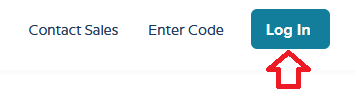
Step 2: Enter the username and password for BrainPOP from the Subs/Passwords tab in the Search Portal.
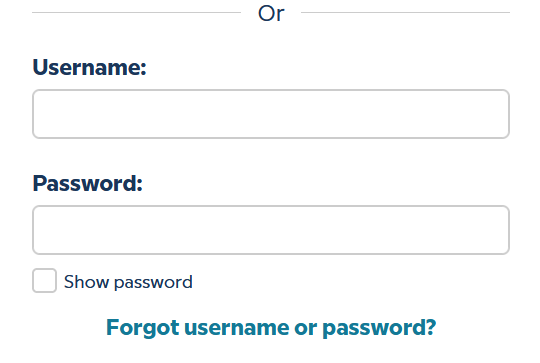
Step 3: Select “Keep using a shared account” at the bottom of the screen.
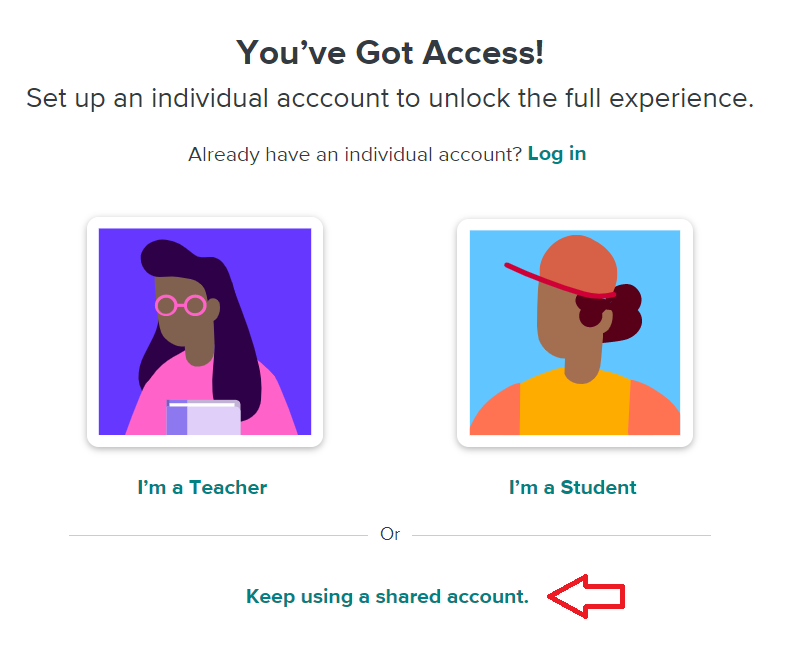
Student work is not saved when using the shared account.
Setting Up an Individual Student Account
There are sixfour steps to log into the BrainPOP individual student account set up by your teacher.
Step 1: Contact your support teacher and request a BrainPOP code.

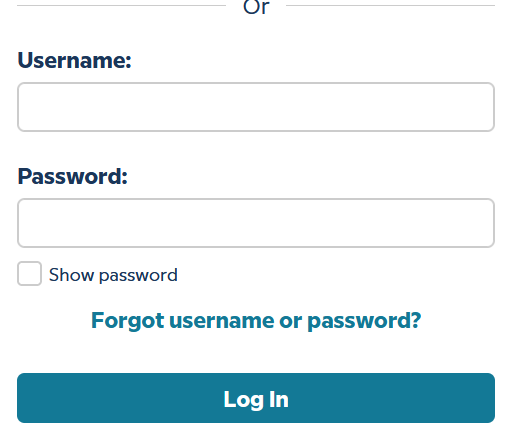
Step 3a: Your teacher may have sent you a username and password. If they have, please enter it here and select the "Log In" button. Go to step 4.
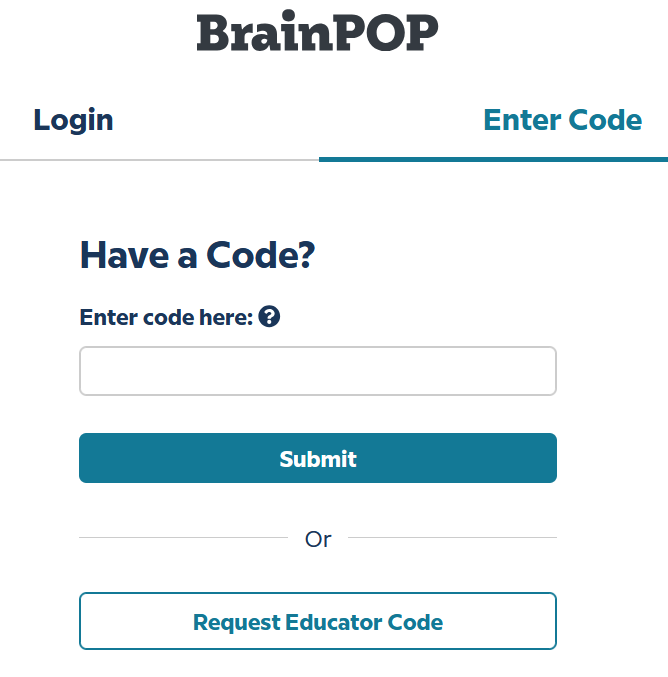
Step 3b: If your teacher has sent you a code please select the "enter code" tab at the top of the page, and enter the code that your support teacher sent you. Select "Submit."
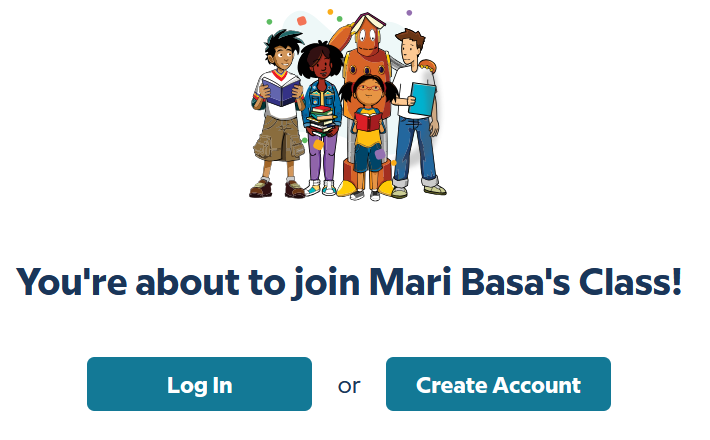
Select the "Create an account" button.
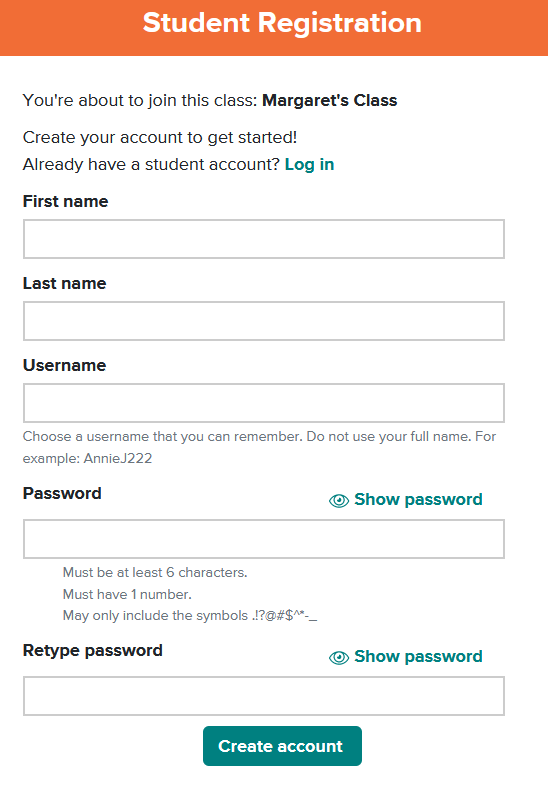
Complete the fields, then select "Create account."
Step 4: Use the "Log in" button for all future visits.
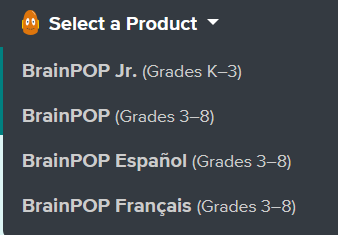
Step 5: If your teacher has assigned work, you will see it here. If you do not see an assignment, select the "Select a Product" button at the top left of the page, and choose a Subscription to work independently.
Navigation & Use
Students can select a specific subject or “Today’s Topic.”
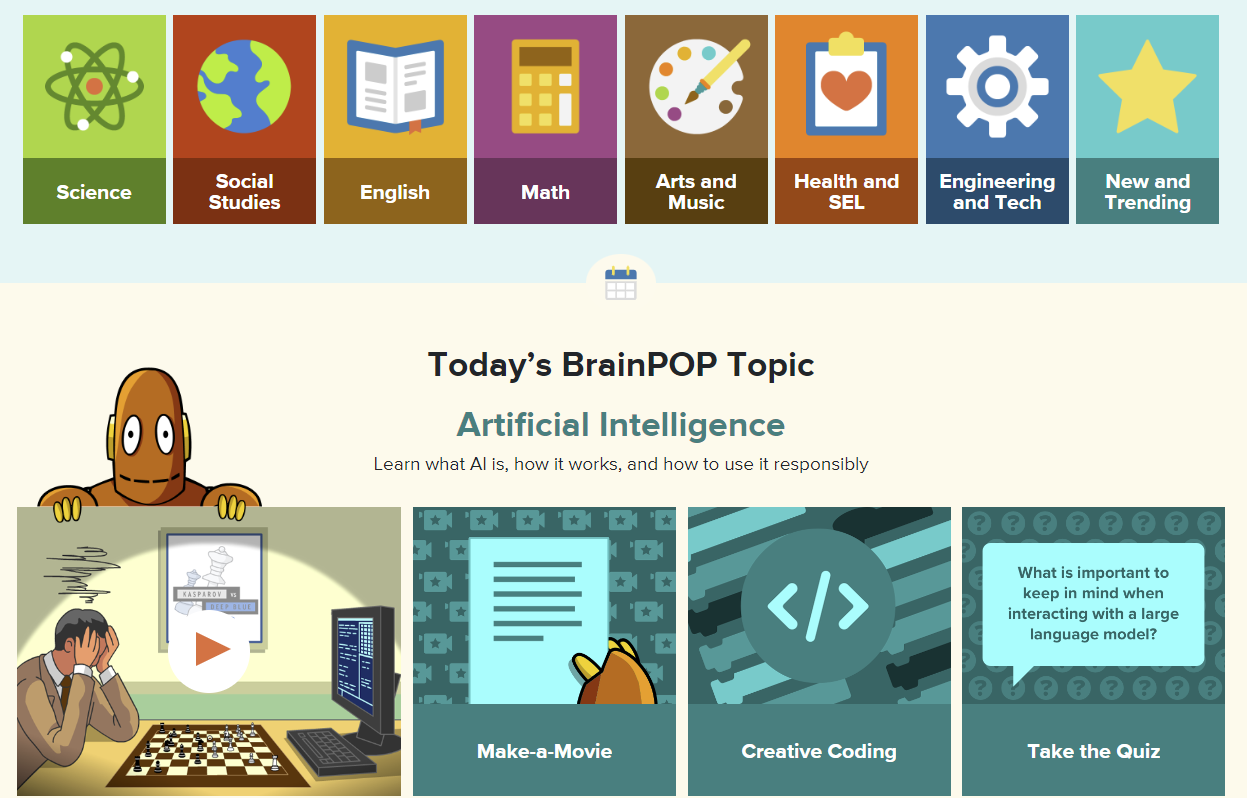
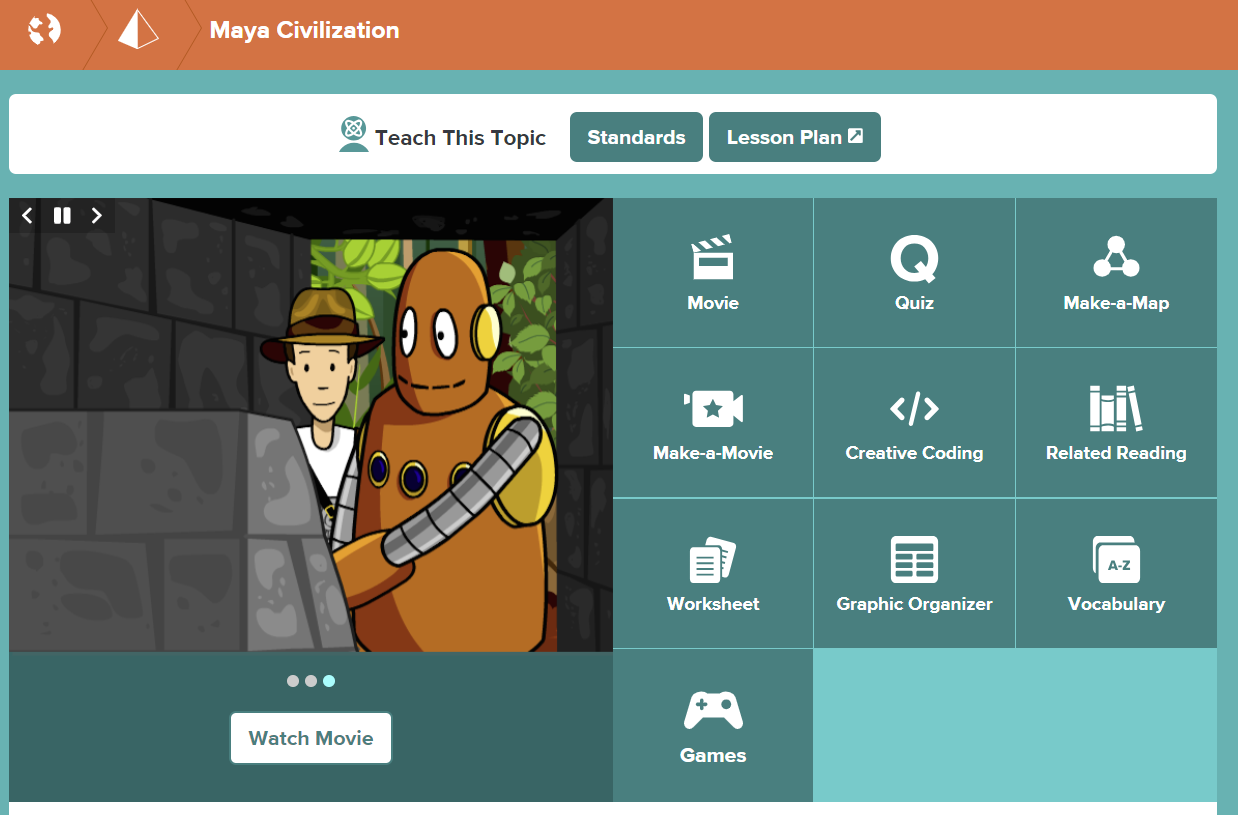
Once a topic is selected, explore the available resources.