
Getting Started with Sora
Sora is the HCOS digital reading platform, providing students and teachers with instant access to thousands of eBooks and audiobooks anytime, anywhere. It’s a simple and engaging way to support reading and learning across all grade levels.
Getting Started
Step 1: Go to https://soraapp.com/library/heritageca and click on "Heritage Christian Online School."
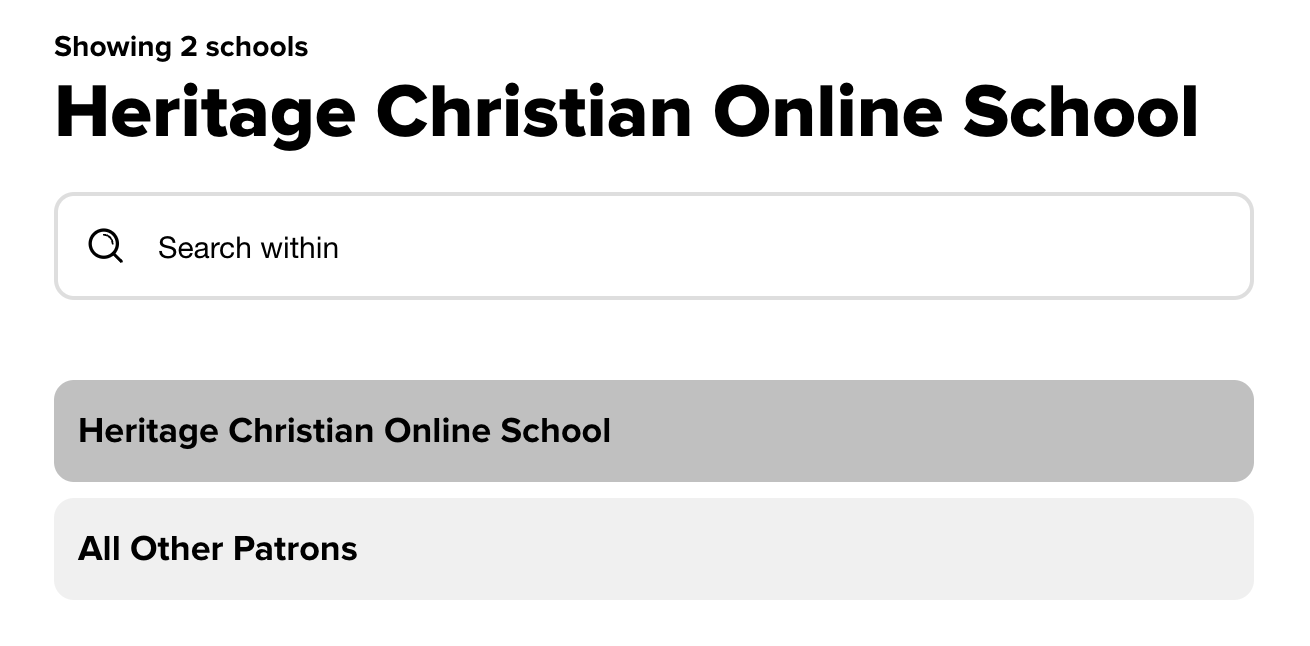
Step 2: Click "Sign in using Heritage Christian Online School."

Step 3: Sign in with your Encom account.
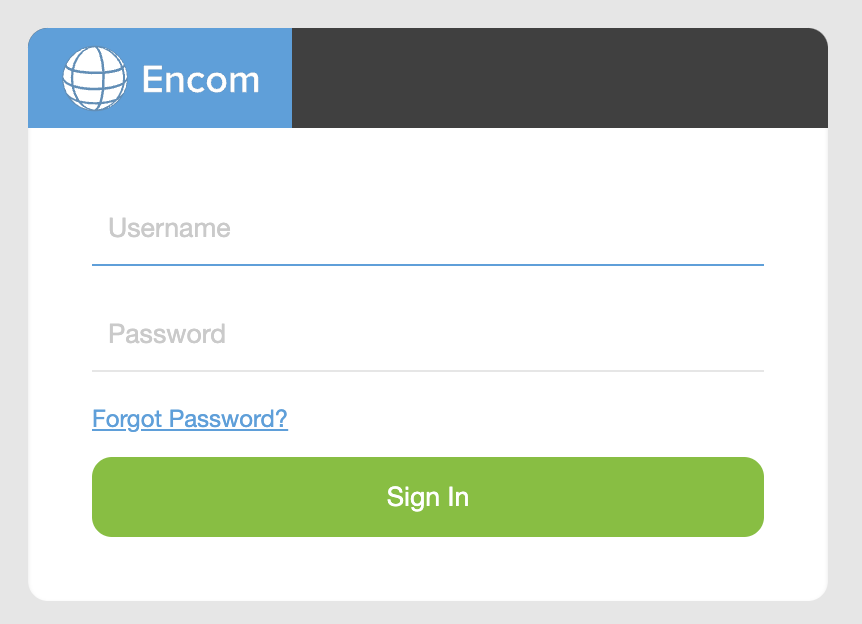
You will need your Encom username and password to access Sora
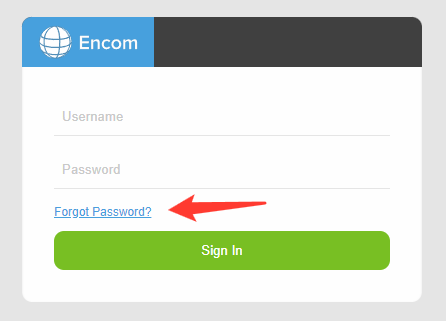
If you need to reset your password, click the “forgot password” link on Sora or Search Portal login pages.
Sora is also available as an app from the Apple App Store and Google Play Store.
Loan Periods and Limits
eBooks and audiobooks can be checked out for 7, 14, 21, or 28 days. The default lending period for all formats is 14 days.
To change your lending period in Sora:
The new period applies to future checkouts. You cannot change the lending period after borrowing a title. Titles borrowed from another connected library will use that library’s default lending period.
Each account can borrow eight titles at a time.
Student Accounts
Students who are taking online courses will already have been assigned these credentials. You may create credentials in your Encom account for any of your students who do not already have Encom credentials using the following two steps:
Individual student accounts are recommended when:
-
Students are in Gr.3 or higher.
-
The family has multiple Gr.3+ students actively using Sora.
-
The family has multiple devices from which to use Sora.
Setting up a Student Account
In Encom, click the student’s account (see the icon in the screenshot) in the Quick Links section of your parent homepage to set your child’s password, then click save.
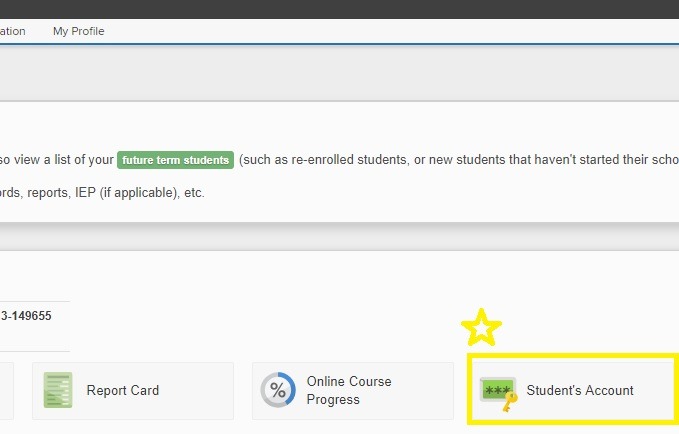
Follow the instructions to set up your student's Encom username and password.
Switching Accounts
Sora works best when one account is signed in on each device. If you need to switch between accounts on a single device, clear the cache in your browser or app (on phones or tablets) before logging in.
Sora Support Videos
- The Sora Essentials Experience (30-minute long, explains all the features of Sora)
- Filtering Collections or Search Results 30-second Video
- Reading Challenges (how to make a challenge for your students). This would work well with our Read for Change contest.
- Reading Goals (set your student's reading goals on Sora)