
ClickView and Twig Science
ClickView (Gr. 3-12): An interactive, video-based teaching and learning platform that brings curriculum concepts to life through engaging educational videos and ready-to-use teaching resources. Covering a wide range of subjects and grade levels, ClickView helps teachers introduce new topics, explain challenging concepts, spark discussions, and create meaningful learning experiences both in the classroom and at home.
Twig (Gr. 6–9): A specialized collection within ClickView featuring short, engaging Science and Mathematics videos, demonstrations, and ready-to-use teaching resources. Content is organized by specific topics under Biology, Chemistry, Physics, Earth Science, Human Geography, and Mathematics, making it easy to find relevant materials.
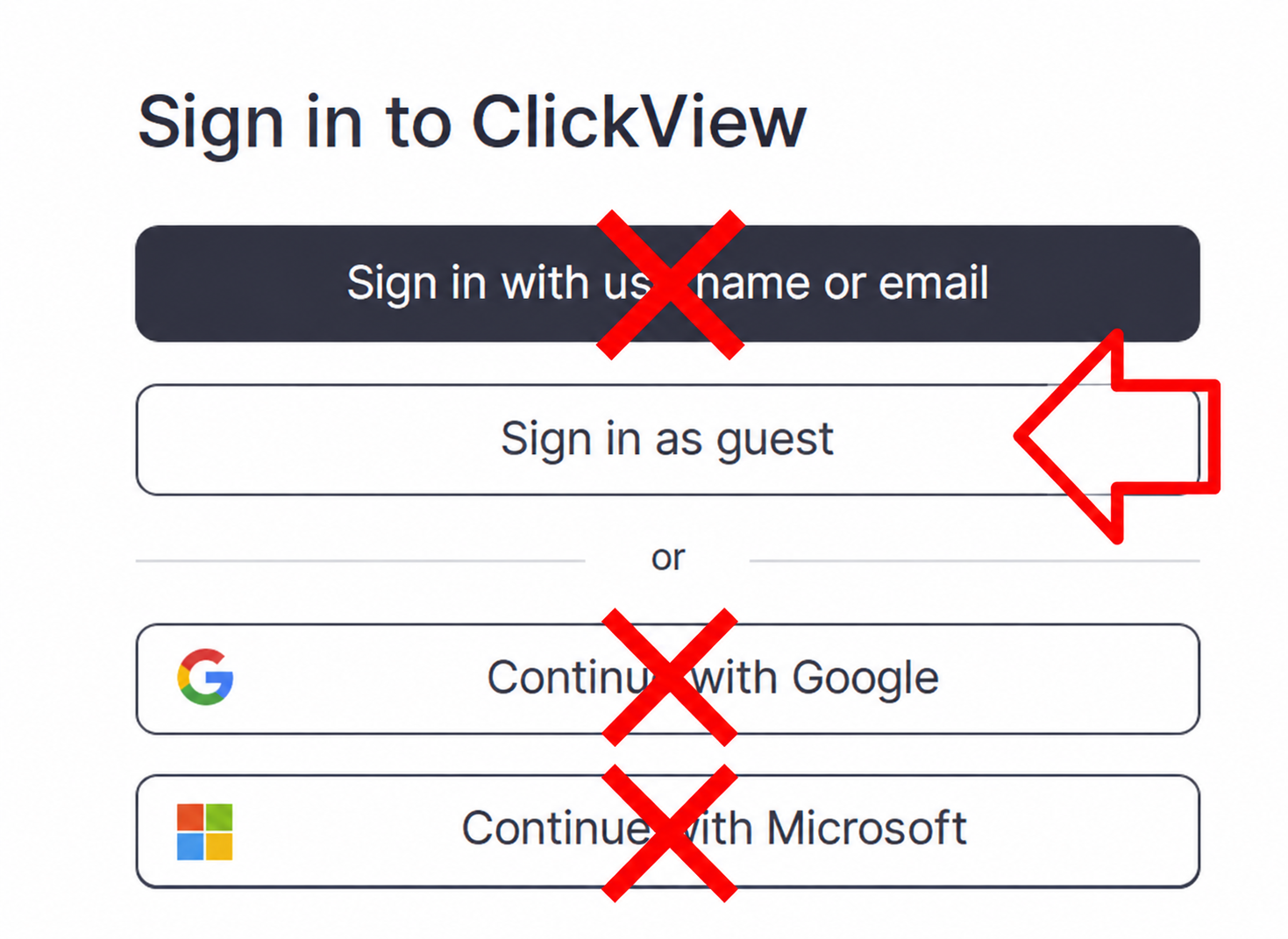
Families log in as guests.
Accessing ClickView and Twig
Sign In
How to sign in - written instructions with screenshots
2. All the login information is on the the Search Portal.
3. Select the "Sign in as a guest" button.
Do not use the black "Sign in with username or email" button and do not use the "Continue with Google or Microsoft" buttons.
To access Twig, scroll down the main homepage to the pink "Twig" button.

If you do not see the Twig button, close your tab and use the ClickView link a second time on a new tab.
Using ClickView and Twig
Included Resources and Features
Select the video below to watch an overview of Twig Science for grade six.
Using the main menu, users can explore Twig Science resources by subject.

Select the "Find videos" button in the top right corner to access the drop-down menu to select how you would like to use Twig Science.