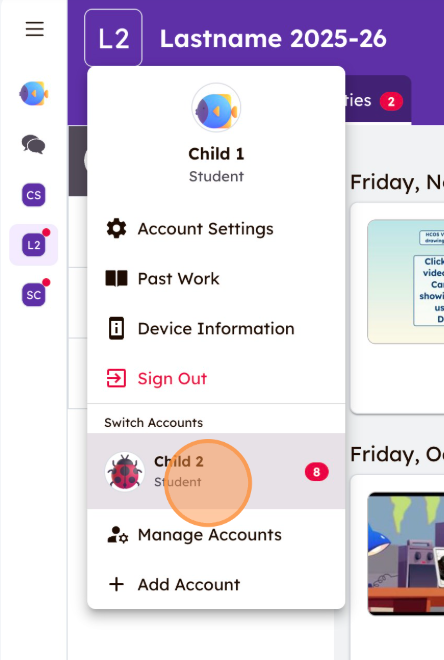
Accessing Multiple Seesaw Accounts
How to Toggle Between Multiple Seesaw Accounts (for CC/CC+ Parents)
It is easy to access multiple Seesaw classes on the same device without repeatedly signing out and back in to accounts. This is especially helpful when you have multiple children in CC/CC+.
Watch the video Toggling between multiple Seesaw accounts.mp4 and/or follow the instructions below to see how easy it is to toggle between accounts.
NOTE: This is device-specific. You will need to repeat these steps if you're using Seesaw on multiple devices.
|
Step 1: To add student accounts to Seesaw, follow |
|
|
|
|
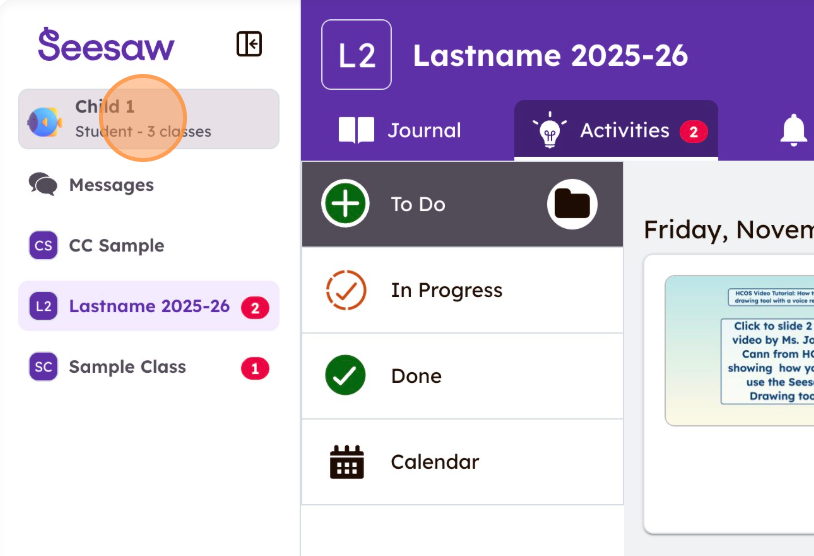
Step 2: |
|
|
|