How to Search
Learn how to search for course materials, extended loan textbooks, maker education, physical unit study kits and more!
This video is a visual walkthrough of using the search features in the Search Portal. You can use the timestamps to navigate to specific topics. Alternatively, if you prefer, there are written instructions with screenshots below the video.
- 0:00-1:04 Search Portal homepage overview
- 1:05-1:17 Downloading resources
- 1:18-1:28 Grade 10-12 course textbooks
- 1:29-1:35 Subscription links
- 1:36-2:02 Using the search bar
- 2:03-2:23 Refining searches
- 2:24-3:03 Subscriptions, databases, and external websites
- 3:04-3:38 Searching by topic
- 3:39-4:01 Searching by grade
- 4:02-4:18 Searching by series
- 4:19-4:50 Advanced search
Searching for Resources
Using the Search Bar
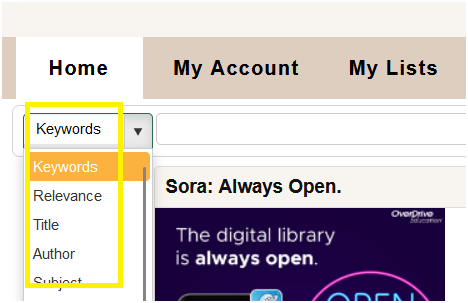
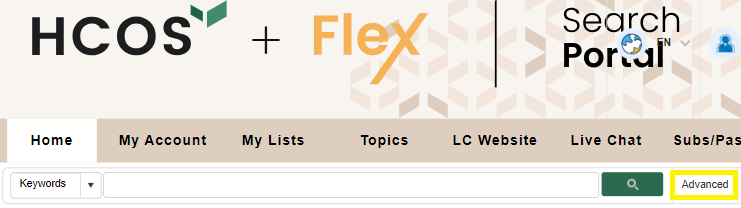
To search for an item, use the Search drop-down menu. The default search is by Keyword, but you can search by Title, Author, Subject, Series, etc. There is also an "Advanced" search feature.
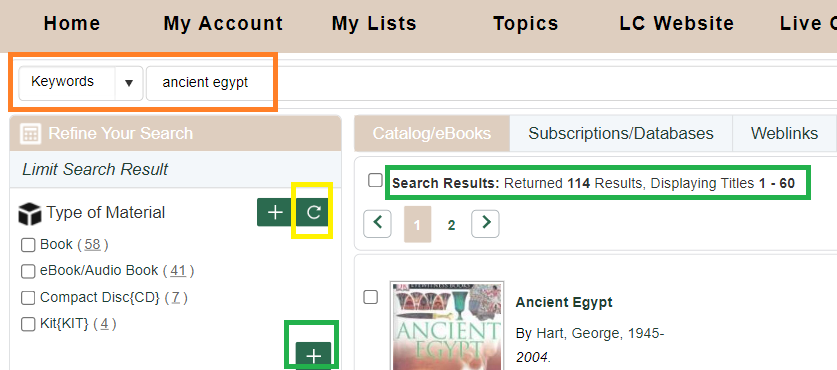
You will see how many results were returned once you enter a term in the search bar. Use the “Refine Your Search” options in the left column to limit your results by Material Type, Audience, Author, and Series.
The “+” sign adds further options to refine your search. Check the boxes you want to refine by, such as Books or Kits, then click on the "Refresh" button to see the refined search.
Searching by Topics to find Textbooks, Unit Study Kits and other Resources
Topics
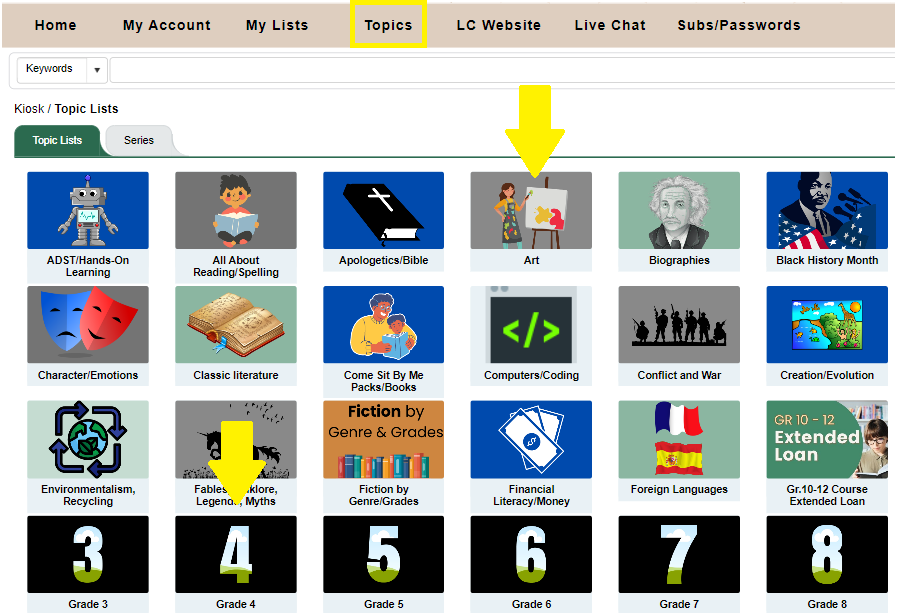
Click “Topics” in the menu bar .

Topics are sorted by subject and grade, making it easy to find relevant materials.
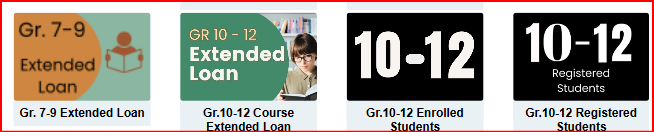
Course materials and Textbooks
Click on the applicable topic.
Unit Study Kits
To borrow Unit Study Kits, begin by selecting the Topic Lists menu:
Then, select Unit Study Kits:
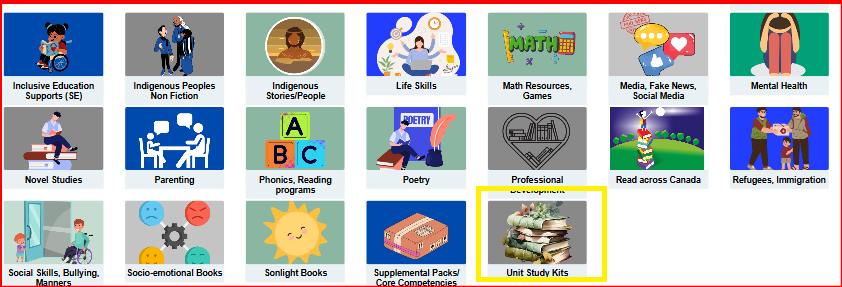
These kits can be found both in the main Topics list and also within each grade level.
Registered Families can only access the Digital Unit Study Kit Guides online.