Focused Education Resources
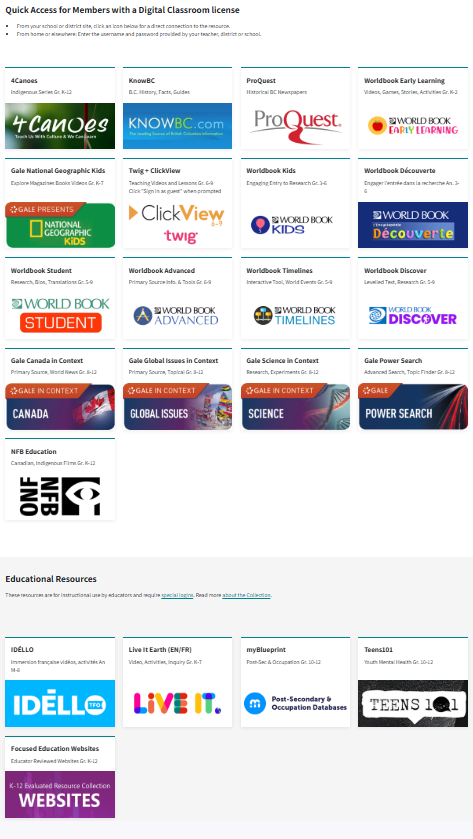
Focused Education Resources (K-12), also known as the BC Digital Classroom, is a collection of many resources on a single platform.
See the available resources below.
Logging In
On Campus
To log in go here.
No username and password are required if you are on campus at Flex Academy. You can move easily between the different BC Digital Classroom resources.
At Home
Log in here.
Scroll down to select the subscription button you wish to access, and a login page will open. You will then enter the username and password found in the Search Portal. (Log in to the Search Portal using your Encom username and password. Select the Subs/Password tab.)
Once you have logged in to a Focused Ed resource, you can move between the resources without signing in again. If you see a login area (especially on Nat Geo Kids), ignore it and scroll down to use the resource.
Navigation & Use
Focused Education, also known as the BC Digital Classroom, contains the resources listed below.
4Canoes (K-Gr. 12)
4Canoes magazine has articles vetted by the indigenous communities about which they were written.
There are two steps to log in to 4Canoes.
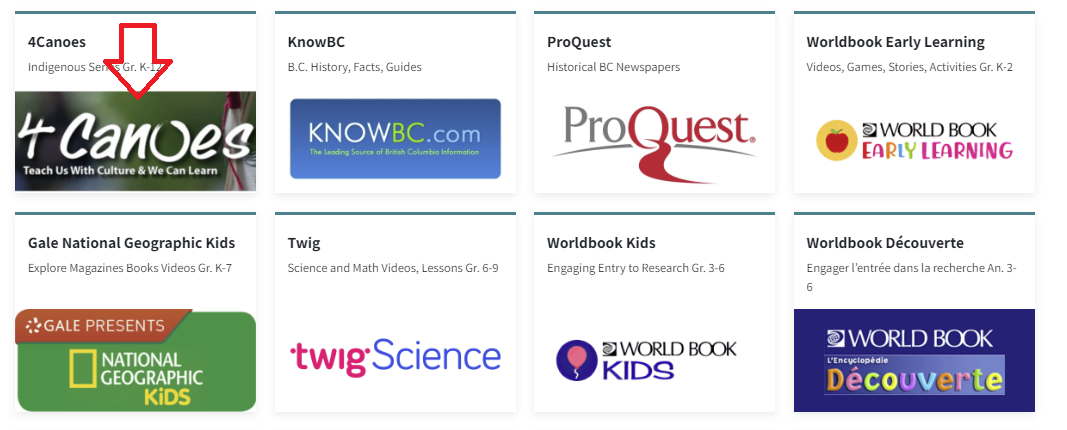
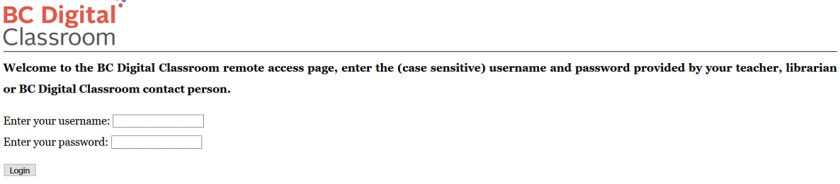
Step 2: Enter the username and password for 4Canoes from the Subs/Passwords tab in the Search Portal.
Navigation & Use
A slider bar or forward arrow underneath the magazine allows you to move quickly from one place to another within the magazine. There is also an arrow in the magazine's middle, far-right, and far-left to turn page by page.
The "Recommended Resources" section at the end of some of the articles will enhance teaching.
The "Kids Fun Zone" has engaging activities for younger children. There are traditional interactive stories and activities to accompany them.
It is possible to purchase the print version of these magazines at a 30% discount from Goodminds.com using the code ERAC.
ClickView & Twig (Gr. 6-9)
ClickView (Gr. 6-9) is a specialized educational video streaming platform designed for middle schools, offering thousands of curriculum-aligned videos, documentaries, and movies for primary and secondary education. It provides teachers with ad-free, high-quality content, interactive video quizzes, and analytics to increase student engagement and support remote or in-class learning.
Twig Science (Grades 6-10) is an interactive science program that immerses students in the exciting world of science and natural phenomena. It has thousands of short videos covering math and science, plus 80+ hands-on experiments. The Twig Science website is accessed through Focused Education Resources and the BC Digital Classroom.
Logging In
There are four steps to log in to ClickView and Twig Science.
-
Enter Focused Education here.
-
Scroll down to the "Twig Science" icon and select it.
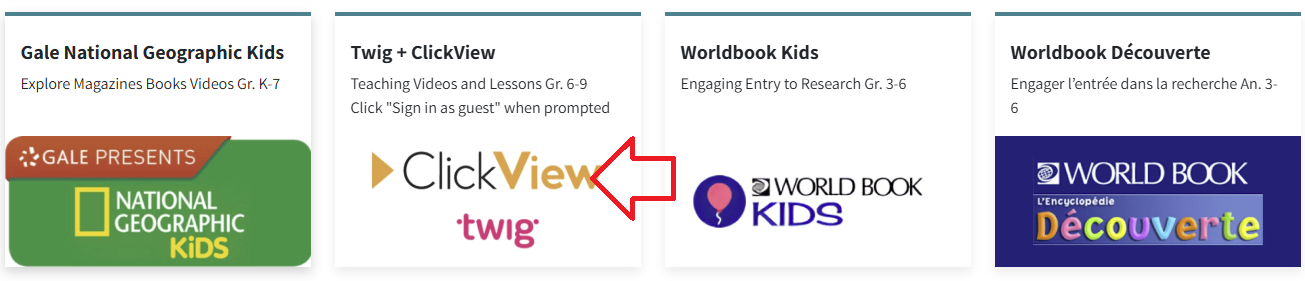
3. Enter the username and Password found in the Search Portal under the "Subs Passwords" tab.
Select the "Sign in as a guest" button.
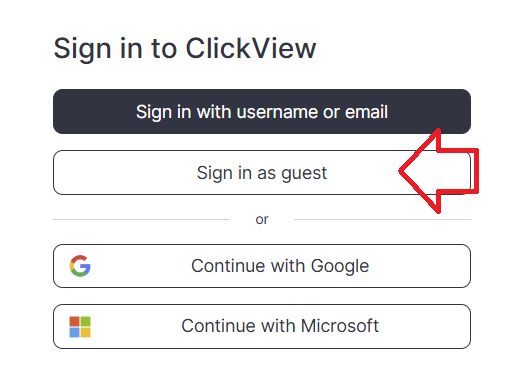
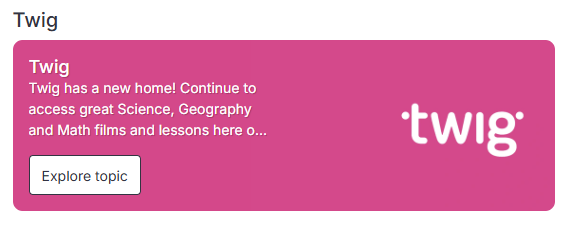
- You are now in the "ClickView" resource. Scroll down to the pink "Twig" button to access these Science and Math resource videos.
Important: If you do not see the "Twig" button, you are not logged into the Guest account. This platform remembers your login for several hours. If you have already signed in with your email address, you will need to clear your browser history (or cookies/cache) before the platform will let you log in again using the Guest ("Twig") button.
Navigation & Use
Select the video below to watch an overview of Twig Science for grade six.
Using the main menu, users can explore Twig Science resources by subject.

Select the "Find videos" button in the top right corner to access the drop-down menu to select how you would like to use Twig Science.

Mindmaps and Twig Videos
There are many different types of Twig videos available for Science and Math. Select "Mind Maps" from the drop-down menu and select a topic. Each heading branches into more specific headings as you narrow your search.
- Experiment Videos are a series of short videos that show actual experiments in lab conditions. Setup, Method and Analysis are shown, along with real-world applications of the science, all accompanied by extensive learning materials.
- Curriculum Videos get straight to the facts in just three minutes. They are directly linked to core learning, and these videos will fit neatly into your lesson plans. Top tip: These videos sit in the larger circles in the center of each topic Mindmap.
- Context Videos place learning in the real world and show students the relevance of their studies. Twig’s context videos show abstract concepts in action in the real world. Top tip: Context videos sit in smaller circles around the edge of the topic Mindmap.
- Science Glossary Videos contain key scientific terms that are defined in just 60 seconds and reinforce abstract concepts. Top tip: Related glossary videos are in the Glossary tab underneath the video player.
Gale (Gr. 8-12)
GALE is a leading research resource that provides full-text magazine and newspaper articles, as well as content from more than 600 online databases covering current topics. It offers accessibility features such as text-to-speech, voice translation in over 30 languages, Lexile levels for diverse learners, and tools for downloading, sharing, and saving content to Google Classroom and Brightspace.
Find detailed information here.
KnowBC (K-Gr. 12)
KnowBC is BC's leading general reference site, combining many resources, including the Encyclopedia of BC, which contains 4,000 articles and 1,000 pictures about British Columbia.
Logging In
There are two steps to log in to KnowBC.
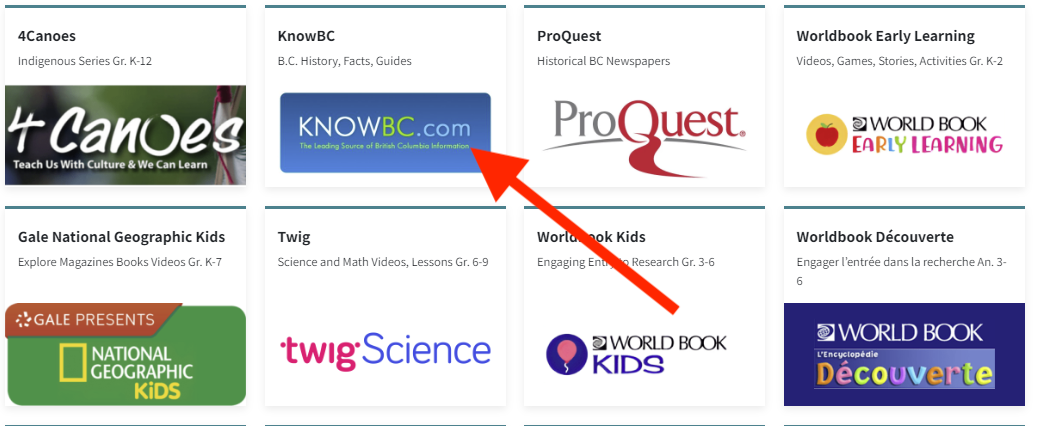
Step 2: Enter the username and password for KnowBC from the Subs/Passwords tab in the Search Portal.
Navigation & Use
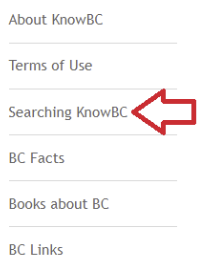
Use the search bar on the left side of the page and select “Searching KnowBC” to find a list of links for the many resources that are available to you through KnowBC.
Use the green bar at the top of the home page to find the resources listed there. Use the advanced search button on the top right of the page to search multiple resources at once.

Live It Earth (K-Gr. 8)
Live It Earth features new cross-curricular activities and challenges throughout the school year. Once a month, a live video presentation called "Feature Show" can be accessed, which is then saved to the dashboard for future use. The Live It Earth website is accessed through Focused Education Resources and the BC Digital Classroom.
This subscription is not available to HCOS Registered students.
Logging In
There are four steps to log in to Live It Earth.
Step 1: Contact your support teacher and request a Live It Earth passcode.
Step 3: Enter the passcode from your support teacher.
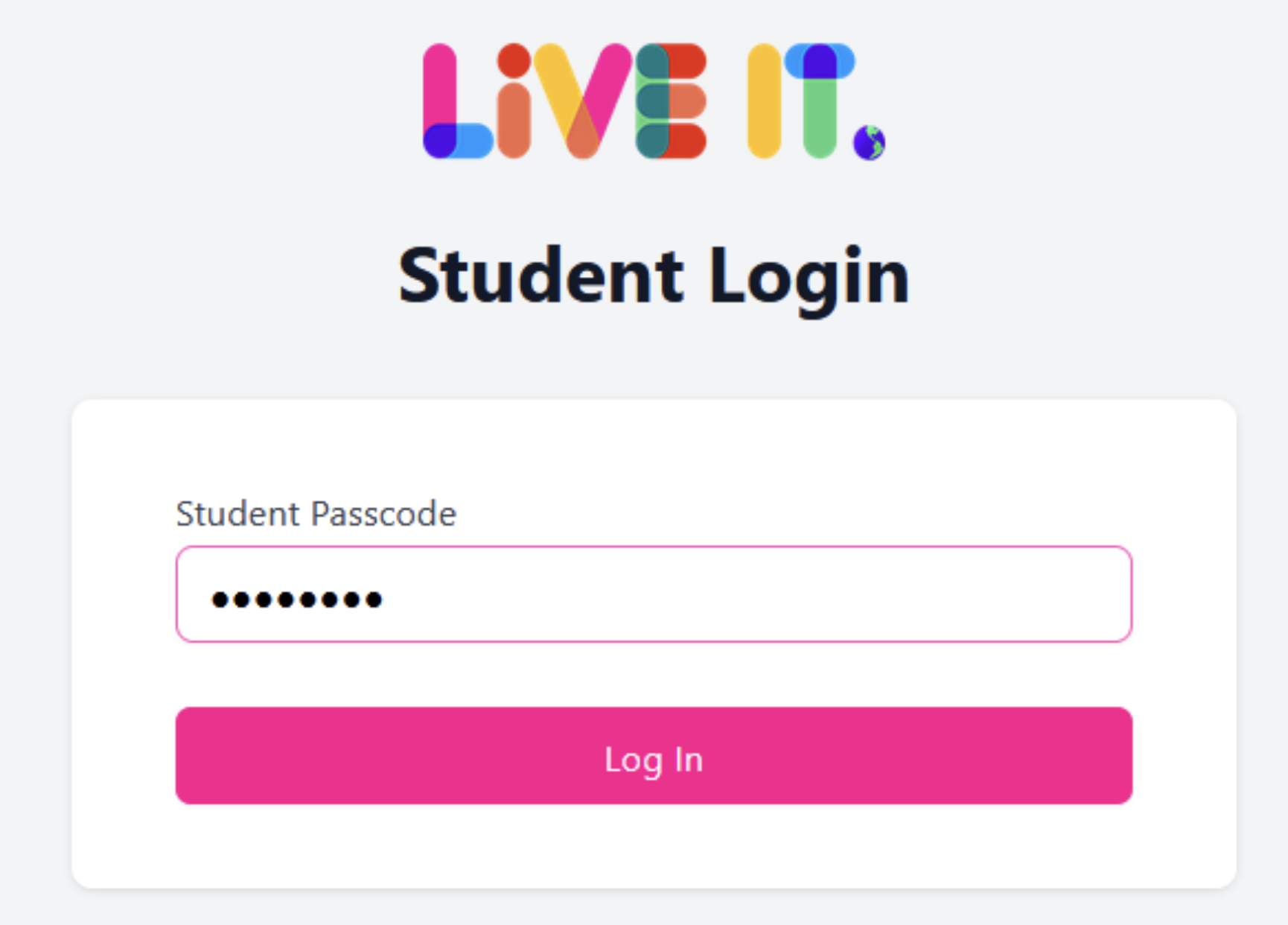
You are now in Live It Earth, and you have complete access to all of the resources.
Navigation & Use
Watch this short video below.
Select the tabs at the top of the home page to access the various resources. You can toggle between English and French by using the drop-down menu at the top right corner of the page.

myBlueprint (Gr. 7-12)
myBlueprint is not accessed through Focused Education. HCOS purchases myBlueprint to expand our access to a wider grade range.
More information about how to access and use myBlueprint is found here.
NFB Education (K-Gr.12)
The NFB Education (National Film Board) includes creative documentaries, animation, interactive stories, and participatory experiences. Their mission is to provide new perspectives on Canada and the world from Canadian points of view that serve Canadian and global audiences through an imaginative exploration of who we are and what we may be. The National Film Board website is accessed through Focused Education Resources and the BC Digital Classroom.
Logging In
The Education Menu
There is no longer a username and password to enter the Education Menu.
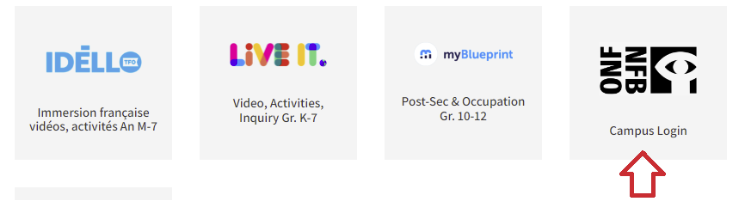
The Media School
Media school is for teachers and students aged 13+. Logging in is required.
Step 2: Select "Sign In" from the left menu bar.
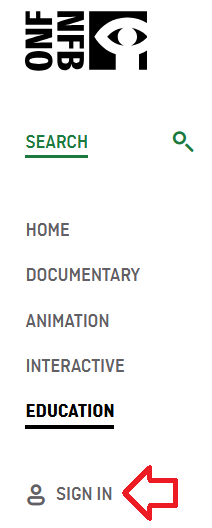
Step 3: Select "Create your NFB account."
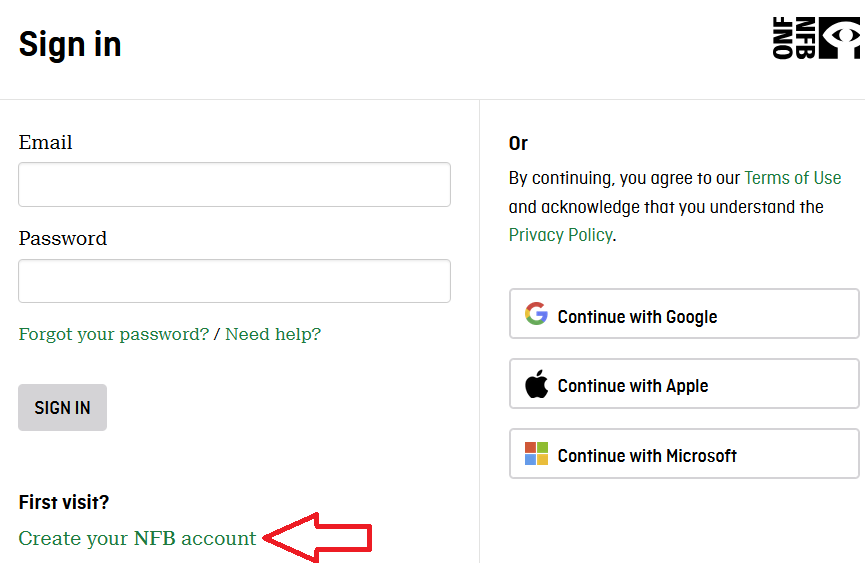
Step 4: Set up your account.
- Create your password.
- Select the box "I have read and agree to the NFB Privacy Policy."
- Select "Sign up."
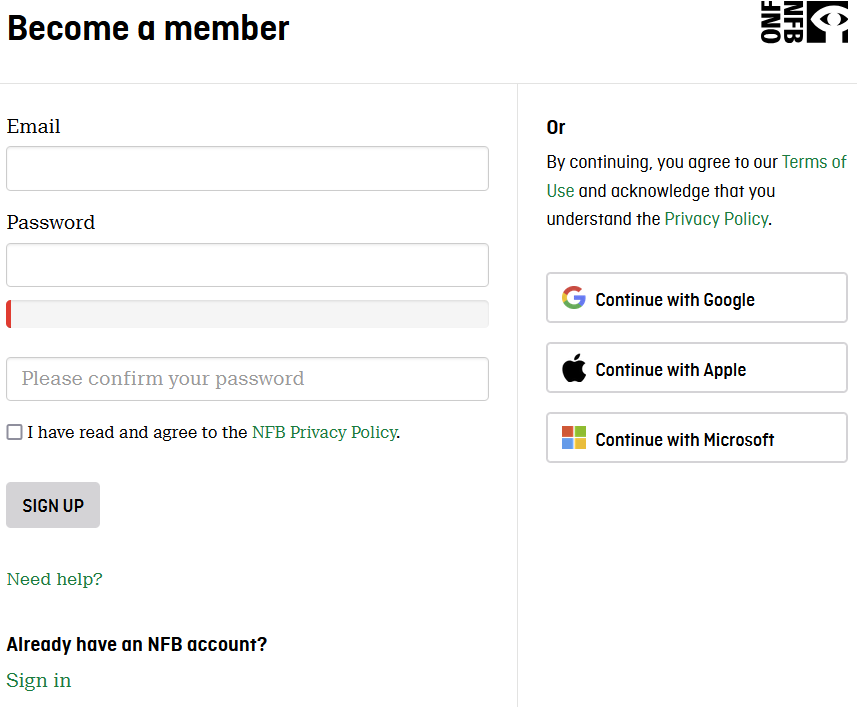
The next time you log in, go to nfb.ca and select "Sign in" from the menu on the left.
Navigation & Use
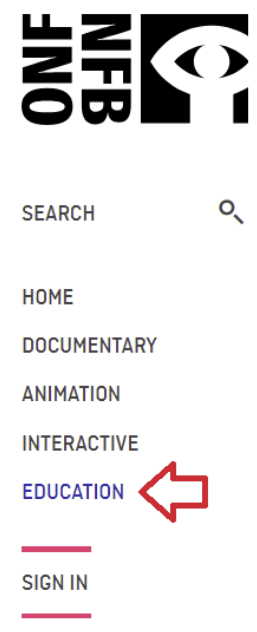
Select “Education” from the menu on the left of the page.
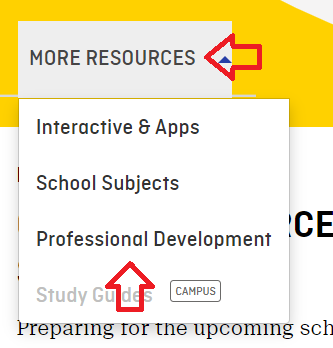
Select “More Resources” from the top menu bar. Then select “Professional Development” from the drop-down menu.
Digital Storytelling is an introductory workshop on media production. Students can navigate through videos and interactive activities related to the different stages of film production. They will acquire the tools to create digital stories and dynamic videos using accessible equipment (e.g., smartphones, software).
Ocean School is an environmental resource that aims to create a generation of ocean-literate citizens. A team of educators and scientists take learners on a global aquatic expedition that provides the knowledge and tools to produce innovative solutions to the world’s oceans' growing challenges.
Mini-Lessons are set up within school subjects and recommended age groups. They include an educational synopsis, overarching questions, activities, short films, historical context, and online resources.
Educational Playlists are selections of films on curricular themes which address the important issues of the day. Many of the playlists are also linked to the study guides.
NFB Study Guides are designed to facilitate the integration of films into student learning. Study guides are written by Canadian educators and are designed to be a starting point for creating personalized lesson plans.
Difficulties streaming a film?
Please update your browser if the player window does not appear on the film page. If you still cannot see the film player, please get in touch with Margaret Basaraba through LiveChat on school days from 9 am to 3 pm. She will need to know your browser type and version, and if you are trying to watch our films on a school network or via a proxy server.
If you can see the player but can’t play the film you wish to view, please check whether you experience the same problem when viewing other films or the same film at a different resolution. The player window should automatically adapt the quality to your connection quality, but you can also choose your quality level. If you experience this problem with only one film, please contact Margaret Basaraba with the film's name and the resolution setting so the National Film Board team can investigate further. If you experience this problem with all films, please upgrade your browser and/or use a different internet browser (e.g., Safari, Firefox, Chrome).
If the film you are trying to watch starts and stops, try selecting a lower resolution for video playback. Using a wired connection instead of Wi-Fi and reducing the traffic on your network (e.g., downloading other files simultaneously) may also improve playback.
National Geographic Kids (K-Gr. 7)
National Geographic Kids a magazine resource for elementary and middle school students exploring the natural and cultural world.
Logging In
There are two steps to log in to National Geographic Kids.
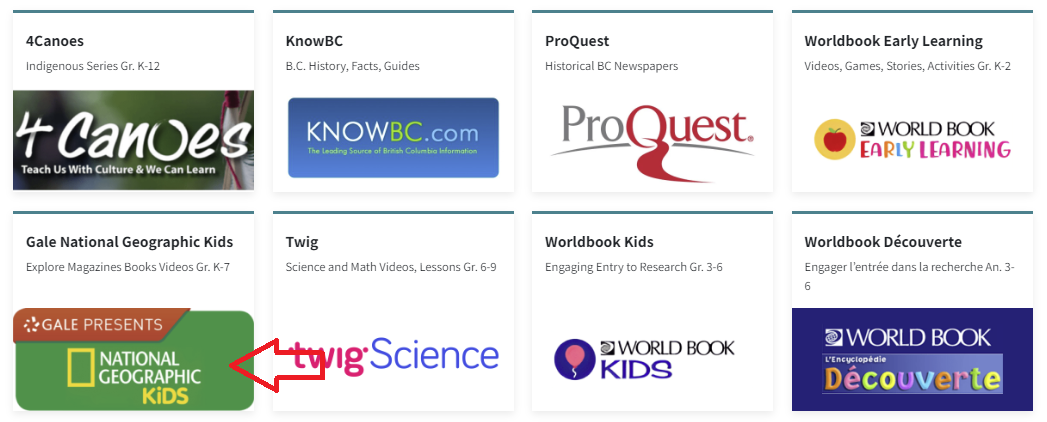
Step 2: Enter the username and password for National Geographic Kids from the Subs/Passwords tab in the Search Portal.
Navigation & Use
National Geographic has magazines, books, videos, and pictures.
Headings on the site can be changed to different languages through the drop-down menu at the top right of the page.

The language and font size of articles can be changed in the menu above the article.
Articles can be cited, downloaded, saved, and printed.

Advanced Search can be used to make your search more specific.

ProQuest-Historical BC Newspapers (Gr. 8-12)
ProQuest (Historical BC newspapers) includes over 365 million pages of world-class collections, 325 years of historical periodical content, and 350 years of global, national, and regional newspapers. ProQuest gives researchers access to more than 125 years of the historical archives of The Province (1894-2010), the Vancouver Sun (1912-2010), and the Times-Colonist (1884 -2010), including in-depth insights into how stories and perspectives evolved over the decades. Students can review primary source material through local and regional stories, events, and people. ProQuest is accessed through Focused Education Resources and the BC Digital Classroom.
Logging In
There are two steps to log in to ProQuest.
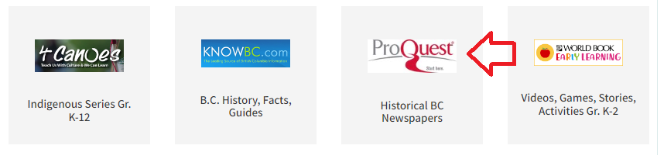
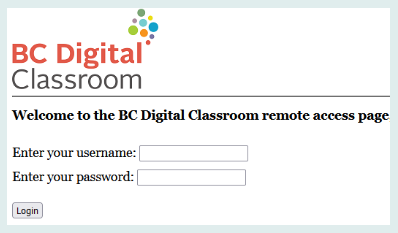
Step 2: Enter the username and password for ProQuest from the Subs/Passwords tab in the Search Portal.
Navigation & Use
To begin using ProQuest, you must accept cookies at the bottom of the page. Until you do this, the homepage is grayed out.
You can search for Historical BC Newspapers using a basic or advanced search. You can also search by publications or databases. You can see in the picture below that you are searching three databases. In the advanced search, you can limit your search by source, document type, and language after entering your search terms.
Once you have started a search, you can return to the home page by clicking on the ProQuest logo at the top left.

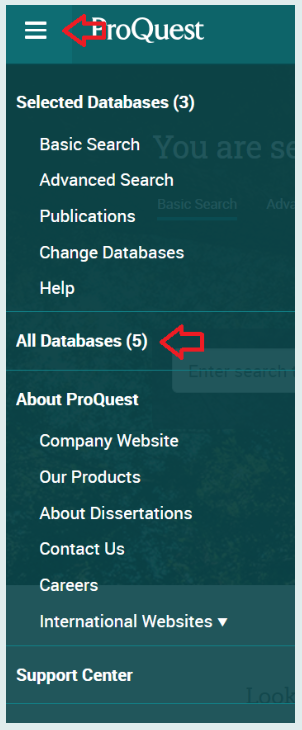
Select the hamburger menu (three lines) and choose “All Databases (5)” from the drop-down menu. You can also access the Support Center by clicking the button at the bottom of this menu.
World Book (K-Gr. 12)
World Book is the leading online encyclopedia with resources for every age group.
Find detailed information here.
The French resource, Idello, is only available to French immersion schools.
Teens 101 requires a teacher account to access it.
Correlations and Assessments
Individual Subscriptions from Focused Education may include correlations to the BC curriculum. Check specific SOPHIE pages for information.