# BrainPOP
BrainPOP (K-Grade 8) is an educational platform with animated videos and engaging resources in various subject areas. There are three resources for different grade levels:
**BrainPOP Jr.** (K-Grade 3) uses animated videos, games, and interactive activities to engage learners, and support different learning styles.
**BrainPOP** (Grades 4-6) combines animated videos, games, quizzes, and hands-on activities to build critical thinking, literacy skills, and student engagement.
**BrainPOP Français and BrainPOP Español** (Grades 4-8) is designed for fluent French and Spanish speakers, not language learners.
This subscription is not available to HCOS Registered students.
Logging In
There are two account options for logging in with BrainPOP: the "Shared" or "Individual" account.
Does My Child Need a "Shared" or an "Individual" Account?
##### BrainPOP: Shared Login vs. Individual Accounts
HCOS provides access to BrainPOP through our school subscription. There are two ways to use BrainPOP, depending on what you want to do.
**Shared School Login**
The shared HCOS BrainPOP login provides quick access to BrainPOP content without requiring users to create a personal account.
Use the shared login when you want to:
- Browse BrainPOP topics and resource
- Watch BrainPOP videos
- Explore activities connected to a topic
- Use BrainPOP for general learning or research
Think of the shared login as: Access and Explore.
This is often all that is needed for parents, students, or teachers who simply want to use BrainPOP resources.
**Individual Student Accounts**
Teachers can also create an individual educator account and set up classes in BrainPOP. Students can then join the teacher’s class using a class code and create their own individual accounts.
Individual accounts allow students to use additional BrainPOP features, including:
- Working on teacher assigned activities
- Submitting and saving student work
- Viewing student results and progress
- Keeping a record of completed assignments
- Accessing features that require an individual account (Make-A-Movie)
Think of individual accounts as: Work, Save, and Track.
**Which option should I use?**
Just looking for a BrainPOP video or resource? Use the HCOS shared login.
Want students to complete BrainPOP activities and have their work connected to their teacher? Create an individual student account by joining your teacher's class using a class code.
Logging in to the Shared Account
There are three steps to log in to the BrainPOP shared account.
---
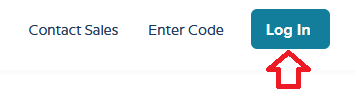
**Step 1:** Navigate to [BrainPOP](https://www.brainpop.com/) and click the “Log In” button in the top right corner.
---
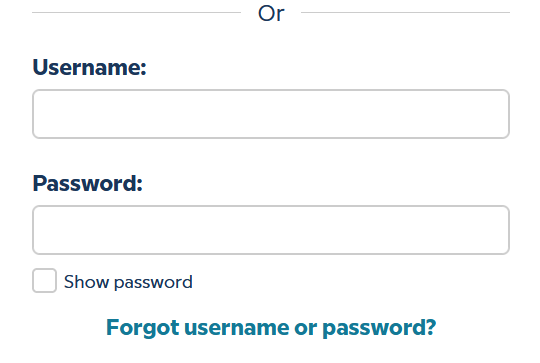
**Step 2:** Enter the username and password for BrainPOP from the Subs/Passwords tab in the [Search Portal](https://hcs.insigniails.com/LibrarySAML/Home).
[](https://sophie.onlineschool.ca/uploads/images/gallery/2025-10/adyimage.png)
---
**Step 3:** Select “Keep using a shared account” at the bottom of the screen.
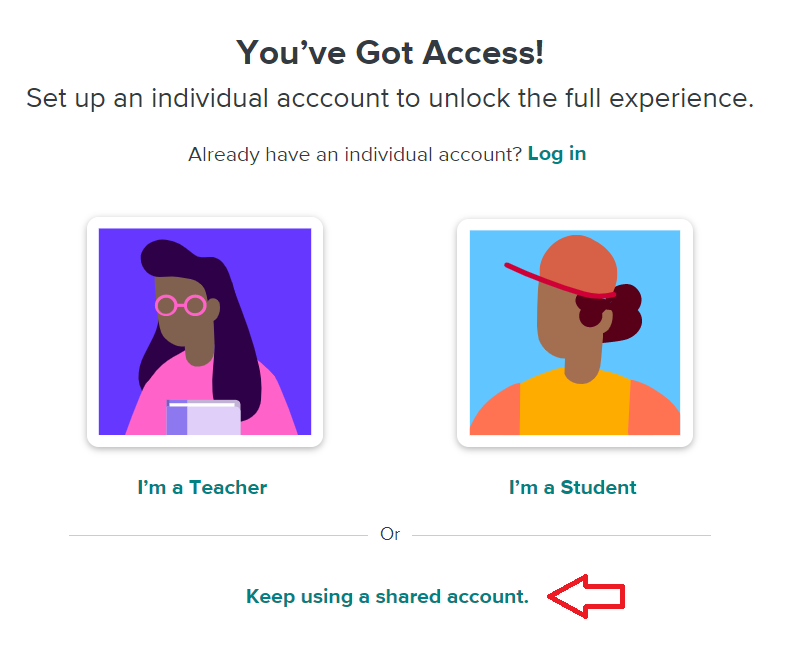
Student work is **not saved** when using the shared account.
Setting Up an Individual Student Account
There are four steps to log into the BrainPOP individual student account set up by your teacher.
---
**Step 1:** Contact your support teacher and request a BrainPOP code.
---
**Step 2:** Navigate to [BrainPOP](https://www.brainpop.com/) and click "Log In" in the top right corner.
[](https://sophie.onlineschool.ca/uploads/images/gallery/2025-10/nySimage.png)
---
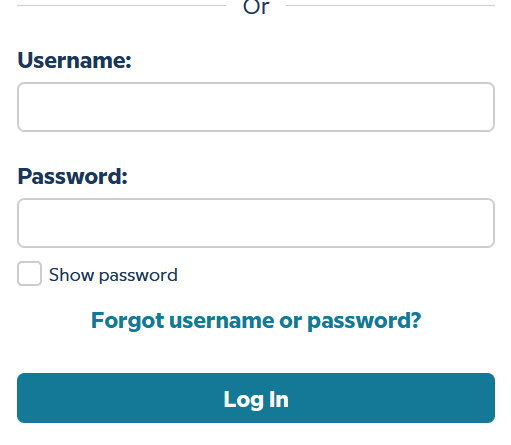
**Step 3a: Your teacher may have sent you a username and password**. If they have, please enter it here and select the "Log In" button. **Go to step 4. OR** If your teacher has sent you a code, please enter the username and password that are found in the Search Portal.
[](https://sophie.onlineschool.ca/uploads/images/gallery/2025-10/YeHimage.png)
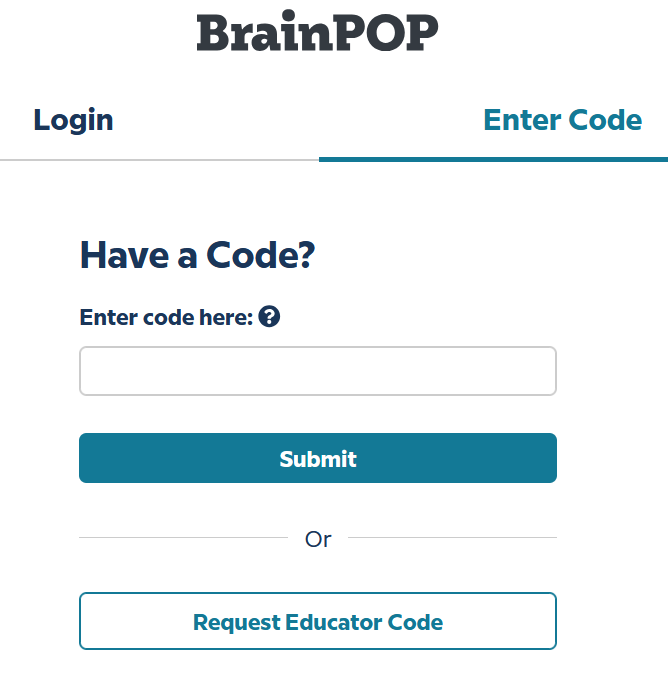
**Step 3b:** **If your teacher has sent you a code** please select the "enter code" tab at the top of the page, and enter the code that your support teacher sent you. Select "Submit."
[](https://sophie.onlineschool.ca/uploads/images/gallery/2025-10/M1Gimage.png)
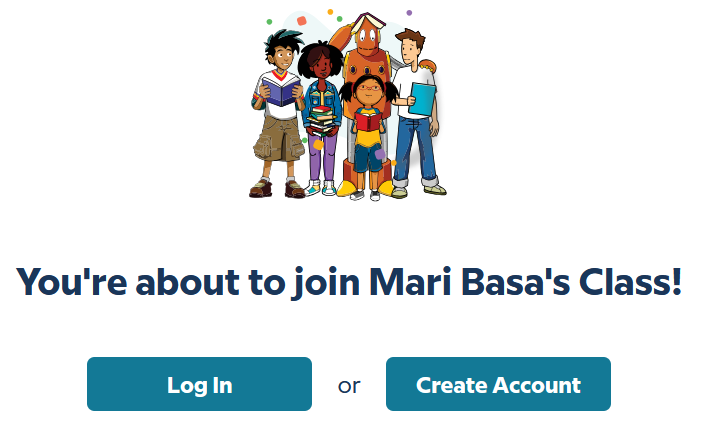
Select the "Create an account" button.
---
[](https://sophie.onlineschool.ca/uploads/images/gallery/2025-10/mDmimage.png)
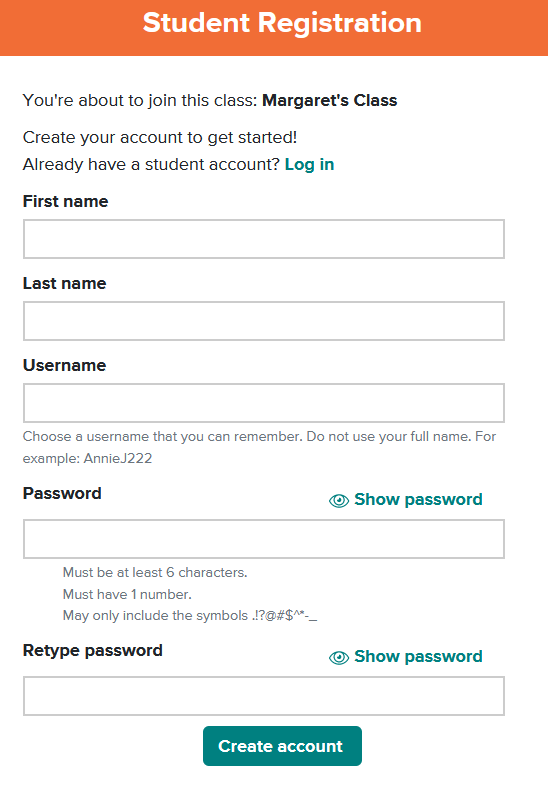
Complete the fields, then select "Create account."
---
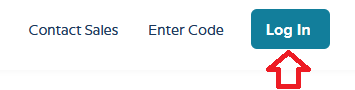
**Step 4:** Use the "Log in" button for all future visits.
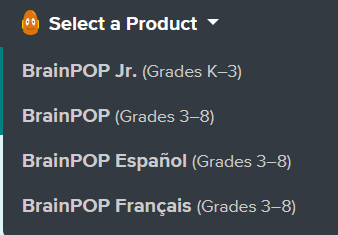
Step 5: If your teacher has assigned work, you will see it here. If you do not see an assignment, select the "Select a Product" button at the top left of the page, and choose a Subscription to work independently.
[](https://sophie.onlineschool.ca/uploads/images/gallery/2025-10/ENFimage.png)
### Navigation & Use
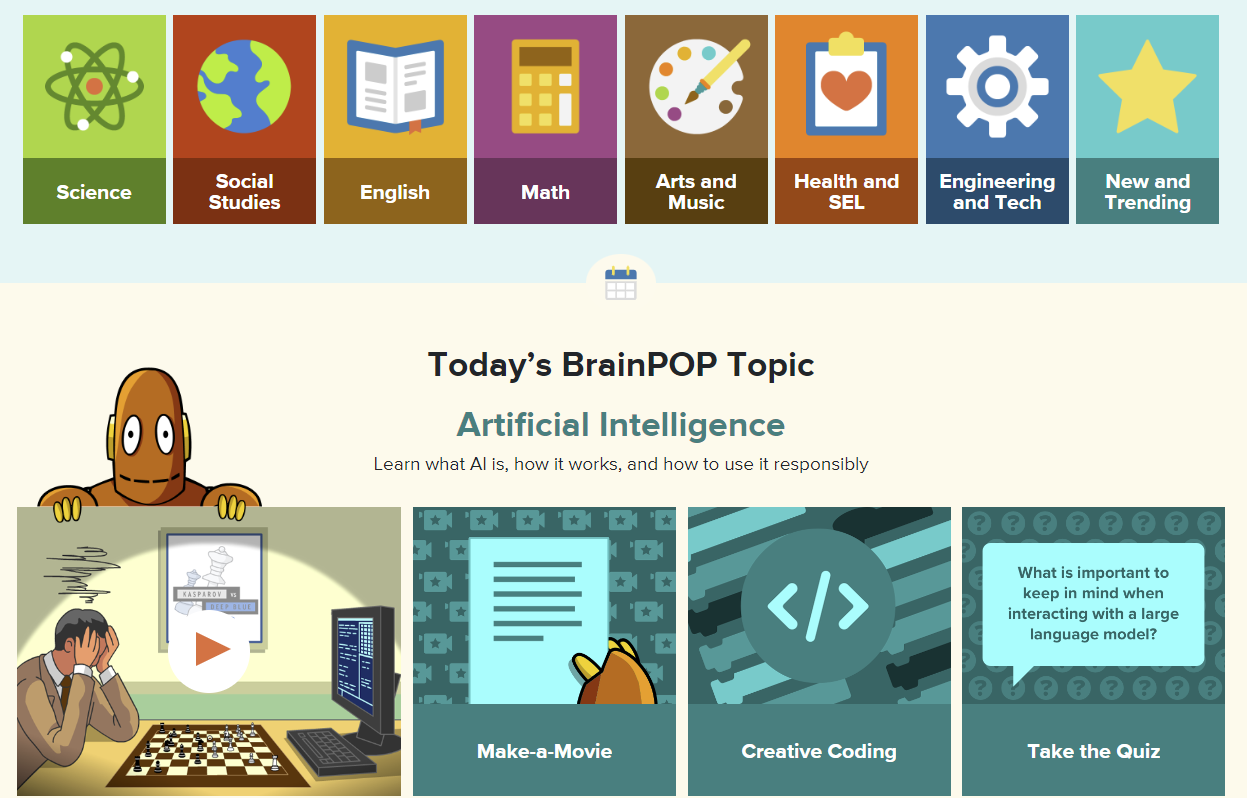
Students can select a specific subject or “Today’s Topic.”
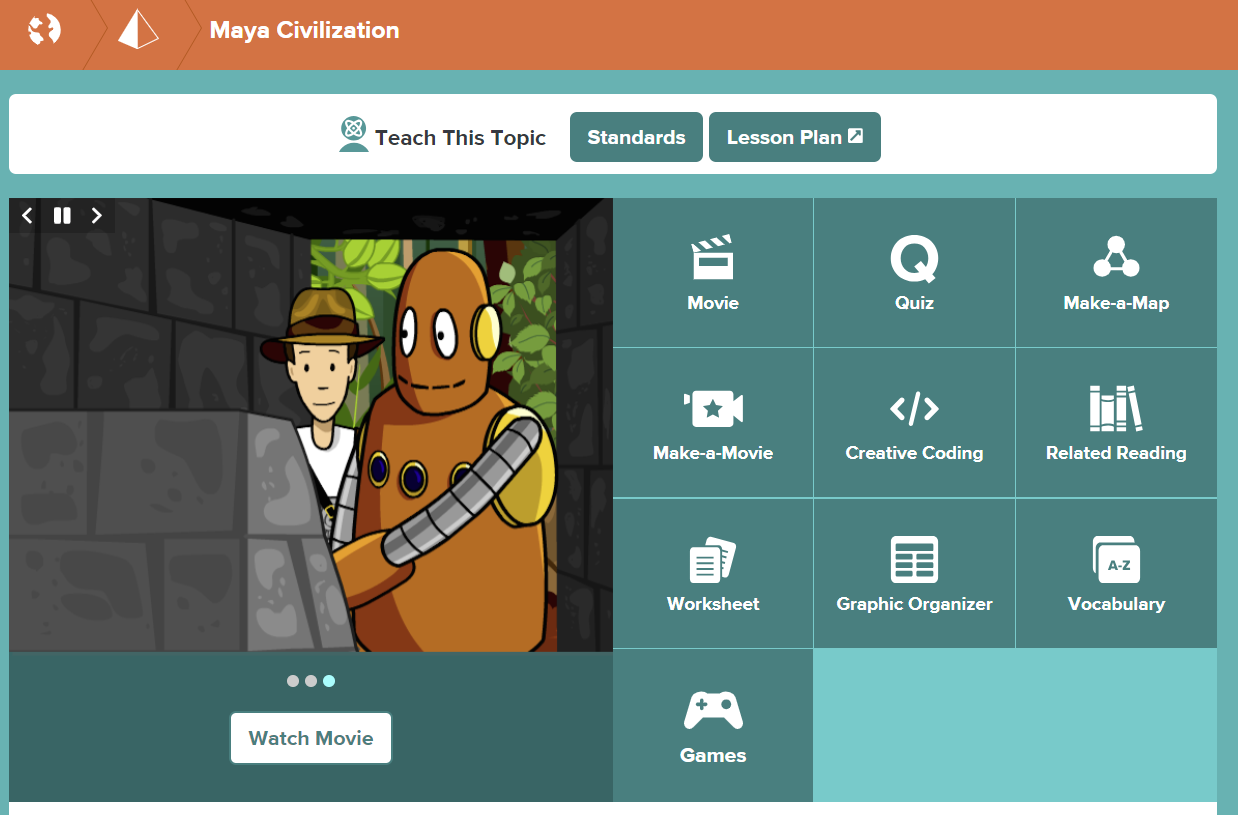
Once a topic is selected, explore the available resources.
[BrainPOP Español](https://esp.brainpop.com/) and [BrainPOP Français](https://fr.brainpop.com/) are recommended for grades 4-8. These are intended for students who speak these languages fluently or are looking to reinforce language skills. Bear in mind, they are not language-learning tools.BrainPOP Science is only available for students through the Individual Teacher-led Student Account, not the Shared Account. Please find the BrainPOP Science information on the SOPHIE [BrainPOP Science](https://sophie.onlineschool.ca/books/learning-commons-for-families/page/brainpop-science) page.