Adding Public Library Accounts
You can use Sora to access eBooks, audiobooks, and read-along books through HCOS and your local public library.
There are two steps to add your local library to Sora in your browser or app:
Step 1: Click on the hamburger menu (three lines) to open the dropdown menu.

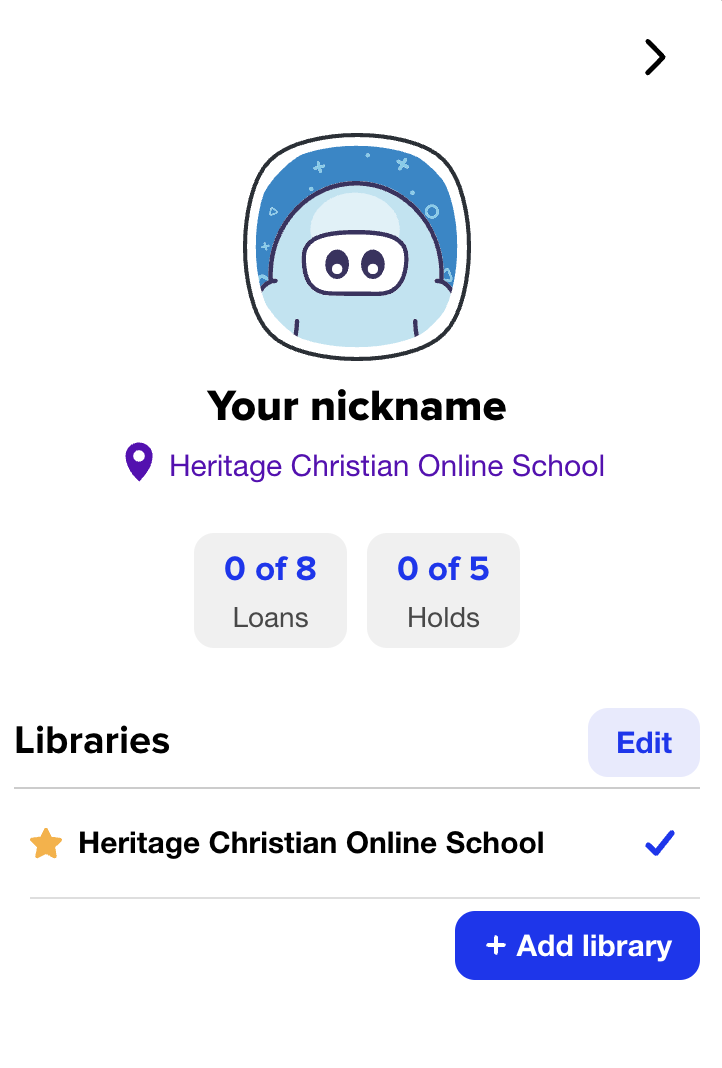
Step 2: Click on the "+Add library" button, then search for your local library and sign in using the information found on your library card.