Learning Commons for Families
Collection of Learning Commons information and resources to assist families and teachers.
- At-a-Glance Resources - What's Available to Me?
- Curriculum Options
- Getting Started With Selecting Curriculum
- Curriculum Correlations & Resource Alignment Guides
- Curricular Resources One Stop Docs
- Educational Apps for Tablets & Phones
- External Online Resources
- Curriculum Donations
- Reading Assessment and Literacy Resources
- Search Portal
- Sora eBooks & Audiobooks
- Getting Started with Sora
- Book Formats
- Profiles & Badges
- Assistive Technology
- Changing the Loan Period
- Adding Public Library Accounts
- Subscriptions
- Getting Started
- Axis Resources
- BC ExamBank
- BrainPOP
- Canadian Reader and What in the World?
- Canadian Reference Centre (EBSCO)
- ClickView and Twig Science
- Enchanted Learning
- Everfi
- Focused Education Resources
- Gale (Focused Ed)
- Gizmos
- HearBuilder
- Mathseeds and Mathletics
- myBlueprint
- Mystery Science
- National Geographic Kids (Focused Ed)
- PebbleGo
- Reading Eggs, Fast Phonics, & Reading Eggspress
- rightnow MEDIA
- Signal Hill Career and Health Education Resources
- TeachingBooks
- Touch-type Read & Spell
- Tynker
- World Book (Focused Ed)
- Unit Study Kits
- Used Bookstore
- Research
- The What and How of Research
- Research Using HCOS Subscriptions
- Finding Credible Information Online
- Citing Digital Images
- Avoiding Plagiarism and Citing Sources
- Digital Citizenship and Online Safety
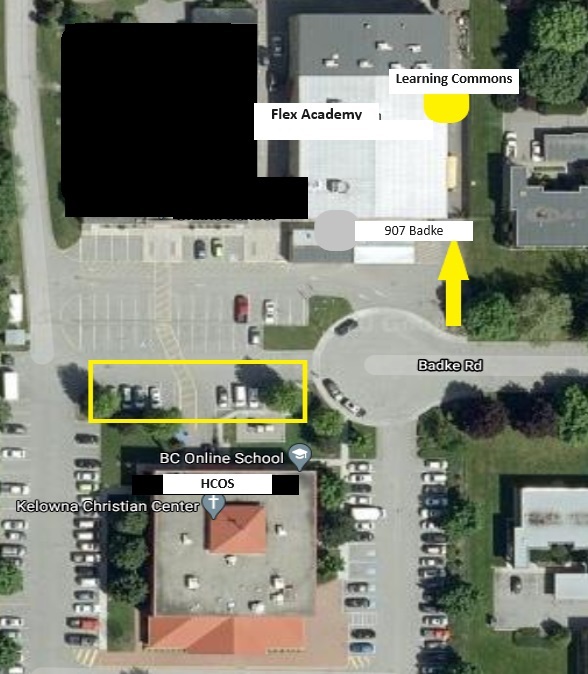
- Visiting the Physical Learning Commons
At-a-Glance Resources - What's Available to Me?
This page provides a clear, at-a-glance overview of the Learning Commons resources available to you based on your registration type. Use it to quickly see what physical materials, digital reading tools, subscriptions, and unit study kits you can access, as well as where to go for more detailed information.
Physical Resources via the Search Portal
The Search Portal is the catalogue and ordering system for physical resources. HCOS Enrolled families received 3 free round-trip resource shipments, and Registered families received 2 free round-trip shipments. For more information, please visit the Search Portal SOPHIE pages.
What Physical Resources are Available to Me?
Note: to steward resources responsibly, the Learning Commons has ceased to ship materials readily available in public libraries (novels and general fiction, general nonfiction and reference books, etc.).
|
HCOS Enrolled and Flex |
HCOS Registered |
|
|---|---|---|
|
Digital Unit Study Kits |
✅ |
✅ |
|
Inclusive Education General Collection books |
✅ |
✅ |
|
Curriculum |
✅ |
✅ |
|
Grades 10-12 Extended Loan Textbooks |
✅ |
❌ |
|
Robots |
✅ |
❌ |
|
ADST/STEAM Resources* |
✅ |
❌ |
|
Supplemental Packs** |
✅ |
❌ |
|
Inclusive Education Support Material |
✅ |
❌ |
|
Individualized Course Extended Loan Textbooks |
✅ |
❌ |
|
Susan Barton Material |
✅ |
❌ |
|
Microscopes |
✅ |
❌ |
|
Physical Unit Study Kits |
✅ |
❌ |
*ADST/STEAM resources include hands-on items such as K’nex, Coding kits, Snap Circuits and Cubelets.
**Supplemental Packs include resources that support learning such as manipulatives, book packs and CDs.
Sora
Sora is a digital reading platform that enables families to access eBooks, audiobooks, and Read-Along books for educational and entertainment purposes. See Sora eBooks & Audiobooks for more information about Sora.
Subscriptions
Subscriptions are curriculum-aligned digital tools and databases accessed online, licensed for HCOS use and provided at no cost to families.
| HCOS Enrolled and Flex | HCOS Registered | |
| Axis | ✅ | ✅ |
| BC ExamBank | ✅ | ✅ |
| BrainPOP, including Spanish and French | ✅ | ❌ |
| Canadian Reader | ✅ | ❌ |
| Canadian Reference Centre (EBSCO) | ✅ | ❌ |
| ClickView & Twig | ✅ | ❌ |
| Enchanted Learning | ✅ | ✅ |
| Everfi | ✅ | ✅ |
| Focused Education (BC Digital Classroom) | ✅ | ✅ |
| Gale (Focused Ed) | ✅ | ✅ |
| Gizmos | ✅ | ❌ |
| HearBuilder | ✅ | ❌ |
| Mathletics | ✅ | ❌ |
| Mathseeds | ✅ | ❌ |
| myBlueprint | ✅ | ❌ |
| Mystery Science | ✅ | ❌ |
| National Geographic Kids (Focused Ed) | ✅ | ✅ |
| PebbleGo | ✅ | ❌ |
| Read&Write | ✅ | ✅ |
| Reading Eggs, Eggspress & Fast Phonics | ✅ | ❌ |
| RightNow Media | ✅ | ✅ |
| Signal Hill | ✅ | ✅ |
| Teaching Books | ✅ | ✅ |
| Touch-type Read and Spell | ✅ | ❌ |
| Tynker | ✅ | ❌ |
| What in the World? Level 1 & 2 | ✅ | ❌ |
| World Book (Focused Ed) | ✅ | ✅ |
Unit Study Kits
Unit Study Kits are a carefully researched compilation of reading and listening resources, curated subscriptions, and choice-based activities based on BC's curriculum's Big Ideas and Core and Curricular Competencies. See Unit Study Kits for more information
| HCOS Enrolled and Flex Teachers | HCOS Registered | |
| Digital Unit Study Kits | ✅ | ✅ |
|
Physical Unit Study Kits (Book Sets) |
✅ | ❌ |
Curriculum Options
Get started with selecting curricular resources, see our recommendations for educational apps and external resources, see our curriculum correlations, and learn how to donate used materials to the Learning Commons.
Getting Started With Selecting Curriculum
Curriculum Options and Picks
The Curriculum Options page on our website offers carefully vetted suggestions for each core subject by grade level, meeting the needs of most typical home-educating students.
To quickly find our "Picks" (recommended resources that cover key standards without overwhelming you with too many choices), simply filter the Curriculum Options by GRADE and select ONLY the feature “HCOS Pick.”
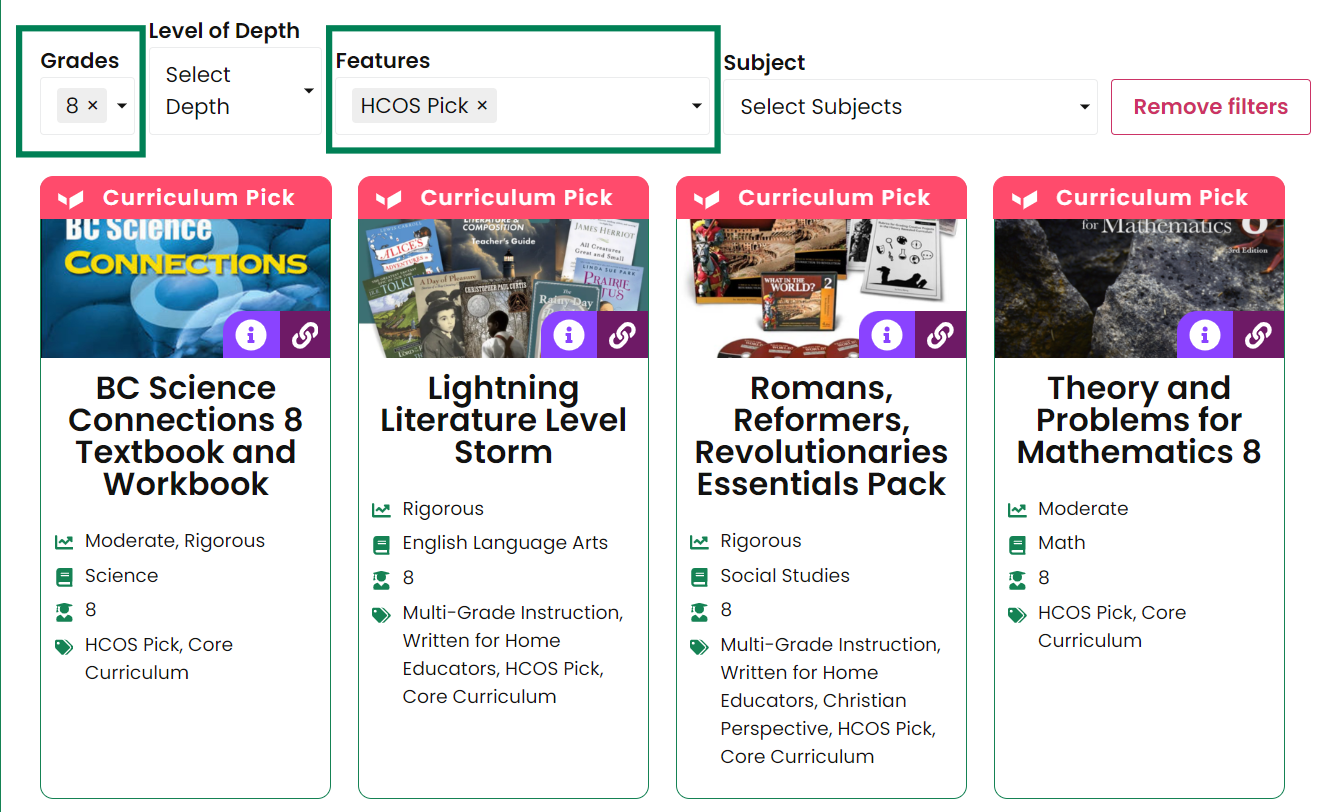
Detailed information regarding our curriculum picks can be found in the SOPHIE chapter, Curriculum Picks.
Purchasing information can be found on our Resource Vendor Directory page.
Curriculum Selection Tools and Tips Webinar
This webinar provides an overview of the curriculum selection process and references many curriculum options that may work for your situation.
Slide deck: bit.ly/Curriculum-Selection-25
Curriculum Consultations
If you need assistance selecting curriculum, please contact your support teacher.
If you are newly enrolled or registered with HCOS and have not yet been connected with your Support Teacher, you may book a curriculum consultation with one of our Curriculum Engagement Facilitators (CEFs). During the consultation, we can learn more about your student, discuss your goals and needs, and explore curriculum options that may be a good fit. Please book an appointment with either Andrea Scott or Erica Corcoran, selecting the available time that works best for your schedule.
Curriculum Correlations & Resource Alignment Guides
This page provides curriculum correlations, comparison charts, and resource alignment guides to help families and teachers connect commonly used curriculum options with student learning plans, BC standards, and available Learning Commons supports.
Math
Math Curriculum Comparison Chart
This quick reference chart compares various math curricula on instructor involvement, learning style, academic challenge, price, and more.
Math Correlations
- Exploring Creation with Mathematics
- Beast Academy
- Bridge the Gap Math
- CTC Math
- Horizons
- Jump Math
- Life of Fred
- Math Lessons for a Living Education
- Math-U-See
- Math With Confidence
- Principles of Mathematics
- RightStart Math Gr K - 8 (Gr 9 coming soon)
- Saxon Math
- Singapore Dimensions Math Middle School
- Singapore Primary Math 2022 Edition
- Singapore Math (Various)
- Teaching Textbooks
Math Supplementation Suggestions Using Subscriptions
If preferred, the information below is also available on one page.
Math Subscription Supplementation Suggestions by Grade
| K | 1 | 2 | 3 | 4 | 5 | 6 | 7 | 8 | 9 | |
| BC Exambank | link | link | link | link | link | link | link | link | link | link |
| BrainPOP | link | link | link | link | link | link | link | link | link | link |
Math Multiple Grade Subscription Supplementation Suggestions
Science and Social Studies
Science
- ACSI Science Gr 1-6
- Apologia Science Middle School Correlations with 3rd Editions General and Physical Science
- Berean Builder Science Series Gr K-6
- Exploring Creation with Chemistry and Physics Gr 1 - 6
- Exploring Creation with Earth Science Gr 1-6
- Middle School Science (various)
- My Pals Are Here Gr 1 - 6
Curriculum Correlations Packs
- Gr 8 God’s Design for the Physical World: Heat & Energy
- Gr 9 Pt 1 Exploring Creation with Biology
- Gr 9 Pt 2 Exploring Creation with Physical Science
Social Studies
- Donna Ward Gr 2 Social Studies
- Donna Ward Gr 3 Social Studies
- Donna Ward Gr 4 Social Studies
- Donna Ward Gr 5 Social Studies
Curriculum Correlations Packs
Diana Waring Romans, Reformers, and Revolutionaries
World Empires, World Missions, World Wars
Curricular Resources One Stop Docs
Each One Stop Doc provides access to resources specifically curated for parents and teachers, covering educational materials designed for students across Kindergarten through Grade 12.
To facilitate easy navigation, the content is organized into three main resource categories: Learning Commons Resources, Online Resources, and Print Resources. These centralized documents offer listings of grade-specific curriculum, eBook and physical book curation, applicable subscriptions, online resources, and a wide variety of specialized print materials and workbooks.
Educational Apps for Tablets & Phones
This page contains free and paid app suggestions in a variety of subject areas and grade levels.
HCOS + Flex Apps
These are the app versions of tools and platforms available to enrolled students through HCOS + Flex. Please search SOPHIE to learn more about accessing the Resources and visit the Learning Commons website to find passwords for our Subscriptions.
Resources
|
Name |
Description |
Links |
|
Canva for Education |
Graphic design |
|
|
Google Workspace |
Calendar, Docs, Drive, Gmail |
|
|
Grammarly |
Writing and proofreading |
|
|
Read&Write |
Reading and assistive technology |
Subscriptions
|
Name |
Description |
Links |
|
BrainPOP and BrainPOP Jr |
Movies and quizzes from the BrainPOP website |
(Apple App Store and Google Play) |
|
Matific |
Skill-building numeracy games |
|
|
Reading Eggs |
Skill-based literacy games |
|
|
RightNow Media |
Bible study video resources |
|
|
Sora |
eBooks and audiobooks library |
|
|
Tynker |
Coding-based math games |
Teacher Recommended Apps
Parents are encouraged to do their own research on these recommended apps to determine alignment with family values and learning goals. Reviews can be found on the links for the Apple App and Google Play Stores or by searching apps on Common Sense Education.
Arts Education
|
Name |
Description |
Cost |
Links |
|
Adult Colouring Book |
Digital colouring book |
Free |
|
|
DMD Panorama |
Photo and video 3D camera app |
$12.99 (Apple) Free (Google) |
|
|
GarageBand |
Music recording and editing app |
Free |
|
|
iMovie |
Movie editing app |
Free |
|
|
Lapse It |
Time-lapse and stop motion video creator |
Free |
|
|
Paper |
Digital sketchbook |
Free |
|
|
PicCollage EDU |
Photo editor and collage creator |
$2.99 |
|
|
Pixlr |
Photo Editor |
Free |
|
|
Procreate |
Digital art creator and editor |
$17.99 |
|
|
Stop Motion Studio |
Stop motion video creator |
Free |
Assistive Technology
|
Name |
Description |
Cost |
Links |
|
Articulation Essentials 2.0 |
Speech therapy support |
Free |
|
|
Articulation Station |
Speech therapy support |
Free |
|
|
Audio Notebook |
Voice recorder |
Free |
|
|
Mod Math |
Adaptive math notation |
Free |
|
|
SnapType |
Worksheet digitization and editing |
Free |
Christian Studies
|
Name |
Description |
Cost |
Links |
|
Bible App for Kids |
Interactive Bible stories for children |
Free |
|
|
BibleProject |
Interactive Bible resources and classes |
Free |
|
|
Keys for Kids Ministries |
Daily devotionals |
Free |
|
|
Superbook Kids Bible |
Interactive Bible stories and resources |
Free |
|
|
YouVersion Bible |
Digital Bible resource |
Free |
Executive Functioning and Organization
|
Name |
Description |
Cost |
Links |
|
Be Focused (Apple) Focus To-Do (Google) |
Time management support |
Free |
|
|
CamScanner |
Document scanner |
Free |
|
|
Evernote |
Notes and task organizer |
Free |
|
|
Genius Scan |
Document scanner |
Free |
|
|
Noteability |
Notes organizer |
Free |
|
|
Time Timer |
Visual time management |
Free |
|
|
Vantage |
Scheduling and calendar tool |
Free |
Learning Support and Inclusive Education
|
Name |
Description |
Cost |
Links |
|
Blending Sounds 1 |
Skill-building phonics games |
$19.99 |
|
|
Brain Works |
Sensory breaks |
$11.99 |
|
|
Choiceworks Calendar |
Visual calendar and time management |
$17.99 |
|
|
Conversation Builder Teen |
Skill-building conversation tools |
$39.99 |
|
|
Exploring Emotions |
Social emotional learning |
$9.99 (Apple) $12.99 (Google) |
|
|
First Then Visual Schedule |
Visual calendar and time management |
$19.99 |
|
|
Keedogo Plus |
Simplified keyboard layout |
$3.99 |
|
|
Letter Sounds 1 |
Skill-building letter sounds games |
$19.99 |
|
|
School of Multi-Step Directions |
Auditory comprehension and listening skills |
$24.99 |
|
|
Sight Words 1 |
Skill-building sight words games |
$19.99 |
|
|
The Sounding Out Machine |
Assistive reading tools |
$3.99 |
|
|
The Zones of Regulation |
Social emotional learning |
$7.99 |
Literacy
|
Name |
Description |
Cost |
Links |
|
Book Creator |
eBooks creator |
$3.99 |
|
|
IXL |
Skill-building literacy games |
Free |
|
|
LetterSchool |
Handwriting skills |
$12.99 (Apple) Free (Google) |
|
|
Me: A Kid’s Story |
Digital diary creator |
$4.99 |
|
|
Storybird |
eBooks creator |
Free |
|
|
Strip Designer |
eComics creator |
$4.99 |
|
|
Tell About This |
Photo prompt caption creator |
$3.99 |
|
|
Text Twist |
Letter games |
Free |
Numeracy
|
Name |
Description |
Cost |
Links |
|
Doctor Lowhigh |
Ordering values |
$0.99 |
|
|
Equilibrians |
Balancing equations |
$2.99 (Apple) Free (Google) |
|
|
Euclidean Lands |
Puzzle-based math games |
$6.99 |
|
|
IXL |
Skill-building numeracy games |
Free |
|
|
King of Math |
Skill-building numeracy games |
Free (Apple) $4.09 (Google) |
|
|
King of Math 2 |
Skill-building numeracy games |
$3.99 (Apple) $4.09 (Google) |
|
|
Lightbot |
Coding-based math games |
Free |
|
|
Math Slide |
Multiplication and division |
Free |
|
|
Monument Valley |
Geometry-based math games |
$4.99 (Apple) $6.99 (Google) |
|
|
Odd Bot Out |
Puzzle-based math games |
Free |
|
|
Prodigy |
Puzzle-based math games |
Free |
|
|
ReflexMath |
Skill-building numeracy games |
Free |
|
|
ScratchJr |
Coding-based math games |
Free |
|
|
SET Pro HD |
Puzzle-based math games |
$6.99 |
|
|
Swift Playgrounds |
Coding-based math games |
Free |
Science
|
Name |
Description |
Cost |
Links |
|
Biodigital Human |
3D anatomy virtual model |
Free |
|
|
Frog Dissection |
Virtual dissection lab |
$4.99 |
|
|
IXL |
Skill-building science games |
Free |
|
|
NASA Visualization Explorer |
Space research and exploration |
Free |
|
|
The Explorer’s Library by Tinybop |
Skill-building science games |
$2.99-$4.99 |
(Apple Play Store) |
External Online Resources
Overview
We’ve curated dozens of educational resources available for free online. These sites offer valuable and engaging articles, instructional videos, interactive games, and much more to supplement learning at home.
Benefits
Parents, students, and teachers can access a wealth of information and interactive learning experiences for research and inquiry, as well as to supplement coursework, deepen understanding, and foster further exploration.
Using External Resources
Many of these resources are available without an account. Sometimes, parents must set up a free account to use the resource.
Parents should preview resources to ensure suitability for their students.
Accessing External Resources
Kindergarten - Grade 5
Applied Design, Skills, and Technologies: Design Thinking and Making
| Curiosity Machine | Design challenges across various subject areas |
| Design Squad Global |
Compete to create solutions to engineering challenges |
| Instructables |
Learn how to make anything, one step at a time. |
| Little Inventors |
Design challenges and resources that encourage children to think up and draw great invention ideas. |
| Makers Empire | 3D design tool to create, download, and print original or community-based objects |
| The Tech at Home | STEM and design challenge activities for K-12 learners |
| The Young Inventors | Challenges designed to demonstrate how inventions can improve people’s lives |
| Tinkercad |
Three workspaces where students can design: 3D Design, Codeblocks, and Circuits |
Arts Education
| Art For Kids Hub |
Online YouTube videos teaching young children to draw |
| 8notes.com |
Sheet music and resources for musicians, including tuners, chord charts, and lessons |
| Blob Opera |
Create your opera-inspired song; no music skills required |
| GarageBand |
Music creation studio with a complete sound library |
| Institute for Arts Integration and STEAM | Arts-integrated online learning experiences for students that include videos and lesson plans |
| MetKids |
Whimsical, kid-friendly intro to the wide art world with videos and interactive activities |
| PBS Learning Media’s Arts Education |
Resources, videos, and interactive lessons in dance, music, theatre, and visual arts |
| TedEd Visual Arts | Instructional videos with comprehension and guided discussion questions |
Bible/Christian Studies
| Elevate Kids | Kid-friendly, age-appropriate, and Bible-based videos to show your child how to become the leader that God designed him or her to be. |
| Kids Corner | Audio adventures, Bible stories and activities for kids |
| Kids of Integrity | Downloadable lesson plans that help parents instill Christ-honouring character traits in their kids. |
| Kids World | Online easy-to-read Bible lessons. |
| Mini Bible Lessons | Short, self-guided lessons on topics of interest to teens |
| Open Network | Engaging video dramas and Bible-based topics complete with leader guides and activities. |
| SundaySchoolZone.com | FREE printable children’s Bible activities for use with kids at home, church, and school, as well as resources for teaching children the Bible. |
| Sword Keepers | Memorize Bible passages online at your own pace with free video lessons that combine hand motions and meaning, helping you learn verses quickly, understand them deeply, and retain them for life. |
| Unlocked | A daily audio devotional for teens. |
| VEGGIE TALES | Christian lessions and Bible stories from beloved veggie friends. God made you special, and He loves you very much! |
Career Education
| Bankaroo | A virtual bank for kids where you can teach them about the value of money in a safe environment |
| EVERFI |
Standards-aligned, research-based digital lessons to teach students to thrive in an ever-changing world. |
| SignalHill |
Life-building teaching tools to help you inspire and equip your K-12 students |
| Thrively |
Guides students through a student-centred journey to discover their strengths, increase their self-awareness, set goals and track progress, build skills, and learn real-world problem-solving |
Communication & Collaboration
| Lino |
A sticky-note tool to organize and collect information and can be shared with parents and teachers |
| Screencastify |
Empowering students to demonstrate and share their learning |
| Seesaw | Students share their learning with others through digital portfolios |
| Wakelet | Save, organize, and share any content from across the web |
Computer Science
| Code.org | Hundreds of computer science activities and tutorials |
| Codeable Crafts | Animate stories with accessible drawing tools and coding blocks |
| CS First | Makes coding easy to teach and fun to use |
| Scratch | Code, share, and remix stories, games, and animations |
| ScratchJr | As above, for ages 5-7 |
Digital Literacy and Wellness
| Be Internet Awesome | To make the most of the Internet, kids need to be prepared to make smart decisions. Be Internet Awesome empowers kids with tools and education to confidently and safely explore, grow, and play online. |
| Common Sense Media | All students need digital citizenship skills to participate fully in their communities and make smart choices online and in life. Everything You Need to Teach Digital Citizenship. |
| LIVING WELL IN A DIGITAL WORLD | A Guide for Students, Schools and Families - LIVING WELL IN A DIGITAL WORLD |
| Media Smarts | MediaSmarts has been developing digital media literacy programs and resources for Canadian homes, schools and communities since 1996. Our work falls into three main areas: education, public awareness, and research and policy. |
| Protect Kids Online | ProtectKidsOnline.ca is designed to assist parents/guardians in protecting their children on the Internet and reducing their risk of victimization. |
| Well Being BC |
Well-Being BC was created for all schools, as part of a school-based mental health initiative to support three pillars of Well-Being: SOCIAL EMOTIONAL |
English Language Arts
| National Novel Writing Month (NaNoWriMo) | Draft an entire novel in just one month in motivational virtual spaces. |
| Quill | Free writing and grammar activities and tools. |
| ReadWorks | Differentiated reading passages designed to improve comprehension. |
| StoryJumper | An easy way for students to write, narrate, and illustrate their stories. Find informative, expository, collaborative, narrative, and creative writing project ideas, suggestions on topics to write about and digital storytelling ideas. Your students can then use our tools to create and narrate a book, print it on-demand, and publish a book they can hold and hear. |
| Storyline Online |
Read-along books are brought to life through video narrations by actors and authors. Each title is paired with a supplemental curriculum, designed by a certified elementary educator, to support English-language learners in building comprehension, as well as verbal and written communication skills. |
| Whooo’s Reading | A website with a clear mission: to help students think more critically about whatever they read through open-ended rather than multiple-choice reading quizzes. |
Indigenous Education
| Canada’s Original Place Names | Indigenous Peoples named many places in present-day Canada. |
| Great Bear Sea |
Environmental Science lesson plans K-12. |
| Indigenous Education Resource Inventory |
Resources from the BC Ministry of Education. |
| Indigenous Peoples Atlas of Canada | Four books: Truth and Reconciliation, First Nations, Inuit, Metis |
| Indigenous Voices | How to Talk about Indigenous People, a video. |
| SignalHill | Life-building teaching tools to help you inspire and equip your K-12 students |
| Whose Land | Whose Land is a web-based app that uses GIS technology to assist users in identifying Indigenous Nations, territories, and Indigenous communities across Canada. |
Mathematics
| Didax | Virtual manipulatives and downloadable activities for PreK – Grade 12. |
| Khan Academy | Provides interactive lessons and instructional videos; students practice at their own pace, first filling in gaps in their understanding and then accelerating their learning. |
| Legends of Learning | Provides an engaging educational experience for at-home learning. Kids will love the educational games on the platform, and parents will love the data that comes out as they automatically progress. |
| MathAntics | FREE math videos and additional subscription-based content! |
| Math Learning Centre | easy-to-use math apps for web browsers, Apple devices or Chromebooks. |
| Math Snacks | Educational animations, games, and interactive tools that help learners in grades 3 – 8 better understand math concepts. |
| Zearn | An online math curriculum with supplemental skills practice activities for K – 5. Parents and teachers must set up their own accounts and assign lessons to their students. |
Multi-Subject
| CK-12 | Free Math, Science, Social Studies, English and more courses for grades 1-12. |
| Collabrify Productivity Tool Suite | Educational productivity Apps. In real-time, two or more students, each on their own computing device, co-constructing text documents, drawings & animations, KWL charts, and spreadsheets. |
| Easy Peasy All-In-One Homeschool | A free online Christian homeschool curriculum. |
| Khan Academy Kids | A free, award-winning app for children ages 2 – 7 that engages kids in core subjects like early literacy, reading, writing, language, and math, while encouraging creativity and building social-emotional skills. |
| Learning Hero Roadmap | An interactive guide with videos/tools to help parents support grade-level math and reading as well as social-emotional development. Informed by what parents need, developed by leading content experts. |
| Newsela | Great nonfiction articles with 5 options for levelled reading. |
| NOVA | Compelling videos, simulations, teacher guides, and other activities. |
| PBS Kids | A wealth of educational content and valuable learning resources covering various topics. |
|
|
PreK-12 digital media service. Search and browse thousands of learning materials, including videos, interactive lesson plans, media galleries, and more. |
| Quarto Classroom | A free video library on YouTube of Quarto’s creators using their books as teaching tools in educational spaces. |
| Smithsonian Learning Lab | an interactive platform for discovering millions of authentic digital resources, creating content with online tools, and sharing in the Smithsonian’s expansive community of knowledge and learning. |
|
|
supports kids’ sense of wonder with outstanding short video lessons. |
| The Archievery | A free and safe online learning platform created by AT&T to provide K-12 students with engaging and entertaining videos paired with educational activities. English language arts, social-emotional learning, technology and engineering, digital arts, math, science, and digital literacy |
| Wonderopolis | short, interesting informational texts. Each text has vocabulary practice, a comprehension quiz, and activities for further learning. The Immersive Reader tool increases text accessibility with read-aloud, picture dictionary, translation, and more. |
Physical and Health Education
| GoNoodle | Movement and mindfulness videos created by child development experts. |
| KidsHealth | Easy-to-follow articles, slideshows, videos, and health tools designed to help kids and teens learn, grow, and be their best. |
| PBS Learning Media’s Health & PysEd | Resources that provide essential lessons on physical, mental, and emotional health. |
| SignalHill | Life-building teaching tools to help you inspire and equip your K-12 students |
Science
| 100 Fun Science Experiments / Fair Projects | Amazing collection of science experiments and science fair projects that you can try with your kids and students at home or school. |
| Climate Kids | This kid-friendly, expert site by Nasa explores key climate issues through videos, games and activities. |
| Google Earth | Search for specific locations or quickly manually manoeuvre across the globe, zooming in to show detail to the level of parked cars and even pedestrians. Many world areas can be viewed in 3D, allowing students to see cities, the countryside, and famous landmarks in three dimensions. |
| Inquiry in Action | K-5 science lessons about physical science and chemistry in everyday life |
| Legends of Learning | Provides an engaging educational experience for at-home learning. Kids will love the educational games on the platform, and parents will love the data that comes out as they automatically progress. |
| Nasa STEM @ Home | Videos, interactive multimedia, hands-on activities and more categorized by grade range. |
| National Geographic Kids | Stunning photos, in-depth stories of Earth’s peoples and wildlife, and a large collection of multimedia resources that teach students about animals, habitats, countries, and cultures. |
| Ocean School | National Film Board of Canada. It’s bilingual, free and has aboriginal content! A YouTube channel and an app on iOS. It uses video, virtual reality, interactive and 360-degree video, augmented reality, newsreels, toolkits and assessments. Brings powerful storytelling techniques, immersive technologies and interactive media to your home. Explore the ocean with documentary footage of real scientists, 360 videos, AR, and VR. |
| Science Buddies | K-12 STEM resources, including 160+ hands-on STEM activities and videos. Our activities cover different STEM concepts, can be done in an hour or less, and use materials easily found at home. |
| Smithsonian Science Education Center | Curriculum & resources searchable by type, grade and topic. |
| The San Diego Zoo | An interactive site featuring videos, games and activities. |
Second Language
| The ASL App | Learn American Sign Language right from your phone. |
| ASL Kids | ASL learning app for Beginners & Kids. |
| Boukili | Help your students and children love reading in French. |
| Curious Learning | Apps for learning to read in 48 languages. |
| Duolingo | A science-based language education platform that has organically become the most popular way to learn languages online. |
| Fingerspelling | Learn the ABCs in ASL with machine learning. |
| HandsOnASL | Learn to fingerspell with sign language. |
| Oh Noah! | Offers students a multi-pronged approach to learning Spanish vocabulary. With its funny, story-based interface, kids are encouraged to take an easygoing, just-try-it approach to learning languages. |
| OnlineFreeSpanish | Dozens of games, colouring pages, and interactive activities by level can be accessed anytime on tablets or desktops. |
| Sign School | Learn American Sign Language |
STEAM
| 100+ STEM and STEAM Resources Livebinder | has a variety of tools, videos and resources for you to browse. |
| Crayola STEAM Lesson plans | Put the art into your STEM and make it STEAM with these creative ideas. |
| Design Squad Global | Interactive learning fun. |
| Engineer Girl | Engineer Girl shares positive role models and what they do. |
| Get Caught Engineering | STEM for Kids |
| Going from STEM to STEAM | A prezi sharing STEAM creatively. |
| Government of Canada lesson Plans | STEAM resources |
| How to Smile | A site that houses wonderful math and science activities. |
| Let’s Talk Science | STEAM at Home |
| NASA Middle grades STEM lesson plans | Free webinars for students! |
| PBS STEM Resource | A phenomenal site with lessons for K-12 in Science, Technology, Engineering and Math as well as professional development for teachers. |
| Planting T’s | A website dedicated to promoting design thinking in K-12 education. |
| SF MoMA Teacher Resources | This section of the San Francisco MoMA site for teachers is a goldmine of articles you can select and read with students, video interviews, project ideas and an entire section dedicated to STEAM. |
| STEAM Education Lessons | Provide several high-quality STEAM lessons that you can browse through.The STEAM Academy is a terrific site for advocating and sharing authentic STEAM projects and efforts. |
| STEAM Starters: Tinkering for Early Learners | A new collection of online learning modules offering starting points, practical resources, and reflection tools to introduce tinkering into your early childhood classroom or care setting. Explore lessons by subject. |
| Teach Engineering | The engineering design process emphasizes open-ended problem-solving and encourages students to learn from failure. This process nurtures students’ abilities to create innovative solutions to challenges in any subject! Fully aligned to engineering and STEM standards. |
| Teachers Pay Teachers | for design thinking worksheets and find art lessons here. |
| We are Teachers | 10 Innovative Projects that Take Learning from STEM to STEAM |
| Working in Scratch: Putting STEAM into Cross-Curricular Collaboration | A prezi that gives practical applications for using the computer program SCRATCH in the arts classrooms. |
Typing Resources
The Good and the Beautiful
New! The Good and the Beautiful Typing Program Very engaging nature based lessons. One subscription makes this available for up to six students. USD 35.00/year.
EdClub
Free online TypingClub. Scroll down to find the "Learn More" button.
Type Racer
Type Racer allows students to type in competition with other students, all around the world.
All the Right Type 4 Online
ATRT costs USD 40.00 for a year subscription with four users and a parent. Here is the link to the online version for home: ATRT Online Home Version. All the Right Type described.
TypeLit
TypeLit.io (free) allows you to type classic literature while you are reading it. TypeLit provides you with feedback about the accuracy and speed of your typing. Cost: USD 60.00/year. (Gr. 7-12)
Other Typing Programs
- TypingClub, (free) upgrade to Premium and view the site ad-free.
- Dance Mat Typing (free) from BBC, offers Levels 1 to 4. One parent said this is the most engaging one she has come across. If you enjoy rock ‘n roll, you will enjoy the music in this site. Explanatory guides for Dance Mat Typing.
- Typing.com, which is free and is a gamified learning of typing. Typing.com blog.
Bible Memory Kids
BibleMemory.com has a complete Bible memory system that makes it easy for you to MEMORIZE, ORGANIZE, and REVIEW verses while typing. You can even memorize and review verses while reading and studying your Bible, all in one app, and it's free.
Virtual Field Trips and Tours
| British Natural History Museum | Virtual Museum: 14 ways to explore from home |
| Canadian Farm Food Virtual Tours | Learn how things are made and how animals are raised. |
| Discovery Education Virtual Field Trips | Promising amazing places and remarkable experiences, Discovery Education has many different cost-free tours available. |
| Great Lakes Virtual Field Trip | Learn about the science, diversity, and ecology of these large freshwater lakes. |
| Hall of North American Mammals (Grades 3-5) | Explore habitat dioramas to learn how animals must be adapted to an environment in order to survive in it. |
| Inside STIRLING CASTLE walking tour | Join us for a stroll through Scottish history, inside the incredible walls of Stirling Castle! (YouTube) |
| Royal Tyrrell Museum Park | Visit Canada’s only museum dedicated exclusively to the study of ancient life from home. |
| Slime in Space | This video field trip shows how slime acts in space. Watch astronauts play ping pong with it! |
| Smithsonian: National Museum of Natural History | Virtual Tours |
Stirling Castle - Scotland 4K Virtual Walking Tour |
See Scotland's Sterling Sastle Museum. (YouTube) |
| The Butterfly Conservatory (Grades K-2) | Observe butterflies and compare their patterns. |
| The National Aquarium | Explore one of the best aquariums in the country in this interactive self-guided tour. |
The Perfect Walk |
See historic sites, museums and more with me as I explore different places around the world. (YouTube) |
| Virtual Tour of the Great Wall of China | Virtually explore the great wall of China. |
External Free Resources Gr. 6-9
Applied Design, Skills, and Technologies: Design Thinking and Making
| Code.org | Hundreds of computer science activities and tutorials. |
| CodeCombat | CodeCombat is a knight and dungeon adventure-based game that allows teens to master “the lost magic of programming” to save their world. JavaScript, Python, coding fundamentals, critical thinking. |
| CS First | A free computer science curriculum that makes coding easy to teach and fun to learn. |
| Curiosity Machine | Kids engage in design challenges across various subject areas. |
| Design Squad Global | Students compete to create the most novel solutions to engineering challenges. Includes games, lesson plans, and video demonstrations of the brainstorming and prototyping processes that go into the design. |
| Google Applied Digital Skills | Practical lessons teach critical computer skills. |
| Instructables | Learning how to make anything is easy, one step at a time. From the stovetop to the workshop, you will surely be inspired by the awesome projects shared daily. |
| Kano Code & Make Art | The Kano app empowers anyone to make, learn, and play with technology. Learn to code art, games, music, and more. |
| Makers Empire | A 3D design tool enabling students to create, download, and print original or community-based objects. Download for iPhone, iPad, Android, Mac, Windows and Chromebook. |
| OK Go Sandbox | Creative music video-inspired STEAM design challenges. |
| Scratch | A creative coding platform that allows children of all ages to code, share, and remix their own stories, games, and animations. |
| Spark 101 | STEM video challenges that engage students in real-world problem-solving. |
| Swift Playgrounds |
Swift Playgrounds is geared towards kids who want to get started creating iOS APPS (MAC & iPad) |
| The Tech at Home | STEM and Design Challenge activities for K-12 learners. |
| Technovation Girls Curriculum | A hands-on coding and entrepreneurship curriculum for teams of teens to develop a mobile app to address a real-world problem in their communities. |
| Tinkercad | A tool that supports design thinking and maker education. Tinkercad offers three different workspaces where students can design: 3D Design, Codeblocks, and Circuits. |
Arts Education
| 8notes.com |
Sheet music and resources for musicians, including tuners, chord charts, and lessons. |
| Blob Opera | Create your own opera-inspired song with Blob Opera; no music skills are required! |
| Flat | User-friendly music composition software that gives you all the tools you need to make your own sheet music. You can write, listen, share and discover music scores. |
| Institute for Arts Integration | Arts-integrated online learning experiences for students that include videos and lesson plans |
| Google Arts & Culture |
An excellent curation of art and culture and interactive activities that invite exploration. |
| National Gallery of Art |
From Byzantine altarpieces to pop art, learn about the collection’s paintings, sculptures, prints, drawings, photographs, and other works. |
| PBS Learning Media- Arts |
Resources, videos, and interactive lessons in dance, music, theatre, and visual arts. |
| TedEd Visual Arts | Instructional videos with comprehension questions, additional resources, and guided discussion questions. |
| Yo Kidz | YouTube channel featuring dozens of drawing tutorials. |
Bible/Chrstian Studies
| Elevate Kids | Kid-friendly, age-appropriate, and Bible-based videos to show your child how to become the leader that God designed him or her to be. |
| Kids Corner | Audio adventures, Bible stories and activities for kids |
| Kids of Integrity | Downloadable lesson plans that help parents instill Christ-honouring character traits in their kids. |
| Kids World | Online easy-to-read Bible lessons. |
| Mini Bible Lessons | Short, self-guided lessons on topics of interest to teens |
| Open Network | Engaging video dramas and Bible-based topics complete with leader guides and activities. |
| SundaySchoolZone.com | FREE printable children’s Bible activities for use with kids at home, church, and school, as well as resources for teaching children the Bible. |
| Sword Keepers | Memorize Bible passages online at your own pace with free video lessons that combine hand motions and meaning, helping you learn verses quickly, understand them deeply, and retain them for life. |
| Unlocked | A daily audio devotional for teens. |
| VEGGIE TALES | Christian lessions and Bible stories from beloved veggie friends. God made you special, and He loves you very much! |
Career Education
| EngineerGirl | Information and tools that encourage girls to explore engineering. |
| EVERFI |
Standards-aligned, research-based digital lessons to teach students to thrive in an ever-changing world. |
| Thrively |
Guides students through a student-centred journey to discover their strengths, increase their self-awareness, set goals and track progress, build skills, and learn real-world problem-solving |
| Read to Lead | Award-winning learning games teach literacy and leadership in an immersive virtual workplace. Students are the boss, make big decisions, and gain critical skills along the way! |
| SignalHill |
Life-building teaching tools to help you inspire and equip your K-12 students |
Communication & Collaboration
| Lino |
A sticky-note tool to organize and collect information and can be shared with parents and teachers |
| Screencastify |
Empowering students to demonstrate and share their learning |
| Seesaw | Students share their learning with others through digital portfolios |
| Wakelet | Save, organize, and share any content from across the web |
Computer Science
| Code.org | Hundreds of computer science activities and tutorials |
| Codeable Crafts | Animate stories with accessible drawing tools and coding blocks |
| CS First | Makes coding easy to teach and fun to use |
| Scratch | Code, share, and remix stories, games, and animations |
Digital Literacy and Wellness
| Be Internet Awesome | To make the most of the Internet, kids need to be prepared to make smart decisions. Be Internet Awesome empowers kids with tools and education to confidently and safely explore, grow, and play online. |
| Protect Kids Online | ProtectKidsOnline.ca is designed to assist parents/guardians in protecting their children on the Internet and reducing their risk of victimization. |
| Common Sense Media | All students need digital citizenship skills to participate fully in their communities and make smart choices online and in life. Everything You Need to Teach Digital Citizenship. |
| Media Smarts | MediaSmarts has been developing digital media literacy programs and resources for Canadian homes, schools and communities since 1996. Our work falls into three main areas: education, public awareness, and research and policy. |
| LIVING WELL IN A DIGITAL WORLD | A Guide for Students, Schools and Families - LIVING WELL IN A DIGITAL WORLD |
| Well Being BC |
Well-Being BC was created for all schools, as part of a school-based mental health initiative to support three pillars of Well-Being: SOCIAL EMOTIONAL |
English Language Arts
| 826 Digital | Resources to ignite a love of writing. Browse, enjoy, and apply various teaching tools and student writing examples. |
| Bartleby | Literature guides for classic novels and some other free resources. |
| LitCharts | A literary resource of over 1600 study guides and teaching materials for fiction, nonfiction, poetry, literary devices, Shakespeare, and more. Most of the content is free and accessible to all. |
| myShakespeare | Media-rich, full-text editions of Shakespeare’s plays with interactive content and study tools. |
| National Novel Writing Month | A fun, empowering approach to creative writing. The challenge: draft an entire novel in just one month. |
| Poets.org | Hundreds of essays and interviews, audio clips, biographies of more than 500 poets and over 2000 poems. |
| Poetry Writing Analysis Guide | In-depth overview organized into topics, each with its own summaries, helpful links for further study and key terms. |
| Quill | Free tools to make your students better writers. Quill provides elementary, middle, and high school students with free writing and grammar activities. |
| Read to Lead | Award-winning learning games teach literacy and leadership in an immersive virtual workplace. Students are the boss, make big decisions, and gain critical skills along the way! |
| ReadWorks | 1000’s of nonfiction & fiction differentiated reading passages with curriculum and supports designed to improve comprehension. |
| Scrible Edu | A robust research & writing platform. Google & Microsoft integrated. Students curate, annotate, cite, organize & collaborate on articles. |
| Storybird | A social storytelling site that helps kids create and publish storybooks; boosts writing skills with 700+ challenges. |
| Whooo’s Reading | A reading website with a clear mission: to help students think more critically about whatever they read through open-ended rather than multiple-choice reading quizzes. |
Indigenous Education
| Canada’s Original Place Names | Indigenous Peoples named many places in present-day Canada. Before the arrival of Europeans, Indigenous Peoples gave names to the land to identify places they knew and with which they had strong spiritual connections. Discover Canada’s original place names and their Indigenous origins. |
| Great Bear Sea | Environmental Science lesson plans K-12 |
| How to talk about Indigenous people | Ever wonder how to use the proper terms when referring to Indigenous Peoples? Inuk journalist Ossie Michelin has a friendly how-to guide. |
| Indigenous Education Resource Inventory | Incorporate Indigenous knowledge and perspectives into B.C. classrooms. The inventory includes guides, books e-books, articles, websites, videos, and other materials. |
| Indigenous Peoples Atlas of Canada |
Four books: Truth and Reconciliation, First Nations, Inuit, Metis |
| Whose Land | Whose Land is a web-based app that uses GIS technology to assist users in identifying Indigenous Nations, territories, and Indigenous communities across Canada. |
Mathematics
| Banzai | An award-winning financial education program that helps your students budget wisely. Money management is taught in three interactive courses, each including tests, quizzes and an interactive library. |
| Didax | Virtual manipulatives and downloadable activities for PreK – Grade 12. |
| GeoGebra |
Dynamic mathematics software with an easy-to-use interface that combines geometry, algebra, spreadsheets, graphing, statistics and calculus in one easy-to-use package. |
| Khan Academy | Provides interactive lessons and instructional videos; students practice at their own pace, first filling in gaps in their understanding and then accelerating their learning. |
| Legends of Learning |
Kids will love the educational games on the platform, and parents will love the data that comes out as they automatically progress. |
| MasterMath |
Middle School Online Math (Free Video Math Lessons, Worksheets and Quizzes) |
| MathAntics | FREE math videos and additional subscription-based content! |
| MathGames | Online math games, quiz questions and skills practice. |
| Mathigon |
An online textbook for middle and high school mathematics. The unique content format makes learning interactive, and a virtual tutor gives personalized help. |
| Math Playground! | Math games (Listings for K-Gr.6) |
| Math Snacks | Educational animations, games, and interactive tools that help learners understand math concepts. |
| The Get It Guide | Math resource for middle school students.The student or parent simply has to identify the topic they are working on from the textbook and find the matching tutorial, video or worksheet from the math topics tab on the website. |
| Virtual Nerd | Real math help. Over 1,500 video lessons covering Middle Grades Math through Algebra 2. |
| XtraMath |
A math facts fluency program that helps students master addition, subtraction, multiplication and division facts. |
Multi-Subject
| Actively Learn | A digital reading platform for students on various topics; includes illustrations, driving questions and comprehension questions to keep students engaged. |
| Arca | Discover BC’s Digital Treasures |
| CK-12 | Free Math, Science, Social Studies, English and more courses for grades 1-12. |
| Easy Peasy All-In-One Homeschool | A free online Christian homeschool curriculum. |
| Esri GeoInquiries | Interactive maps make learning come alive in mainstream subjects—like environmental science, math, history, and literature—and beyond. |
| Games for Change | A website of curated digital and offline games resources that invite students to engage with contemporary social justice issues. |
| Khan Academy | Interactive lessons and instructional videos; students practice at their own pace, first filling in gaps in their understanding and then accelerating their learning. |
| Learning Hero Roadmap | An interactive guide with videos/tools to help parents support grade-level math, reading, and social-emotional development. |
| Newsela | Great nonfiction articles with five options for levelled reading. |
| NOVA | Compelling videos, simulations, teacher guides, and other activities. |
| PBS LearningMedia | PreK-12 digital media service. Search and browse thousands of learning materials to enrich instruction, including videos, interactive lesson plans, media galleries, and more. |
| Quarto Classroom |
A free video library on YouTube of Quarto’s creators using their books as teaching tools in educational spaces. |
| Smithsonian Learning Lab | An interactive platform for discovering millions of authentic digital resources, creating content with online tools, and sharing in the Smithsonian’s expansive community of knowledge and learning. |
| Smithsonian: TweenTribune & TT Junior | A trustworthy tween news site searchable by grade, topic, and Lexile level for Grades K – 12. |
| TED-Ed | Supports kids’ sense of wonder with outstanding short video lessons |
| The Archievery | A free and safe online learning platform created by AT&T to provide K-12 students with engaging and entertaining videos paired with educational activities. English language arts, social-emotional learning, technology and engineering, digital arts, math, science, and digital literacy |
| Wonderopolis | Each text has vocabulary practice, a comprehension quiz, and activities for further learning. The Immersive Reader tool increases text accessibility with read-aloud, picture dictionary, translation, and more. |
| YouTube Learning | Playlists and channels organized by subject area. |
Physical and Health Education
| KidsHealth | Easy-to-follow articles, slideshows, videos, and health tools designed to help kids and teens learn, grow, and be their best. |
| PBS Learning Media’s Health & PE | Resources that provide essential lessons on physical, mental, and emotional health. |
| TED-Ed | Useful instructional videos with comprehension questions, additional resources, and guided discussion questions for Physical Fitness and Health. |
Science
| 100 Fun Science Experiments / Fair Projects | Amazing collection of science experiments and science fair projects that you can try with your kids and students at home or school. |
| Alchemie’s Animator | An app which allows users to build and share molecular animations to understand chemical concepts. Look for other apps by Alchemie Solutions, Inc. on Google Play and the App Store. |
| Google Earth | Search for specific locations or quickly manually manoeuvre across the globe, zooming in to show detail to the level of parked cars and even pedestrians. Many world areas can be viewed in 3D, allowing students to see cities, the countryside, and famous landmarks in three dimensions. |
| High-Adventure Science | Each module includes interactive computer-based systems, models and real-world data on unanswered questions scientists face today. Students explore evidence and discuss the issues of certainty and uncertainty, with the models and data. |
| HMXEarthScience | A collection of the best resources available to help teachers and students explore, learn, and review the scientific fields of astronomy, meteorology, and geology. |
| Learn Genetics | Multimedia tools to teach and understand complex biology topics. |
| Legends of Learning | Provides an engaging educational experience for at-home learning. Kids will love the educational games on the platform. The data is generated automatically with progress. |
| Nasa - STEM@Home | Videos, interactive multimedia, hands-on activities and more categorized by grade range. |
| National Geographic Education | A top geography resource site providing global exploration opportunities. |
| NOVA Labs | A digital platform that engages teens and lifelong learners in games and interactives that foster authentic scientific exploration. Conduct investigations by visualizing, analyzing, and sharing the same data that scientists use. |
| Ocean School | By the National Film Board of Canada. It’s bilingual, free and has Aboriginal content! A YouTube channel and an app on iOS. It uses video, virtual reality, interactive and 360-degree video, augmented reality, newsreels, toolkits and assessments. |
| PhET Interactive Simulations | Provides fun, free, interactive, research-based science and mathematics simulations. |
| Science Buddies | K-12 STEM resources, including 160+ hands-on STEM activities and videos. Our activities cover different STEM concepts, can be done in an hour or less, and use materials easily found at home. |
| Smithsonian Science Education Center | Curriculum & resources searchable by type, grade and topic. |
| STEM Resource Finder | Engage your students with scientifically accurate virtual labs and hands-on digital tools. Make the invisible visible and explorable to bring out the inner scientist in everyone. |
| Xplorlabs | An educational platform designed to encourage students to “solve through science.” Includes interactive videos, instructional experiences, hands-on activities and creative challenges. |
Second Language
| The ASL App | Learn American Sign Language right from your phone. |
| ASL Kids | ASL learning app for Beginners & Kids. |
| Boukili | Help your students and children love reading in French. |
| Duolingo | A science-based language education platform that has organically become the most popular way to learn languages online. |
| Fingerspelling | Learn the ABCs in ASL with machine learning. |
| Games for Language | Online learning courses & games for a variety of languages. |
| HandsOnASL | Learn to fingerspell with sign language. |
| OnlineFreeSpanish | Dozens of games, colouring pages, and interactive activities by level can be accessed anytime on tablets or desktops. |
| Sign School | Learn American Sign Language |
STEAM
| 100+ STEM and STEAM Resources Livebinder | has a variety of tools, videos and resources for you to browse. |
| Design Squad Global | Interactive learning fun. |
| Engineer Girl | Engineer Girl shares positive role models and what they do. |
| Get Caught Engineering | STEM for Kids |
| Going from STEM to STEAM | A prezi sharing STEAM creatively. |
| Government of Canada lesson Plans | STEAM resources |
| How to Smile | A site that houses wonderful math and science activities. |
| Let’s Talk Science | STEAM at Home |
| NASA Middle grades STEM lesson plans | Free webinars for students! |
| PBS STEM Resource | A phenomenal site with lessons for K-12 in Science, Technology, Engineering and Math as well as professional development for teachers. |
| Planting T’s | A website dedicated to promoting design thinking in K-12 education. |
| SF MoMA Teacher Resources | This section of the San Francisco MoMA site for teachers is a goldmine of articles you can select and read with students, video interviews, project ideas and an entire section dedicated to STEAM. |
| STEAM Education Lessons | Provide several high-quality STEAM lessons that you can browse through.The STEAM Academy is a terrific site for advocating and sharing authentic STEAM projects and efforts. |
| Teach Engineering | The engineering design process emphasizes open-ended problem-solving and encourages students to learn from failure. This process nurtures students’ abilities to create innovative solutions to challenges in any subject! Fully aligned to engineering and STEM standards. |
| Teachers Pay Teachers | for design thinking worksheets and find art lessons here. |
| We are Teachers | 10 Innovative Projects that Take Learning from STEM to STEAM |
| Working in Scratch: Putting STEAM into Cross-Curricular Collaboration | A prezi that gives practical applications for using the computer program SCRATCH in the arts classrooms. |
Virtual Field Trips & Tours
| Parliament: The Virtual Experience | Virtual tour of the Parliment of Canada |
| British Natural History Museum | Virtual Museum: 14 ways to explore from home |
| Canadian Farm Food Virtual Tours | Learn how things are made and how animals are raised. |
| Discovery Education Virtual Field Trips | Promising amazing places and remarkable experiences, Discovery Education has many different cost-free tours available. |
| Ellis Island National Monument Tour | Virtually explore Ellis Island. |
| Great Lakes Virtual Field Trip | Learn about the science, diversity, and ecology of these large freshwater lakes. |
| Hall of Planet Earth (Grades 6-8) |
Explore how plate tectonics explains specific Earth formations. |
| Inside STIRLING CASTLE walking tour | Join us for a stroll through Scottish history, inside the incredible walls of Stirling Castle! (YouTube) |
| Lincoln Memorial |
Tour the memorial to this highly regarded President who presided during the Civil War. |
| London National Gallery |
The Virtual Gallery - Wherever you are in the world, you can experience the Gallery |
| Natural History Museum |
13 ways to explore from home |
| Royal Tyrrell Museum Park | Visit Canada’s only museum dedicated exclusively to the study of ancient life from home. |
| Slime in Space | This video field trip shows how slime acts in space. Watch astronauts play ping pong with it! |
| Smithsonian: National Museum of Natural History | Virtual Tours |
Stirling Castle - Scotland 4K Virtual Walking Tour |
See Scotland's Sterling Sastle Museum. (YouTube) |
| The National Aquarium | Explore one of the best aquariums in the country in this interactive self-guided tour. |
The Perfect Walk |
See historic sites, museums and more with me as I explore different places around the world. (YouTube) |
| The Sistine Chapel | Leonardo Da Vinci’s masterpiece cannot be photographed, but you may take a virtual tour here. |
| The Giant’s Causeway Virtual Tour |
A unique rock formation found in Ireland. This 360° experience is controlled by you. |
| The Largest Cave in the World |
A wondrous cave in Vietnam that includes almost anything you can imagine! |
| The Manhattan Project Field Trip |
WWII Atomic Bombs: Learn about how the most powerful weapon in the world was made and the history behind it. |
| The United States Constitution Museum | Learn about what is considered the most important document the USA has ever written. |
| Virtual Planetarium | View the night sky from a planetarium and learn about the stars, constellations, planets and more. |
| Virtual Tour of the Great Wall of China | Virtually explore the great wall of China. |
External Free Resources Gr. 10-12
Applied Design, Skills, and Technologies: Design Thinking and Making
| Autodesk Design Academy | Professional online STEM courses. Learn the skills you need to succeed tomorrow. |
| Fortnite Creative: Unreal Engine | Create a private island and build game creations tool and Twinmotion free visualization software. |
| Google Applied Digital Skills | Practical lessons teach critical computer skills. |
| Instructables | Makes it easy to learn how to make anything, one step at a time. |
| mBlock5.0 | A block-based coding platform based on Scratch and Python. It supports Makeblock robotics, Arduino, micro:bit, etc. |
| Mouse Open Projects |
Creative STEM, computer science and technology activities for students in grades 5-12. |
| Roblox Education |
Online tutorials and lesson plans teaching coding, design thinking and entrepreneurship. Our Team Create feature allows students to remotely collaborate on projects together. |
| RoboBlockly |
An online environment for learning math, coding, robotics, and Arduino, with over 1000 learning activities for a range of student levels, using both virtual and hardware robots. |
| Scratch | A creative coding platform that allows children of all ages to code, share, and remix their own stories, games, and animations. |
| The Tech at Home | STEM and Design Challenge activities for K-12 learners. |
| Technovation Girls Curriculum | A hands-on coding and entrepreneurship curriculum for teams of teens to develop a mobile app to address a real-world problem in their communities. |
| Tinkercad | A tool that supports design thinking and maker education. Tinkercad offers three different workspaces where students can design: 3D Design, Codeblocks, and Circuits. |
Arts Education
| 8notes.com |
Sheet music and resources for musicians, including tuners, chord charts, and lessons. |
| Blob Opera | Create your own opera-inspired song with Blob Opera; no music skills are required! |
| Flat | User-friendly music composition software that gives you all the tools you need to make your own sheet music. You can write, listen, share and discover music scores. |
| Institute for Arts Integration | Arts-integrated online learning experiences for students that include videos and lesson plans |
| Google Arts & Culture |
An excellent curation of art and culture and interactive activities that invite exploration. |
| National Gallery of Art |
From Byzantine altarpieces to pop art, learn about the collection’s paintings, sculptures, prints, drawings, photographs, and other works. |
| PBS Learning Media- Arts |
Resources, videos, and interactive lessons in dance, music, theatre, and visual arts. |
| TedEd Visual Arts | Instructional videos with comprehension questions, additional resources, and guided discussion questions. |
Bible/Christian Studies
| Mini Bible Lessons | Short, self-guided lessons on topics of interest to teens |
| Open Network | Engaging video dramas and Bible-based topics complete with leader guides and activities. |
| Sword Keepers | Memorize Bible passages online at your own pace with free video lessons that combine hand motions and meaning, helping you learn verses quickly, understand them deeply, and retain them for life. |
| Unlocked | A daily audio devotional for teens. |
Career Education
| DegreeHub |
Find the right university and major for you, powered by AI. Take the free 10-minute quiz to unlock your custom recommendations. |
| EngineerGirl | Information and tools that encourage girls to explore engineering. |
| EVERFI |
Standards-aligned, research-based digital lessons to teach students to thrive in an ever-changing world. |
| SignalHill |
Life-building teaching tools to help you inspire and equip your K-12 students |
| Thrively |
Guides students through a student-centred journey to discover their strengths, increase their self-awareness, set goals and track progress, build skills, and learn real-world problem-solving |
Communication & Collaboration
| Lino |
A sticky-note tool to organize and collect information and can be shared with parents and teachers |
| Screencastify |
Empowering students to demonstrate and share their learning |
| Seesaw | Students share their learning with others through digital portfolios |
| Wakelet | Save, organize, and share any content from across the web |
Computer Science
| Code.org | Hundreds of computer science activities and tutorials |
| Codeable Crafts | Animate stories with accessible drawing tools and coding blocks |
| CS First | Makes coding easy to teach and fun to use |
| Scratch | Code, share, and remix stories, games, and animations |
Digital Literacy and Wellness
| Be Internet Awesome | To make the most of the Internet, kids need to be prepared to make smart decisions. Be Internet Awesome empowers kids with tools and education to confidently and safely explore, grow, and play online. |
| Common Sense Media | All students need digital citizenship skills to participate fully in their communities and make smart choices online and in life. Everything You Need to Teach Digital Citizenship. |
| LIVING WELL IN A DIGITAL WORLD | A Guide for Students, Schools and Families - LIVING WELL IN A DIGITAL WORLD |
| Media Smarts | MediaSmarts has been developing digital media literacy programs and resources for Canadian homes, schools and communities since 1996. Our work falls into three main areas: education, public awareness, and research and policy. |
| Protect Kids Online | ProtectKidsOnline.ca is designed to assist parents/guardians in protecting their children on the Internet and reducing their risk of victimization. |
| Well Being BC |
Well-Being BC was created for all schools, as part of a school-based mental health initiative to support three pillars of Well-Being: SOCIAL EMOTIONAL |
English Language Arts
| 826 Digital | A Good Time to Write: Remote Learning Kit Engage young writers of any age at home with this collection of 826 Digital writing prompts and activities. |
| Lit Guides by bartleby | Offers literature guides for classic novels and some other free resources. |
| LitCharts | A literary resource of over 1600 study guides and teaching materials for fiction, nonfiction, poetry, literary devices, Shakespeare, and more. Most of the content is free and accessible to all. |
| Media-rich, full-text editions of Shakespeare’s plays with interactive content and study tools. | |
| National Novel Writing Month | A fun, empowering approach to creative writing. The challenge: draft an entire novel in just one month. |
| Natural Reader | A professional text to speech program that converts any written text into spoken words. |
| Poets.org | Hundreds of essays and interviews, audio clips, biographies of more than 500 poets and over 2000 poems. |
| Poetry Writing Analysis Guide | In-depth overview organized into topics, each with its own summaries, helpful links for further study and key terms. |
| Quill | Free tools to make your students better writers. Quill provides elementary, middle, and high school students with free writing and grammar activities. |
| ReadWorks | 1000’s of nonfiction & fiction differentiated reading passages with curriculum and supports designed to improve comprehension. |
| Scrible Edu | A robust research & writing platform. Google & Microsoft integrated. Students curate, annotate, cite, organize & collaborate on articles. |
| Storybird | A social storytelling site that helps kids create and publish storybooks; boosts writing skills with 700+ challenges. |
Indigenous Education
| Canada’s Original Place Names | Indigenous Peoples named many places in present-day Canada. |
| Great Bear Sea |
Environmental Science lesson plans K-12. |
| Indigenous Education Resource Inventory |
Resources from the BC Ministry of Education. |
| Indigenous Peoples Atlas of Canada | Four books: Truth and Reconciliation, First Nations, Inuit, Metis |
| Indigenous Voices | How to Talk about Indigenous People, a video. |
| SignalHill | Life-building teaching tools to help you inspire and equip your K-12 students |
| Whose Land | Whose Land is a web-based app that uses GIS technology to assist users in identifying Indigenous Nations, territories, and Indigenous communities across Canada. |
Mathematics
| Didax | Virtual manipulatives and downloadable activities for PreK – Grade 12. |
| GeoGebra |
Dynamic mathematics software with an easy-to-use interface that combines geometry, algebra, spreadsheets, graphing, statistics and calculus in one easy-to-use package. |
| Khan Academy | Provides interactive lessons and instructional videos; students practice at their own pace, first filling in gaps in their understanding and then accelerating their learning. |
| MasterMath |
Middle School Online Math (Free Video Math Lessons, Worksheets and Quizzes) |
| Mathigon | An online textbook for middle and high school mathematics. The unique content format makes learning interactive, and a virtual tutor gives personalized help. |
| PBS Learning Media Mathematics |
Interactive games, animations and engaging media resources. |
| Virtual Nerd: Real Math Help |
Over 1,500 video lessons covering Middle Grades Math through Algebra 2. |
Multi-Subject
| Actively Learn | A digital reading platform for students on various topics; includes illustrations, driving questions and comprehension questions to keep students engaged. |
| Arca | Discover BC’s Digital Treasures |
| CK-12 | Free Math, Science, Social Studies, English and more courses for grades 1-12. |
| Easy Peasy All-In-One Homeschool | A free online Christian homeschool curriculum. |
| Esri GeoInquiries | Interactive maps make learning come alive in mainstream subjects—like environmental science, math, history, and literature—and beyond. |
| Games for Change | A website of curated digital and offline games resources that invite students to engage with contemporary social justice issues. |
| Khan Academy | Interactive lessons and instructional videos; students practice at their own pace, first filling in gaps in their understanding and then accelerating their learning. |
| Learning Hero Roadmap | An interactive guide with videos/tools to help parents support grade-level math, reading, and social-emotional development. |
| Newsela | Great nonfiction articles with five options for levelled reading. |
| NOVA | Compelling videos, simulations, teacher guides, and other activities. |
| PBS LearningMedia | PreK-12 digital media service. Search and browse thousands of learning materials to enrich instruction, including videos, interactive lesson plans, media galleries, and more. |
| Quarto Classroom |
A free video library on YouTube of Quarto’s creators using their books as teaching tools in educational spaces. |
| Smithsonian Learning Lab | An interactive platform for discovering millions of authentic digital resources, creating content with online tools, and sharing in the Smithsonian’s expansive community of knowledge and learning. |
| Smithsonian: TweenTribune & TT Junior | A trustworthy tween news site searchable by grade, topic, and Lexile level for Grades K – 12. |
| The Archievery | A free and safe online learning platform created by AT&T to provide K-12 students with engaging and entertaining videos paired with educational activities. English language arts, social-emotional learning, technology and engineering, digital arts, math, science, and digital literacy |
| TED-Ed | Supports kids’ sense of wonder with outstanding short video lessons |
| Wonderopolis | Each text has vocabulary practice, a comprehension quiz, and activities for further learning. The Immersive Reader tool increases text accessibility with read-aloud, picture dictionary, translation, and more. |
| YouTube Learning | Playlists and channels organized by subject area. |
Physical and Health Education
| KidsHealth | Easy-to-follow articles, slideshows, videos, and health tools designed to help kids and teens learn, grow, and be their best. |
| PBS Learning Media’s Health & PE | Resources that provide essential lessons on physical, mental, and emotional health. |
| TED-Ed | Useful instructional videos with comprehension questions, additional resources, and guided discussion questions for Physical Fitness and Health. |
Science
| 100 Fun Science Experiments / Fair Projects | Amazing collection of science experiments and science fair projects that you can try with your kids and students at home or school. |
| Alchemie’s Animator | An app which allows users to build and share molecular animations to understand chemical concepts. Look for other apps by Alchemie Solutions, Inc. on Google Play and the App Store. |
| Google Earth | Search for specific locations or quickly manually manoeuvre across the globe, zooming in to show detail to the level of parked cars and even pedestrians. Many world areas can be viewed in 3D, allowing students to see cities, the countryside, and famous landmarks in three dimensions. |
| High-Adventure Science | Each module includes interactive computer-based systems, models and real-world data on unanswered questions scientists face today. Students explore evidence and discuss the issues of certainty and uncertainty, with the models and data. |
| HMXEarthScience | A collection of the best resources available to help teachers and students explore, learn, and review the scientific fields of astronomy, meteorology, and geology. |
| Learn Genetics | Multimedia tools to teach and understand complex biology topics. |
| Legends of Learning | Provides an engaging educational experience for at-home learning. Kids will love the educational games on the platform. The data is generated automatically with progress. |
| Nasa - STEM@Home | Videos, interactive multimedia, hands-on activities and more categorized by grade range. |
| National Geographic Education | A top geography resource site providing global exploration opportunities. |
| NOVA Labs | A digital platform that engages teens and lifelong learners in games and interactives that foster authentic scientific exploration. Conduct investigations by visualizing, analyzing, and sharing the same data that scientists use. |
| Ocean School | By the National Film Board of Canada. It’s bilingual, free and has Aboriginal content! A YouTube channel and an app on iOS. It uses video, virtual reality, interactive and 360-degree video, augmented reality, newsreels, toolkits and assessments. |
| PhET Interactive Simulations | Provides fun, free, interactive, research-based science and mathematics simulations. |
| Science Buddies | K-12 STEM resources, including 160+ hands-on STEM activities and videos. Our activities cover different STEM concepts, can be done in an hour or less, and use materials easily found at home. |
| Smithsonian Science Education Center | Curriculum & resources searchable by type, grade and topic. |
| STEM Resource Finder | Engage your students with scientifically accurate virtual labs and hands-on digital tools. Make the invisible visible and explorable to bring out the inner scientist in everyone. |
| Xplorlabs | An educational platform designed to encourage students to “solve through science.” Includes interactive videos, instructional experiences, hands-on activities and creative challenges. |
Second Language
| The ASL App | Learn American Sign Language right from your phone. |
| ASL Kids | ASL learning app for Beginners & Kids. |
| Boukili | Help your students and children love reading in French. |
| Duolingo | A science-based language education platform that has organically become the most popular way to learn languages online. |
| Fingerspelling | Learn the ABCs in ASL with machine learning. |
| Games for Language | Online learning courses & games for a variety of languages. |
| HandsOnASL | Learn to fingerspell with sign language. |
| OnlineFreeSpanish | Dozens of games, colouring pages, and interactive activities by level can be accessed anytime on tablets or desktops. |
| Sign School | Learn American Sign Language |
STEAM
| 100+ STEM and STEAM Resources Livebinder | has a variety of tools, videos and resources for you to browse. |
| Design Squad Global | Interactive learning fun. |
| Going from STEM to STEAM | A prezi sharing STEAM creatively. |
| Government of Canada lesson Plans | STEAM resources |
| How to Smile | A site that houses wonderful math and science activities. |
| Let’s Talk Science | STEAM at Home |
| NASA Middle grades STEM lesson plans | Free webinars for students! |
| PBS STEM Resource | A phenomenal site with lessons for K-12 in Science, Technology, Engineering and Math as well as professional development for teachers. |
| Planting T’s | A website dedicated to promoting design thinking in K-12 education. |
| SF MoMA Teacher Resources | This section of the San Francisco MoMA site for teachers is a goldmine of articles you can select and read with students, video interviews, project ideas and an entire section dedicated to STEAM. |
| STEAM Education Lessons | Provide several high-quality STEAM lessons that you can browse through.The STEAM Academy is a terrific site for advocating and sharing authentic STEAM projects and efforts. |
| Teach Engineering | The engineering design process emphasizes open-ended problem-solving and encourages students to learn from failure. This process nurtures students’ abilities to create innovative solutions to challenges in any subject! Fully aligned to engineering and STEM standards. |
| Teachers Pay Teachers | for design thinking worksheets and find art lessons here. |
| We are Teachers | 10 Innovative Projects that Take Learning from STEM to STEAM |
| Working in Scratch: Putting STEAM into Cross-Curricular Collaboration | A prezi that gives practical applications for using the computer program SCRATCH in the arts classrooms. |
Virtual Field Trips & Tours
| British Natural History Museum | Virtual Museum: 14 ways to explore from home |
| Canadian Farm Food Virtual Tours | Learn how things are made and how animals are raised. |
| Discovery Education Virtual Field Trips | Promising amazing places and remarkable experiences, Discovery Education has many different cost-free tours available. |
| Ellis Island National Monument Tour | Virtually explore Ellis Island. |
| Great Lakes Virtual Field Trip | Learn about the science, diversity, and ecology of these large freshwater lakes. |
| Hall of Planet Earth (Grades 6-8) |
Explore how plate tectonics explains specific Earth formations. |
| Inside STIRLING CASTLE walking tour | Join us for a stroll through Scottish history, inside the incredible walls of Stirling Castle! (YouTube) |
| Lincoln Memorial |
Tour the memorial to this highly regarded President who presided during the Civil War. |
| London National Gallery |
The Virtual Gallery - Wherever you are in the world, you can experience the Gallery |
| Natural History Museum |
13 ways to explore from home |
| Parliament: The Virtual Experience | Virtual tour of the Parliment of Canada |
| Royal Tyrrell Museum Park | Visit Canada’s only museum dedicated exclusively to the study of ancient life from home. |
| Slime in Space | This video field trip shows how slime acts in space. Watch astronauts play ping pong with it! |
Stirling Castle - Scotland 4K Virtual Walking Tour |
See Scotland's Sterling Sastle Museum. (YouTube) |
| Smithsonian: National Museum of Natural History | Virtual Tours |
| The Giant’s Causeway Virtual Tour |
A unique rock formation found in Ireland. This 360° experience is controlled by you. |
| The Largest Cave in the World |
A wondrous cave in Vietnam that includes almost anything you can imagine! |
| The Manhattan Project Field Trip |
WWII Atomic Bombs: Learn about how the most powerful weapon in the world was made and the history behind it. |
| The Sistine Chapel | Leonardo Da Vinci’s masterpiece cannot be photographed, but you may take a virtual tour here. |
| The National Aquarium | Explore one of the best aquariums in the country in this interactive self-guided tour. |
| Virtual Tour of the Great Wall of China | Virtually explore the great wall of China. |
The Perfect Walk |
See historic sites, museums and more with me as I explore different places around the world. (YouTube) |
| The United States Constitution Museum | Learn about what is considered the most important document the USA has ever written. |
| Virtual Planetarium | View the night sky from a planetarium and learn about the stars, constellations, planets and more. |
Curriculum Donations
The Learning Commons only accepts curriculum purchased with Encom Funds that is returned in accordance with the Curriculum Agreement. Please direct your other items for donation to used bookstores in your community.
Please email Library Administrator Shandra Wiebe for more information: swiebe@onlineschool.ca
Reading Assessment and Literacy Resources
Literacy is vital for all students as they begin school and throughout their careers.
Teachers can use DIBELS to gauge a benchmark for students' reading levels. HCOS Teacher Breanne Rousseau has created an Assessing Reading Skills in Literacy resource on literacy assessment, featuring excellent resources on teaching phonetics and phonemics, as well as various assessment tools.
Using Reading Eggs to Assess Students' Lexile Level
Instruct students to log into Reading Eggs with their username and password. (Accounts are set up by your support teacher.) Students receive the placement test upon entering the Subscription. Check with your support teacher to review the results. This video explains how to interpret the placement test scores.

Why Reading Eggs for Improving Student Literacy? Using the five essential keys to reading success, the program unlocks all aspects of learning to read, focusing on a core curriculum of phonics and phonemic awareness, sight words, vocabulary, comprehension, and reading for meaning. To learn more about the Reading Eggs program, see here.
If you have a student who requires more intensive reading support, please contact your teacher or Learning Support Consultant, who will help your student get started with RAZ-Plus or assign them a DORA test assessment.
Lexile Levelled Books in the Learning Commons
Once you have completed the placement test and determined the Lexile Level corresponding to this chart, you can filter resources by Lexile Level in Reading Eggs, in the Sora reading app, and within our Search Portal (for physical copies of easy readers).
On Sora
- Here is the process for filtering books on Sora according to Lexile Level.
In the Search Portal
- In the Search Portal, refine your search as pictured below:

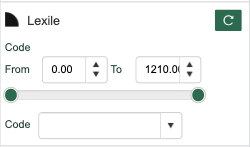
Levelled Readers on Sora
- Bob Books:
- Levelled Readers
Resources for Parents
- The Ordinary Parent's Guide To Teaching Reading
- Reading in the Wild
- Helping Your Child with Language-Based Difficulties
- Deconstructing Penguins, Parents, Kids and the Bond of Reading
- Reading Rockets offers a rich library of evidence-based classroom strategies to help young children become skilled readers.
- How Children Learn to Read webinar with Margaret Goldberg. (Science of Reading)
Physical Commons Resources
- Jolly Phonics Program
- Levelled Readers
- Stairway Decodables
- Hooked on Phonics
- Dandelion Launchers
- All About Reading
- More Phonics and Reading Resources
- PM Benchmark Reading Assessment Resource Kit
- Hi/Lo Books
Search Portal
Instructions on how to access and use the Learning Commons Search Portal.
Getting Started
The Search Portal is the primary access point for Learning Commons resources, including physical books and kits, eBooks, audiobooks, databases, curricula, hands-on materials, supplemental packs, and inclusive education support materials.
Physical resources are shipped directly to your home if you live outside the Kelowna area (e.g., Lake Country to West Kelowna).
What Physical Resources are Available to Me?
Note: to steward resources responsibly, the Learning Commons has ceased to ship materials readily available in public libraries (novels and general fiction, general nonfiction and reference books, etc.).
|
HCOS Enrolled and Flex |
HCOS Registered |
|
|---|---|---|
|
Digital Unit Study Kits |
✅ |
✅ |
|
Inclusive Education General Collection books |
✅ |
✅ |
|
Curriculum |
✅ |
✅ |
|
Grades 10-12 Extended Loan Textbooks |
✅ |
❌ |
|
Robots |
✅ |
❌ |
|
ADST/STEAM Resources* |
✅ |
❌ |
|
Supplemental Packs** |
✅ |
❌ |
|
Inclusive Education Support Material |
✅ |
❌ |
|
Individualized Course Extended Loan Textbooks |
✅ |
❌ |
|
Susan Barton Material |
✅ |
❌ |
|
Microscopes |
✅ |
❌ |
|
Physical Unit Study Kits |
✅ |
❌ |
*ADST/STEAM resources include hands-on items such as K’nex, Coding kits, Snap Circuits and Cubelets.
**Supplemental Packs include resources that support learning such as manipulatives, book packs and CDs.
How to Log In
Parents
Parents use their Encom username and password to access the Search Portal, Sora, and Subscription passwords. To book physical books and curriculum for a student, log in to the Search Portal under your parent account, not the student account.

If you do not know your Encom password, you can reset it here. If you don’t remember your username, it is usually FirstnameLastname.
Changing your password in Encom will also change your password for the Learning Commons Search Portal, so please keep track of your login information. It takes up to 24 hours for the credentials to update.
Students
Students use their Encom username and password to access Sora eBooks and Subscription passwords. They cannot book physical items from the Search Portal, but they can view them. Bookings must be made on the parent account. If you do not know your Encom password, you can reset it here.

Loan Periods & Booking Limits
The default loan period for most items is 13 weeks, excluding shipping time. Grade 10-12 extended loan textbooks are loaned until June, with the option to renew for 1 month.
Items can be booked up to a year in advance (September to June), and families receive 3 free round-trip shipments per year. Overlapping bookings are not allowed if they exceed 40 items within the 13-week loan period. Back-to-back bookings of the same items are not allowed. Items can be renewed twice for 4 weeks each time, provided they have not been booked by someone else.
Enrolled Families - Items Available
Enrolled families receive six free shipments (three round trips) per school year (August 1 to June 18). There is a maximum of 40 items per shipment, including the following limits:
| Item Circ Type | Loan Limit | Loan Period |
| CD/DVD/CD-Rom | 4 | 13 Week(s) |
| Curriculum | 30 | 13 Week(s) |
| Kits | 6 | 13 Week(s) |
| MakerEd Family | 4 | 13 Week(s) |
| Mini Kits | 2 | 13 Week(s) |
| Christian NonFiction/Fiction | 10 | 13 Week(s) |
| Reader Pen C Pen | 2 | 8 Month(s) |
| S-KIT | 10 | 13 Week(s) |
| Inclusive Education | 10 | 13 Week(s) |
| Inclusive Ed Packs | 10 | 13 Week(s) |
| Susan Barton | 4 | 8 Month(s) |
| Textbooks | 8 | 8 Month(s) |
| Thumb Drive | 1 | 13 Week(s) |
Registered Families
Registered families receive four free shipments (two round-trip) per school year (August 1 to June 18). There is a maximum of 40 items per shipment. That includes a limit of 4 Audiovisual resources (CDs, CD-Roms, DVDs), curriculum and Christian fiction/non-fiction.
Make the most of your free shipments! Due to shipping costs, there is a minimum order of 5 items, some of which must be curricular (not just novels). Textbooks and larger items are the exception.
Please contact Kelly Wiebe with any shipping questions: kelly.wiebe@onlineschool.ca
Fines
Fines are charged for lost or damaged items. Overdue fines are charged for kits. The fine can be paid with student funding or invoiced via PayPal.
Avoid fines by:
-
Keeping kit items together in one area. Ensure the kit bag is not damaged or forgotten when preparing the return shipment
-
Check all kits for books and items as soon as you receive them. Contact us if anything is missing or damaged.
-
Prepare packages properly for shipping. Poorly packaged items result in damage!
Items borrowed from HCOS should not be shared with other registered or enrolled families within HCOS. These materials are specifically for HCOS families. You are responsible for the replacement costs of all items signed out under your account, regardless of how they are lost or damaged, except in cases involving courier issues
How to Search
Learn how to search for course materials, extended loan textbooks, maker education, physical unit study kits and more!
This video is a visual walkthrough of using the search features in the Search Portal. You can use the timestamps to navigate to specific topics. Alternatively, if you prefer, there are written instructions with screenshots below the video.
- 0:00-1:04 Search Portal homepage overview
- 1:05-1:17 Downloading resources
- 1:18-1:28 Grade 10-12 course textbooks
- 1:29-1:35 Subscription links
- 1:36-2:02 Using the search bar
- 2:03-2:23 Refining searches
- 2:24-3:03 Subscriptions, databases, and external websites
- 3:04-3:38 Searching by topic
- 3:39-4:01 Searching by grade
- 4:02-4:18 Searching by series
- 4:19-4:50 Advanced search
Searching for Resources
Using the Search Bar
To search for an item, use the Search drop-down menu. The default search is by Keyword, but you can search by Title, Author, Subject, Series, etc. There is also an "Advanced" search feature.
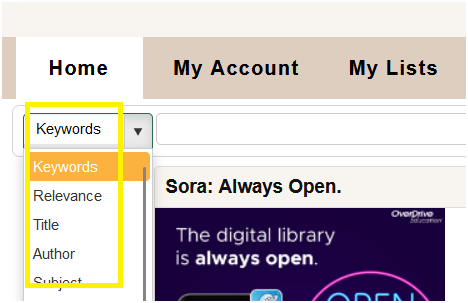
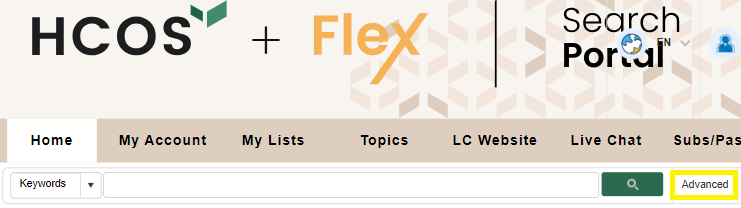
You will see how many results were returned once you enter a term in the search bar. Use the “Refine Your Search” options in the left column to limit your results by Material Type, Audience, Author, and Series.
The “+” sign adds further options to refine your search. Check the boxes you want to refine by, such as Books or Kits, then click on the "Refresh" button to see the refined search.
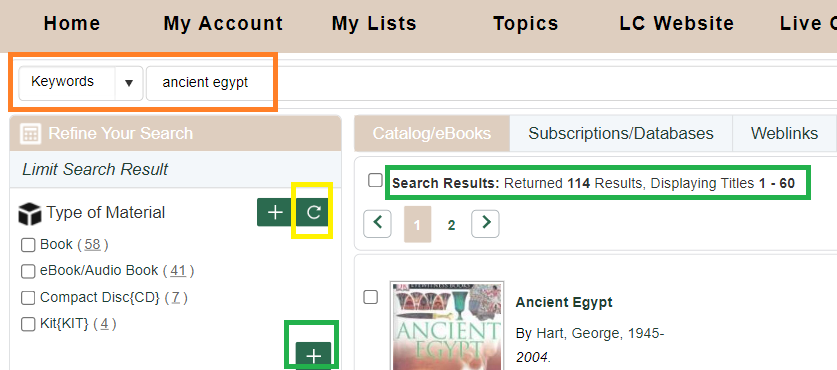
Searching by Topics to find Textbooks, Unit Study Kits and other Resources
Topics
Click “Topics” in the menu bar .
Topics are sorted by subject and grade, making it easy to find relevant materials.
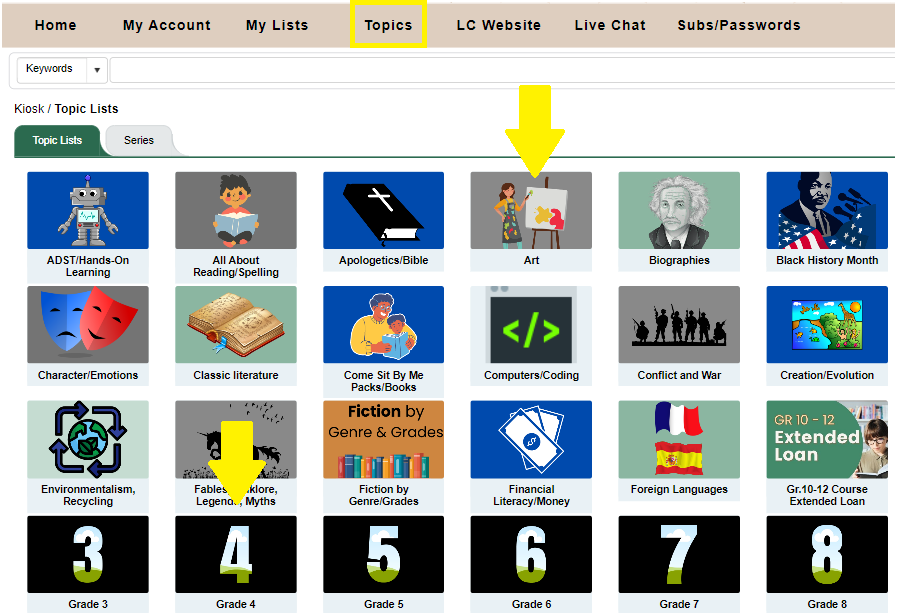
Course materials and Textbooks
Click on the applicable topic.
Unit Study Kits
To borrow Unit Study Kits, begin by selecting the Topic Lists menu:
Then, select Unit Study Kits:
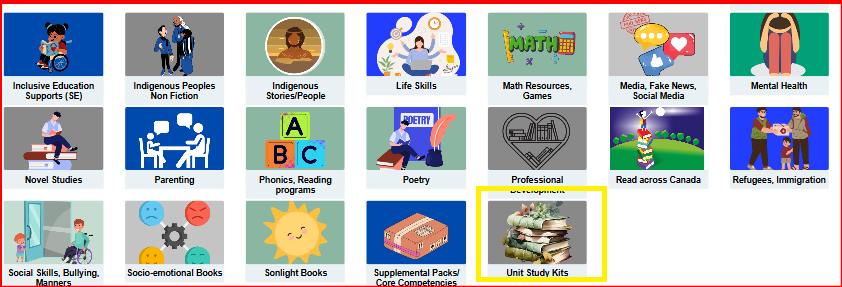
These kits can be found both in the main Topics list and also within each grade level.
Registered Families can only access the Digital Unit Study Kit Guides online.
Booking Items
This video is a visual walkthrough of how to book items in the Search Portal. You can use the timestamps to navigate to specific topics. Alternatively, if you prefer, there are written instructions with screenshots below the video. *Note: Loan Period has changed to 13 weeks; Enrolled patrons receive 3 shipments per year.
- 0:00-1:11 Searching for resources and refining results
- 1:12-1:32 Viewing the availability of an item
- 1:33-2:03 Determining shipping and loan periods
- 2:04-2:18 Finding your shipping zone
- 2:19-2:48 Adding items to a list to book later
- 2:49-3:37 Booking multiple items for one date
- 3:38-4:49 Viewing due dates and renewing loaned items
- 4:50-6:44 Shipping multiple items on the same date
- 6:45-8:29 Reviewing future bookings
- 8:30-9:05 Cancelling future bookings
- 9:06-10:36 Booking items for extended loans
- 10:37-10:58 Viewing future shipping dates for items out on loan
Booking Resources
Click on a record to see the details. Click directly on the title to be taken to the Title Details page to book the item. The Title Record will show how many copies are available and the due date if it is already out. You can save the item to a list if you don’t want to book just one item at a time or save it to book later. Even if an item is OUT or on HOLD, you can still book it for future dates. Make the most of your free shipments! Due to shipping costs, there is a minimum order of 5 items, some of which must be curricular (not just novels). Textbooks and larger items are the exception.
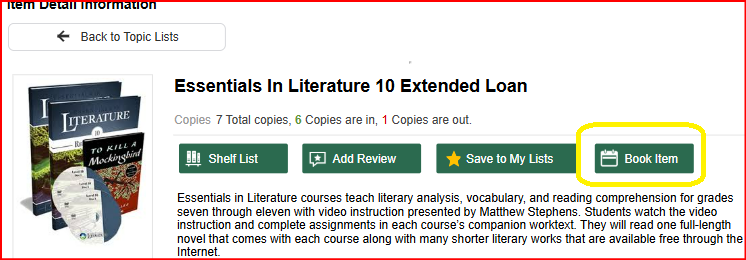
Determining Shipping and Loan Periods
When you click "Book Item," a calendar will appear. You will see your unique shipping “Site” on the top right. In this example, the patron is HCOS5, which means they are five shipping days from Kelowna. The small red numbers indicate how many copies are available each day. Be sure to choose a date that allows the number of shipping days before you want to receive your items. The system will automatically change your date for the correct number of shipping days. Ensure that the item is available for the 13-week loan period. Do not book back-to-back bookings on items. These will be deleted to ensure access to all patrons.
Extended loan resources can be booked for up to eight months. Patrons are unable to book items for shorter periods on their own. If you want an item that is available for a shorter loan period, please contact the Learning Commons team, and they can assist with the booking. This may impact the number of shipments for the year.
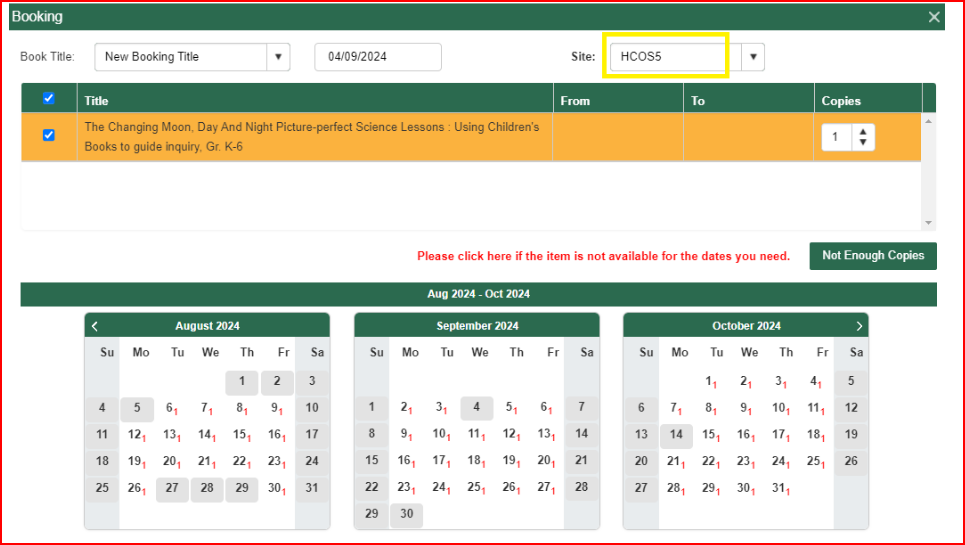
Click on the day you want to receive the item. In this example, August 13 was chosen. Items are loaned for thirteen weeks, not including shipping. The calendar now shows the entire booking period. Shipping days are highlighted in dark orange on the calendar (weekends/holidays are not counted as shipping days, so seven shipping days are shown for the HCOS5 zone). The requested date is August 6.
When you are ready, click “Book Items.” A pop-up will confirm if your booking was successful, and you will receive a confirmation email.
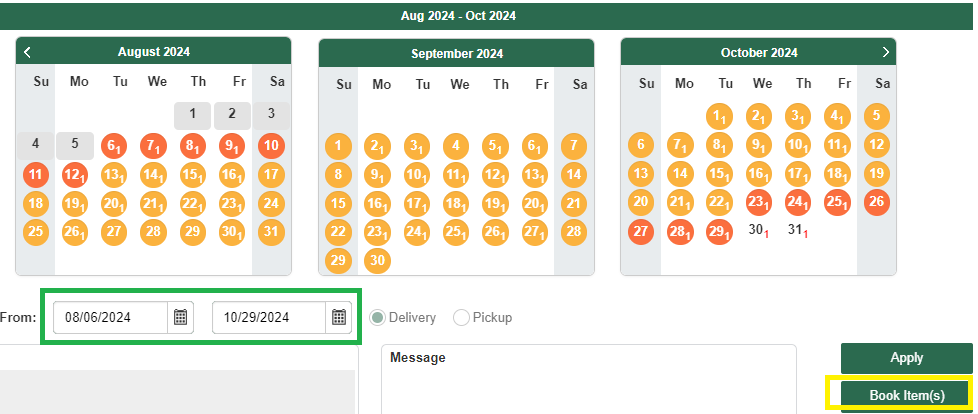
You can view due dates, renew, change dates or cancel items online. Please cancel items if your plans change so other families can use the materials.
Booking Multiple Items for One Date
Add an item to My Lists by clicking the Save to My Lists button. A pop-up will ask you to create a New Favorite Title. Use dates of shipments or subjects as titles. You can search multiple subjects and add resources to your lists by creating different Titles.
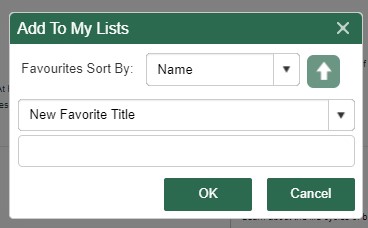
Once you have added all the books to your lists, click the My Lists icon in the menu. You will see all of your lists in the left column.
Use the List view icon in the top right corner and book all items for the same date by clicking the “Book Items” button at the top right of the page. If you are in grid view, click the checkboxes for each item you want to book, then click Book Items. Choose a date on the calendar and click Book Items. A pop-up will confirm your bookings.
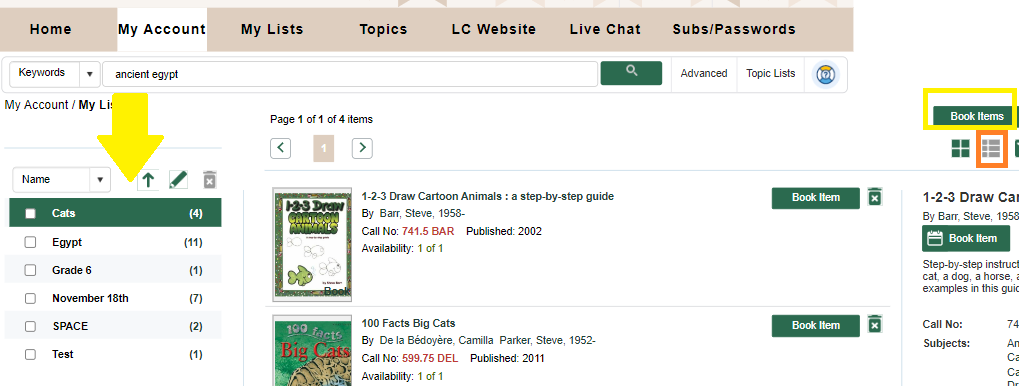
Any items unavailable for your original date will not be booked. Check your Future Bookings list to ensure all items have the same loan period, and cancel any items you do not want. This will avoid using one of your free shipments! Any items that did not book can be booked for a different date if available.
Viewing Due Dates and Renewing Items
Hover over the “My Account” icon, then “My Borrowing,” and select “My Loans.” View the due dates.
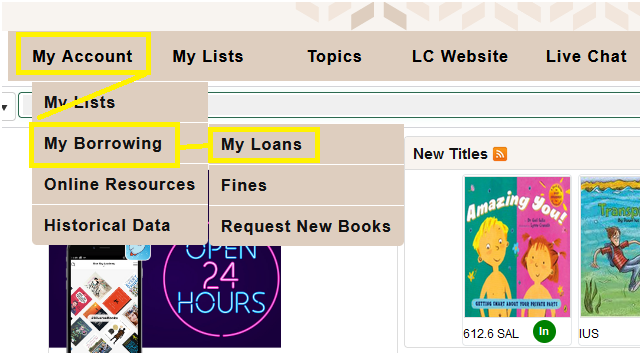
Renew one item by clicking the check box on the left or renew all items by clicking "Select All" and then the "Renew" button. The renewal period is four weeks. Items booked by another patron will not renew. Renew books no sooner than 1 - 2 weeks before they are due, or your loan period will be shortened.
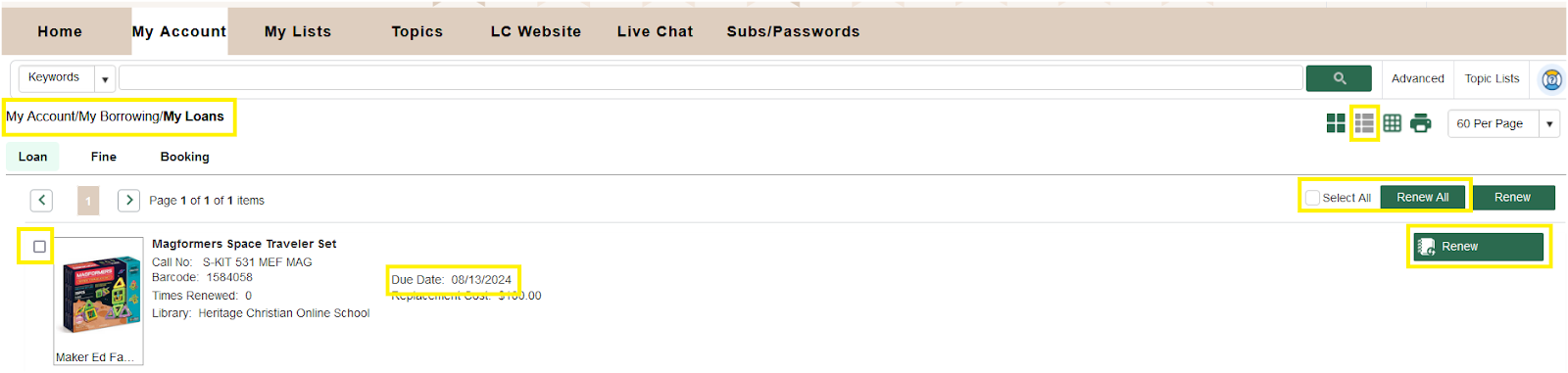
View all of your Bookings for the Year, Cancel or Change Booking Date
Hover over “My Account,” then “My Borrowing,” and then select “Future Booking.”
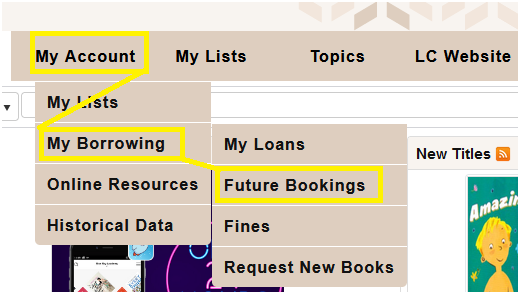
In the list view you will see:
- The booking loan period with Shipping to and from days,"
- The Cancel button - click to cancel your booking
- Edit Booking button - click to change your date
If you are in Grid View, hover over the item record, and the "Cancel" and "Edit" buttons will appear.

Shipping Procedures
Change of Address
If you plan to move or have moved, please update your address in Encom and email Kelly Wiebe at kelly.wiebe@onlineschool.ca with the new address so information can be updated.
If you do not update the Learning Commons with a change of address and a shipment is sent to the wrong address, you will be charged for shipping fees and any lost items.
Shipping Outside of Canada
The Learning Commons does not ship physical items outside of Canada due to shipping costs, limitations of loan periods, and a higher risk of damaged and lost items. Families who are travelling can access our online resources.
Before booking Learning Commons resources, please review our Loan Periods & Booking Limits for information about loan lengths, shipment allowances, item limits, renewals, and booking guidelines.
Receiving Packages
-
KEEP the box/packages and all other packing materials for when you return the items.
-
Check KITS for missing items; email kelly.wiebe@onlineschool.ca immediately if there are missing or damaged items. Otherwise, you may be charged for them!
-
Check the Library receipt to ensure all items are included in your shipment. Contact us immediately if an item is missing. Keep the receipt handy as a checklist when returning items.
-
Renewals: Renew online before items are overdue. Not all items may be renewed if they are booked by another patron.
-
Extensions: need just a few more days? Let us know, and we will extend the dates if possible.
-
Going away? Email us at least 10 business days before you leave. Arrangements can then be made to ship items back earlier or when you are back.
Returning Items
If you live outside the courier service area, we will ship by Canada Post and provide prepaid shipping labels for returns.
Arrange a courier pick up or prepaid return by connecting with Kelly Wiebe: 778-721-8309 kelly.wiebe@onlineschool.ca Monday - Thursday.
Please follow all instructions included in your shipment. Every shipment is different. Proper packaging will reduce damage to books and other items.
-
Due Dates: The due date is the date the item must arrive back in the Learning Commons. You must ship your package several days before the due date, depending on your shipping zone.
-
The shipping instructions are included with every package. You will need to contact Kelly or Jen several days before the item is due to arrange shipping. The time period is noted on your shipping instructions and is dependent on the shipping zone you are in and the method, (courier or Canada Post), of shipping.
Returning Multiple Boxes/Packages
-
Please put all items into ONE box/package, or tape packages together if they are compatible in size. This saves on shipping costs. (One white Tyvek bag can hold 2 or more kits).
-
Please do not tape boxes together if you return items via Canada Post.
If you have more than one box/package which cannot be put into one, let us know immediately how many boxes you will be returning before the pick-up is issued. If a shipment includes 2 or more boxes, the driver is only permitted to pick up ONE if that is what is requested.
Tips for returning items:
-
Items must be packaged in boxes or Tyvek envelopes (save the packaging in which the items were sent!)
-
Please don’t use paper envelopes as they rip too easily.
-
Items damaged due to poor packaging will be billed to your account.
-
Families are responsible for paying for postage to return DVDs, CDs, and small items that can be mailed if they cannot be returned with a larger shipment.
Local Patrons
Patrons living in Kelowna, Lake Country, and West Kelowna need to pick up their items from the Learning Commons. Locals can book items for shorter periods since there is no shipping time involved. Please contact Library Administrator Shandra Wiebe (swiebe@onlineschool.ca) to book items for a shorter period.
Learning Commons Hours and Location
HCOS Learning Commons 907 Badke Rd, Kelowna, B.C. V1X5Z5
Monday - Thursday 8:00 a.m. - 4:00 p.m. Closed on Fridays.
Sora eBooks & Audiobooks
Sora is a digital reading platform for families to access eBooks, audiobooks and Read-Along books for education and enjoyment.
Getting Started with Sora
Sora is the HCOS digital reading platform, providing students and teachers with instant access to thousands of eBooks and audiobooks anytime, anywhere. It’s a simple and engaging way to support reading and learning across all grade levels.
Getting Started
Step 1: Go to https://soraapp.com/library/heritageca and click on "Heritage Christian Online School."
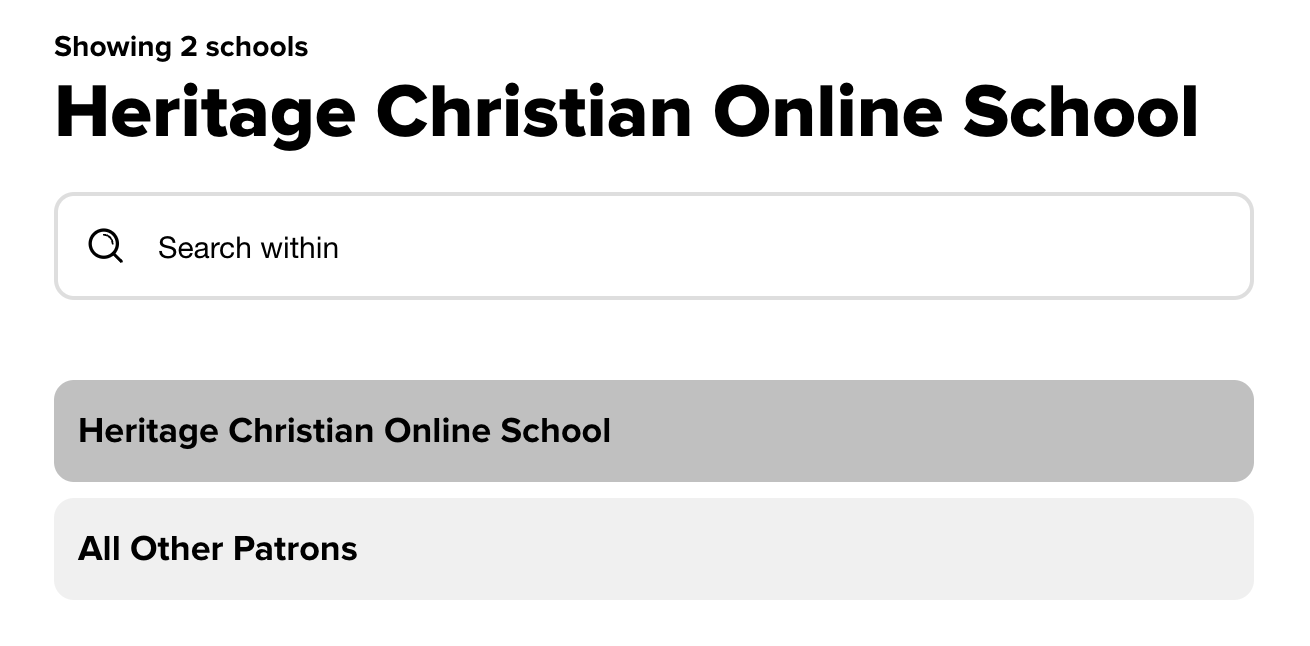
Step 2: Click "Sign in using Heritage Christian Online School."
Step 3: Sign in with your Encom account.
You will need your Encom username and password to access Sora
If you need to reset your password, click the “forgot password” link on Sora or Search Portal login pages.

Sora is also available as an app from the Apple App Store and Google Play Store.
Loan Periods and Limits
eBooks and audiobooks can be checked out for 7, 14, 21, or 28 days. The default lending period for all formats is 14 days.
To change your lending period in Sora:
The new period applies to future checkouts. You cannot change the lending period after borrowing a title. Titles borrowed from another connected library will use that library’s default lending period.
Each account can borrow eight titles at a time.
Sora Support Videos
- The Sora Essentials Experience (30-minute long, explains all the features of Sora)
- Filtering Collections or Search Results 30-second Video
- Reading Challenges (how to make a challenge for your students). This would work well with our Read for Change contest.
- Reading Goals (set your student's reading goals on Sora)
Book Formats
There are three main book formats in Sora: eBooks, audiobooks, and read-along books.
eBooks
eBooks have text and images, but no audio.
View the eBook Reader Tutorial for more information about navigating this type of book in Sora.
Audiobooks
Audiobooks are fully audio files. They have a cover image for the book, but no text or images. The headphones symbol  beneath the cover image indicates audiobook availability.
View the Audiobook Reader Tutorial for more information about navigating this type of book in Sora.
Read-Along Books
Read-along books have text, images, and audio. Some titles will highlight the text as the audio plays. In Sora, read-along books are available in both fiction and non-fiction genres.
Profiles & Badges
Users can set up their Sora profile to add personalization and collect badge rewards.
Go to https://soraapp.com/profile. At the top left-hand corner, click "Edit profile" to add your nickname and change your image.
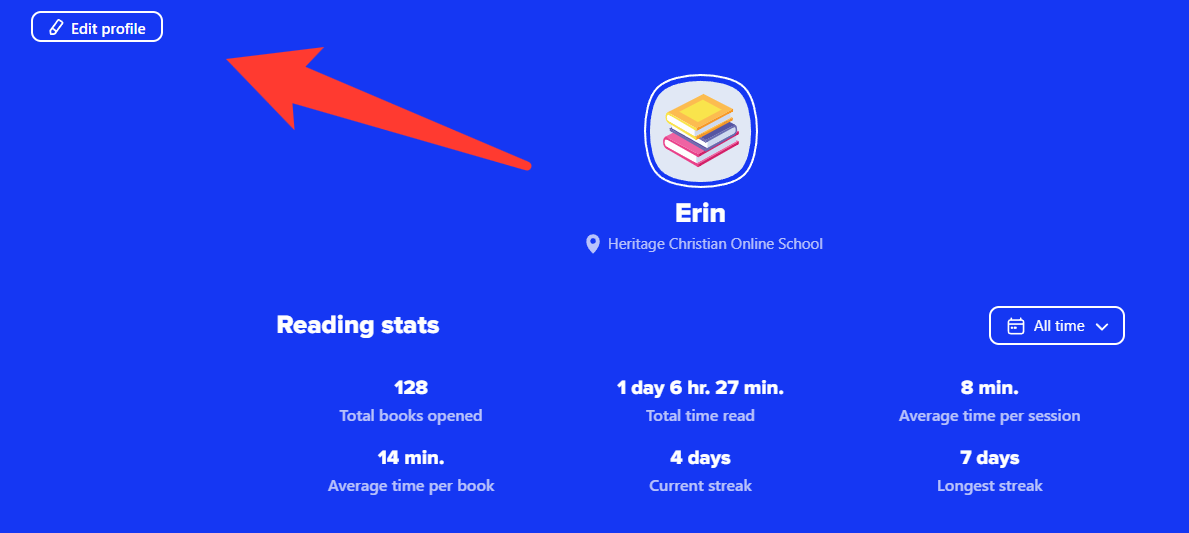
Sora allows students to earn achievement badges as they learn about and use the program. Scroll down to view badges on your profile page.
Badges that have been earned will show a coloured image of the badge. When the badge is earned, there will be a pop-up on the screen showing the badge and congratulating the student.
Badges that still need to be earned will tell the badge's name in bold and how to earn the badge beneath the name and the empty badge placeholder. Can you collect them all?
Assistive Technology
Different fonts and formatting styles are available to meet many reading needs.
OpenDyslexic
OpenDyslexic is a font created by Abbie Gonzalez and made available for public use. Its goal is to help dyslexic readers overcome some of the most common stumbling blocks. The benefits of using OpenDyslexic include:
-
All letters are spaced further apart so individual letters can be more easily seen.
-
The lines used in the lettering change thickness in different areas so readers can more easily distinguish between similarly structured letters.
-
The first letter of the first word in a sentence is always bold to help readers know where the sentence starts.
There are two steps to turn on OpenDyslexic in your browser or app:
Step 1: Click on the hamburger menu (three lines) to open the dropdown menu.

Step 2: Use the "Dyslexic Font" toggle switch to turn this feature on and off.
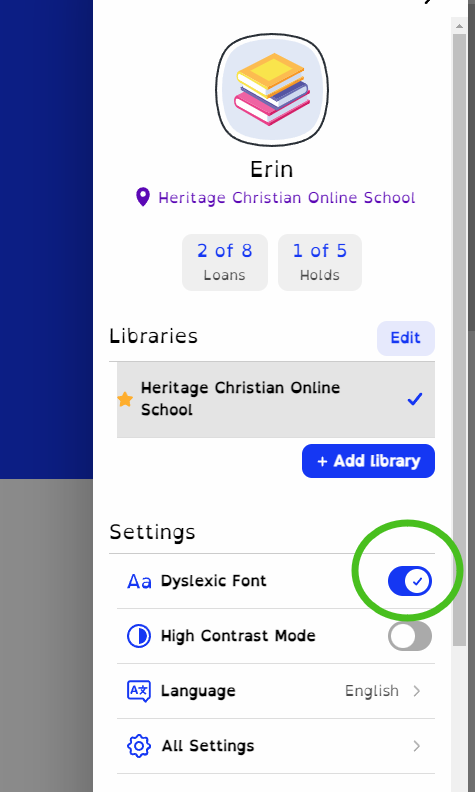
High Contrast
High contrast mode reverses the colours of background and texts while adding yellow accents, creating a stark contrast that some users desire.
There are two steps to turn on High Contrast Mode in your browser or app:
Step 1: Click on the hamburger menu (three lines) to open the dropdown menu.
Step 2: Use the "High Contrast Mode" toggle switch to turn this feature on and off.
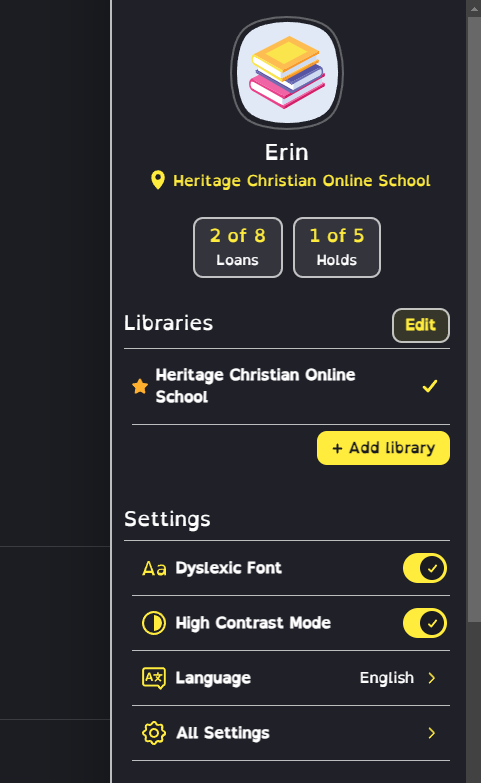
Changing the Loan Period
The standard load period in Sora is 14 days, however, there are options for 7, 21, and 28 days. Some readers may benefit from longer loan periods for larger projects.
There are four steps to adjust the loan period in your browser or app:
Step 1: Click on the hamburger menu (three lines) to open the dropdown menu.
Step 2: Click on "All Settings."
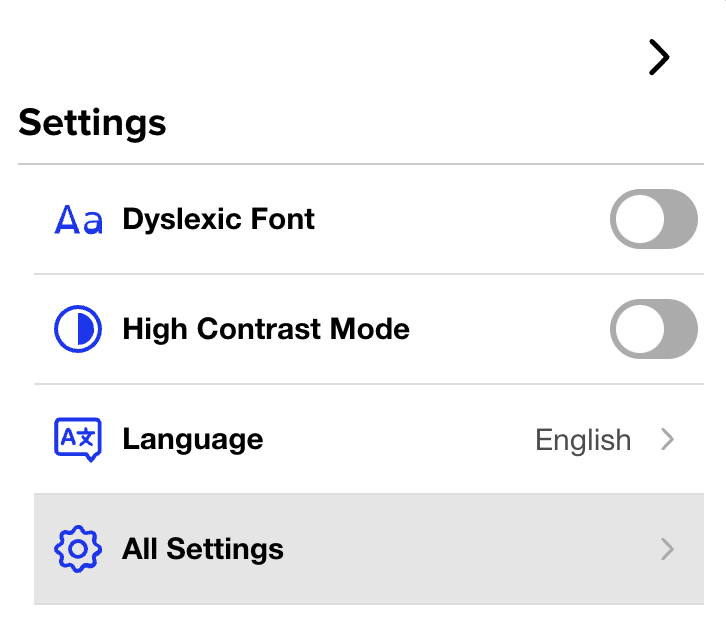
Step 3: Click on "Lending Periods."
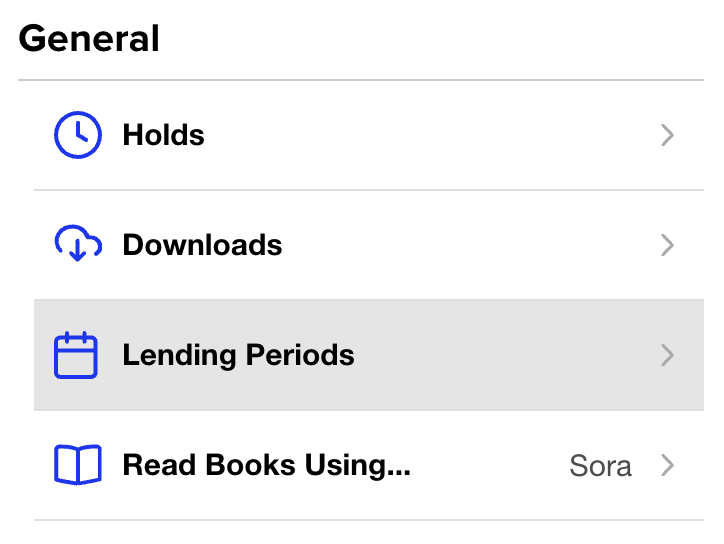
Step 4: Adjust the lending periods as desired, then click on "Done."
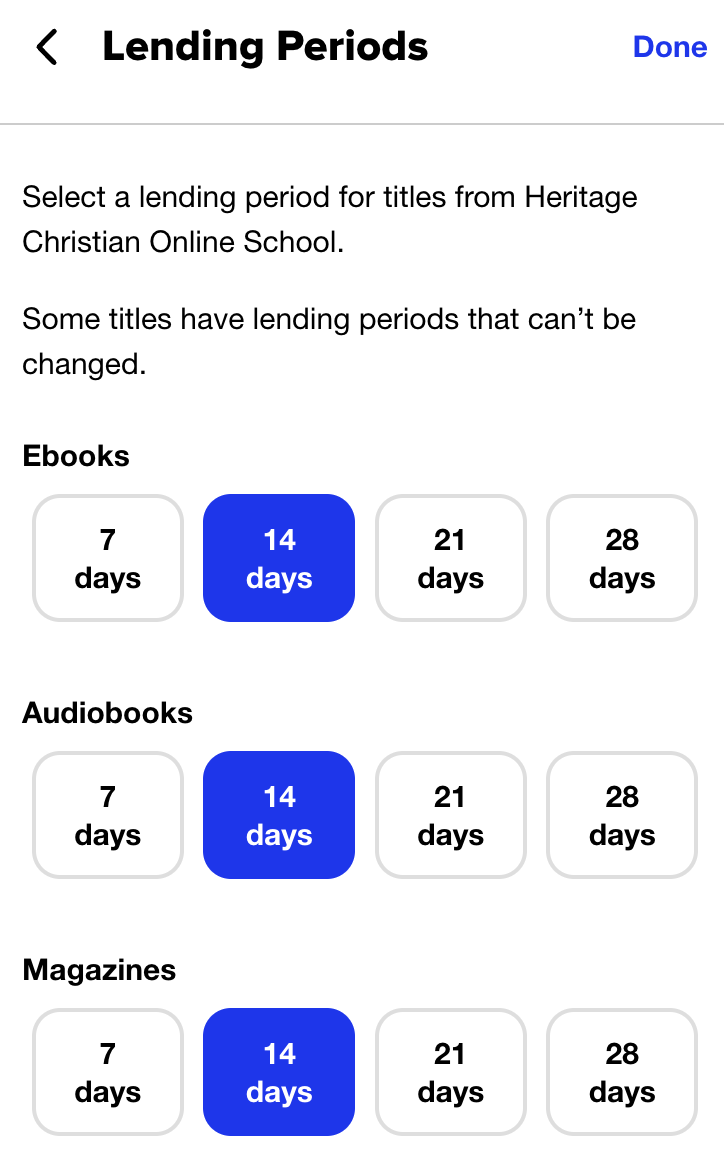
Adding Public Library Accounts
You can use Sora to access eBooks, audiobooks, and read-along books through HCOS and your local public library.
There are two steps to add your local library to Sora in your browser or app:
Step 1: Click on the hamburger menu (three lines) to open the dropdown menu.
Step 2: Click on the "+Add library" button, then search for your local library and sign in using the information found on your library card.
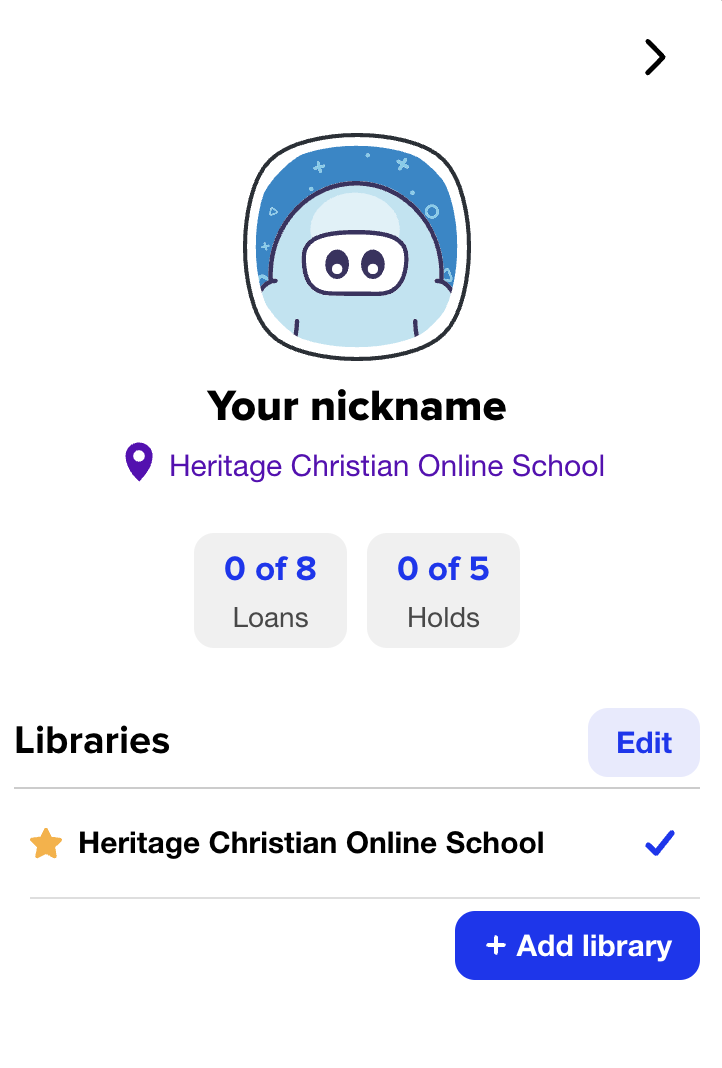
Subscriptions
Information about Subscriptions available to Enrolled, Flex, and Registered students through the Learning Commons. Questions can be sent to our Curriculum Engagement Facilitators, Andrea Scott and Erica Corcoran, through Live Chat on regular school days from 9 am. to 3 pm. Live Chat is located in the bottom right-hand corner of our website.
Getting Started
Subscriptions cover a wide range of valuable content in various subject areas and grade levels. All subscriptions are available for Enrolled and Flex families. If you are a Registered family, please select the bar below the video to discover which subscriptions are available to you.
This short video will help you get started with Subscriptions on the Learning Commons website.
What Subscriptions are Available to Me?
| HCOS Enrolled and Flex | HCOS Registered | |
| Axis | ✅ | ✅ |
| BC ExamBank | ✅ | ✅ |
| BrainPOP, including Spanish and French | ✅ | ❌ |
| Canadian Reader | ✅ | ❌ |
| Canadian Reference Centre (EBSCO) | ✅ | ❌ |
| ClickView & Twig | ✅ | ❌ |
| Enchanted Learning | ✅ | ✅ |
| Everfi | ✅ | ✅ |
| Focused Education (BC Digital Classroom) | ✅ | ✅ |
| Gale (Focused Ed) | ✅ | ✅ |
| Gizmos | ✅ | ❌ |
| HearBuilder | ✅ | ❌ |
| Mathletics | ✅ | ❌ |
| Mathseeds | ✅ | ❌ |
| myBlueprint | ✅ | ❌ |
| Mystery Science | ✅ | ❌ |
| National Geographic Kids (Focused Ed) | ✅ | ✅ |
| PebbleGo | ✅ | ❌ |
| Read&Write | ✅ | ✅ |
| Reading Eggs, Eggspress & Fast Phonics | ✅ | ❌ |
| RightNow Media | ✅ | ✅ |
| Signal Hill | ✅ | ✅ |
| Teaching Books | ✅ | ✅ |
| Touch-type Read and Spell | ✅ | ❌ |
| Tynker | ✅ | ❌ |
| What in the World? Level 1 & 2 | ✅ | ❌ |
| World Book (Focused Ed) | ✅ | ✅ |
Finding Links, Usernames, & Passwords
On the Website
Navigate to the Learning Commons Website Subscriptions page.
Log in with your Encom credentials at the top of the next page.
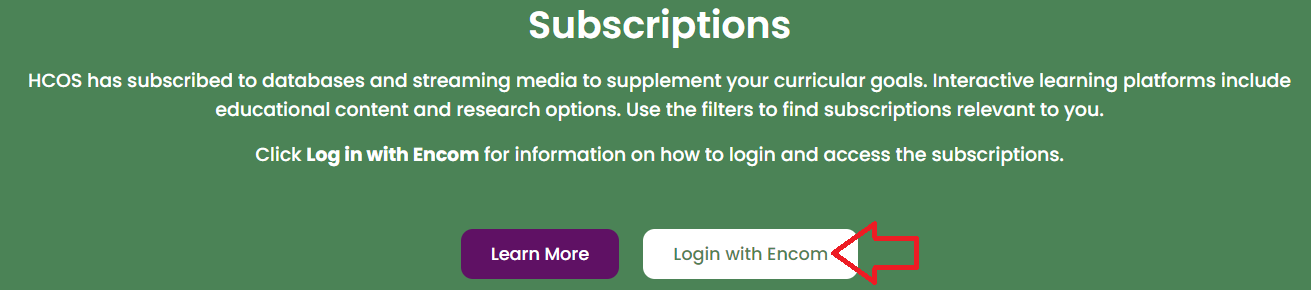
Select the "Info" button on any Subscription tile.
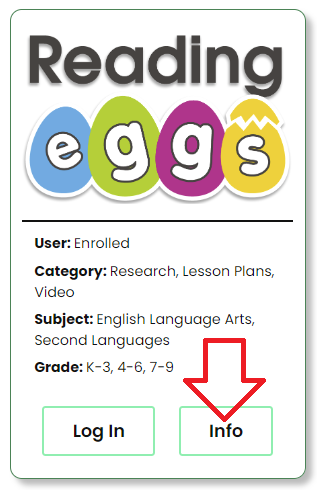
Read the information and select the "Log in" button to log in.
On the Search Portal
Navigate to the Search Portal and select the Subs/Password tab. Log in with your Encom username and password. You will see a list of subscriptions and find links, usernames and passwords.

The list is organized alphabetically from A-Z. You can toggle to Z-A by selecting "Name."

Subscription Passwords are updated annually in August, with some being updated throughout the year. If your password stops working, please check back on the Learning Commons website for up-to-date passwords.
Do you have questions about these Subscriptions? Please email Erica Corcoran or Andrea Scott for more information. Are you having trouble logging in to a Subscription? Please email Margaret Basaraba for help with access issues.
Using Subscriptions
Indigenous Peoples' Resources
4Canoes
These digital magazines offer a series of authentic information vetted by the indigenous communities about which they were written.
Content in Each Issue
Each edition follows a common theme and features:
- The history of the culture, pre- and post-contact
- Compelling and beautiful pictorials that draw students into the stories and place of the featured community
- The story of the vessel and/or other modes of transportation used by the featured Peoples
- Art and Food
- Kids’ Zone
- Resources for everyone, including kids, parents and educators (Gr. K-12, the reading level would be a middle school)
- Stories by and of the featured People in each edition
- Extraordinary pictures of the lives, land and waters of the featured Peoples
GALE CENGAGE Learning
Choose “Canada in Context,” “and then search “First People,” “First Nations,” or “Aboriginal.”
KNOWBC.com
Log in at KNOW BC and choose a book or encyclopedia from the menus on the site to search for First Nations content.
The KNOWBC site has newly revised curriculum correlations, with links to content:
Live It Earth
Teaching Books
Search the word "Indigenous" to find many books and resources available on this site.
French Resources
- BrainPOP Français is BrainPOP’s French language learning site for fluent French speakers. (Gr. 4-8)
- Enchanted Learning (K-3), type "French" into the search bar for French activities.
- Live It Earth translates the website into French by selecting "FR" from the "EN" drop-down menu at the top right of the page.
- Teaching Books resources include books in French. Search "French Language."
- World Book L'Encyclopédie Découverte is the World Book French site. (Gr. 8-12) It is not meant to teach French to new learners, but is geared to helping those who are already fluent in French.
- The Search Portal will direct you to French books, CDs, songs, videos, etc., including French teaching helps.
Spanish Resources
- BrainPOP Español for fluent Spanish speakers. (Gr. 4-8) Navigate here for Hispanic heritage topics.
- Enchanted Learning (Gr. K-3) search "Spanish" for Spanish activities.
- Our Search Portal will direct you to Spanish resources.
- Touch-Type Read & Spell (Gr. 3-12) has five spoken typing units under the Subject heading.
Typing Resources
Touch-Type Read and Spell
A former teacher, Anne-Marie Semke, commented that her student with dyslexia did not progress while using All the Right Type (ATRT). She purchased a subscription for TTRS and said, “It has been an excellent help with his dyslexia. I highly recommend it for students with special needs, as it is meaningfully and usefully different from a traditional learn-to-type program.”
For more information on TTRS, please refer to SOPHIE page Touch-Type Read and Spell. TTRS is a universal support and is available to all enrolled HCOS and Flex students, free of charge. Fill in the registration form. Margaret Basaraba will contact you when she receives the form.
External typing resources can be found here.
Using Subscriptions in the Summer
Enrolled, Flex, and Registered students who are re-enrolled for the next school year are welcome to continue using subscriptions through the summer, with a few exceptions.
EVERFI resets all the classrooms in June. New class codes will be available in July.
What in the World? and the Canadian Reader magazines will be temporarily unavailable in July while they reset for the next editions which will be uploaded in August.
Reading Eggs, Matheseeds, and Mathletics data resets in mid-August, removing all teacher-assigned tasks. All student accounts and logins remain the same. Certificates awarded during the school year will still be accessible.
Troubleshooting
When a Subscription login does not work:
-
Always check the Search Portal to ensure that the link, username, and password you are using are up to date.
-
Clear your browser cache, as your computer may have saved a broken link. Type “clear cache” into your search bar and follow the instructions from the drop-down menu for your browser. Restart your computer.
-
Check that you are not adding an extra space at the beginning or the end of your username or password. Ensure usernames and passwords are located at the very beginning of the allowed space and that your cursor is right at the end of the password.
-
Verify that your username and password contain both uppercase and lowercase letters. Some subscriptions are case-sensitive.
-
Use a different browser to access the subscription. For example, if you usually work in Google Chrome, try using Internet Explorer, Safari, or Firefox.
-
Reboot your computer. Turn everything off, wait thirty seconds, and then turn it on again. Sometimes, waiting a day and then trying it again seems to resolve the issue.
- If you continue to experience trouble, please contact Margaret Basaraba via email or LiveChat. Don’t give up! We promise it will be worth your while!
Axis Resources
Axis (Grades 7-12) equips parents and caring adults to engage teens in meaningful faith conversations and disciple the next generation for Christ.
Logging In
Navigate to Axis and start exploring the resources. You do not need to set up an account to use this website.
Navigation & Use
Some of the information may be sensitive to students. Parents are encouraged to supervise their children while using this site and to engage in regular conversation to discuss topics.
Explore resources by selecting the buttons in the top right menu on the home page. You can return to the home page by selecting the Axis logo in the top left corner.

Click below to learn more about the specific features offered by Axis.
The Culture Translator
Each week, the Axis team researches culture to help you stay up to date on the music, movies, TV shows, and social media trends impacting your kid’s world. You can sign up for the weekly email or explore past editions here.
Podcast Conversations
A space where faith and culture meet through meaningful dialogue in a format that is easy to consume in your busy life. These podcasts bring together your favorite Axis content in one place with tools to build stronger conversations with the teens in your life.

Parent Guides
Parent Guides are free downloadable PDFs that help you lead confident, faith-centered conversations with your teen on big topics—like mental health, technology, social media, suicide and more. They offer clear answers and practical tools to go deeper with your teen.
Videos
Axis video resources deliver quick, practical, and faith-informed guidance for parents through 7-Minute Videos and Conversation Kits. For even more ways to spark meaningful, Christ-centered dialogue, explore their YouTube series The Conversation Starter.
BC ExamBank
BC ExamBank (K-Grade 12) provides BC curriculum-aligned online practice exams with instant feedback and randomly generated questions for repeated test preparation.
Logging In
There are four steps to log in to the BC ExamBank.
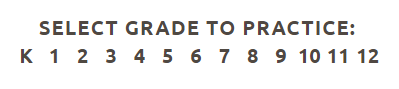
Step 2: Select the subject area.

Step 3: Select the test that you wish to take.
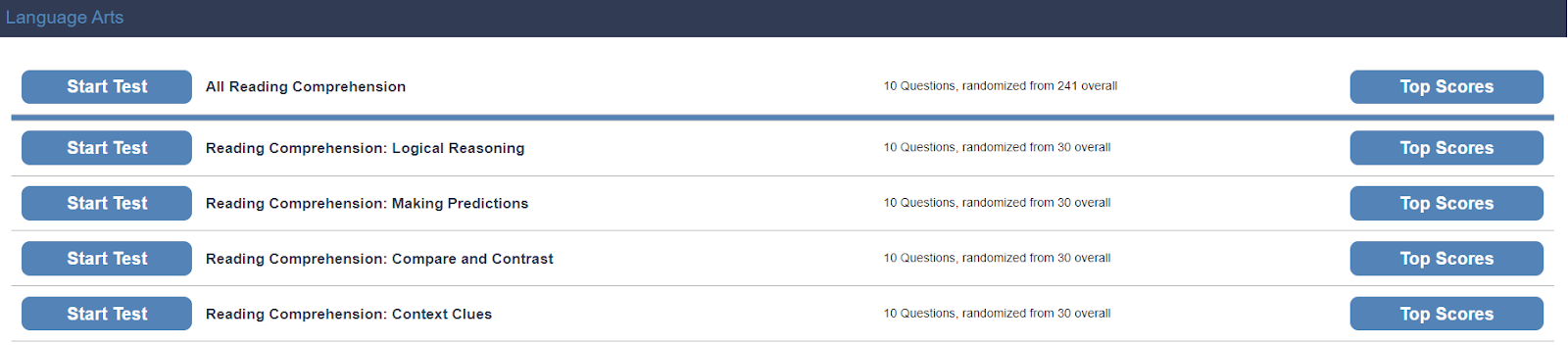
Step 4: Enter the username and password for BC ExamBank from the Subs/Passwords tab in the Search Portal.
Navigation & Use
Watch this short video to learn more about how students can use the BC ExamBank site.
If you cannot access tests when clicking the "Start test" button, you likely have a pop-up window blocker installed on your computer. Please add bc.exambank.com to your pop-up blocker's trusted sites list.
BC ExamBank immediately generates the answers for the student when the student selects "submit" at the end of the test. Test results explain how to find the correct answers. This gives a student a jump-start in understanding questions that they answered incorrectly.
Once a test is completed, students can send results to their support teacher by scrolling to the bottom of the page and filling out the following form.
Printing Exams
If you print copies of an exam, your use is limited to a period of 10 months from the date that the exam is printed. Enter the exam you wish to print. Click and drag to highlight the exam. Right-click on the text and select "print."
BrainPOP
BrainPOP (K-Grade 8) is an educational platform with animated videos and engaging resources in various subject areas. There are three resources for different grade levels:
BrainPOP Jr. (K-Grade 3) uses animated videos, games, and interactive activities to engage learners, and support different learning styles.
BrainPOP (Grades 4-6) combines animated videos, games, quizzes, and hands-on activities to build critical thinking, literacy skills, and student engagement.
BrainPOP Français and BrainPOP Español (Grades 4-8) is designed for fluent French and Spanish speakers, not language learners.
This subscription is not available to HCOS Registered students.
Logging In
There are two account options for logging in with BrainPOP: the "Shared" or "Individual" account.
Does My Child Need a "Shared" or an "Individual" Account?
BrainPOP: Shared Login vs. Individual Accounts
Shared School Login
- Browse BrainPOP topics and resource
- Watch BrainPOP videos
- Explore activities connected to a topic
- Use BrainPOP for general learning or research
Individual Student Accounts
- Working on teacher assigned activities
- Submitting and saving student work
- Viewing student results and progress
- Keeping a record of completed assignments
- Accessing features that require an individual account (Make-A-Movie)
Which option should I use?
Logging in to the Shared Account
There are three steps to log in to the BrainPOP shared account.
Step 2: Enter the username and password for BrainPOP from the Subs/Passwords tab in the Search Portal.
Step 3: Select “Keep using a shared account” at the bottom of the screen.
Student work is not saved when using the shared account.
Setting Up an Individual Student Account
There are four steps to log into the BrainPOP individual student account set up by your teacher.
Step 1: Contact your support teacher and request a BrainPOP code.

Step 3a: Your teacher may have sent you a username and password. If they have, please enter it here and select the "Log In" button. Go to step 4. OR If your teacher has sent you a code, please enter the username and password that are found in the Search Portal.
Step 3b: If your teacher has sent you a code please select the "enter code" tab at the top of the page, and enter the code that your support teacher sent you. Select "Submit."
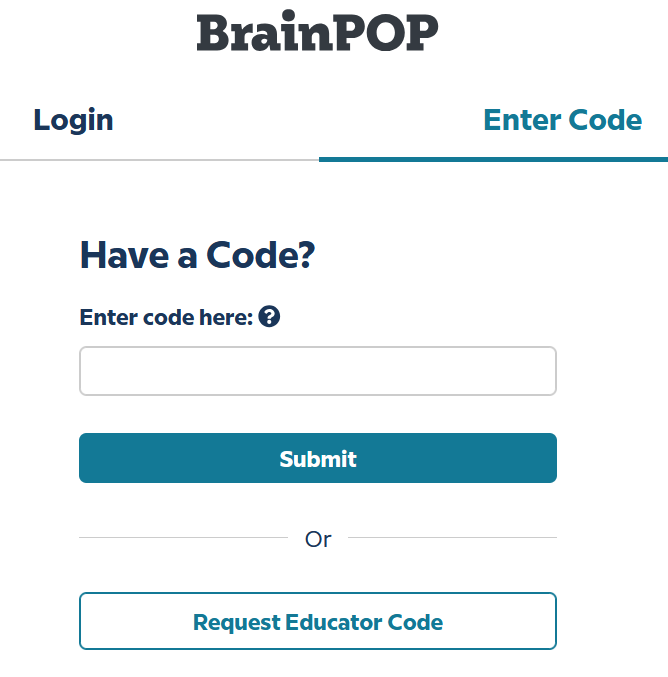
Select the "Create an account" button.
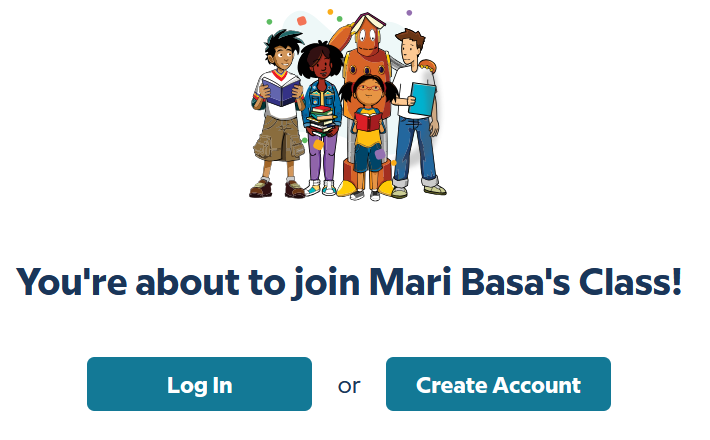
Complete the fields, then select "Create account."
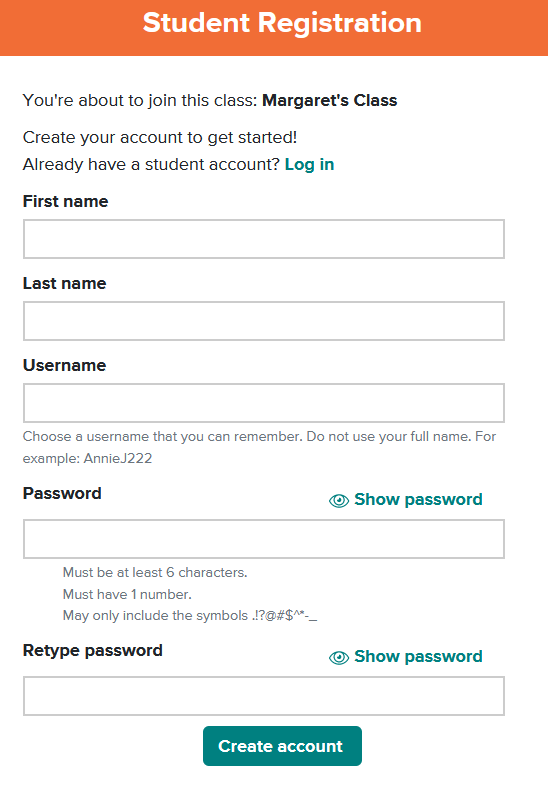
Step 4: Use the "Log in" button for all future visits.
Step 5: If your teacher has assigned work, you will see it here. If you do not see an assignment, select the "Select a Product" button at the top left of the page, and choose a Subscription to work independently.
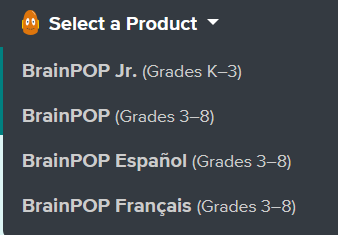
Navigation & Use
Students can select a specific subject or “Today’s Topic.”
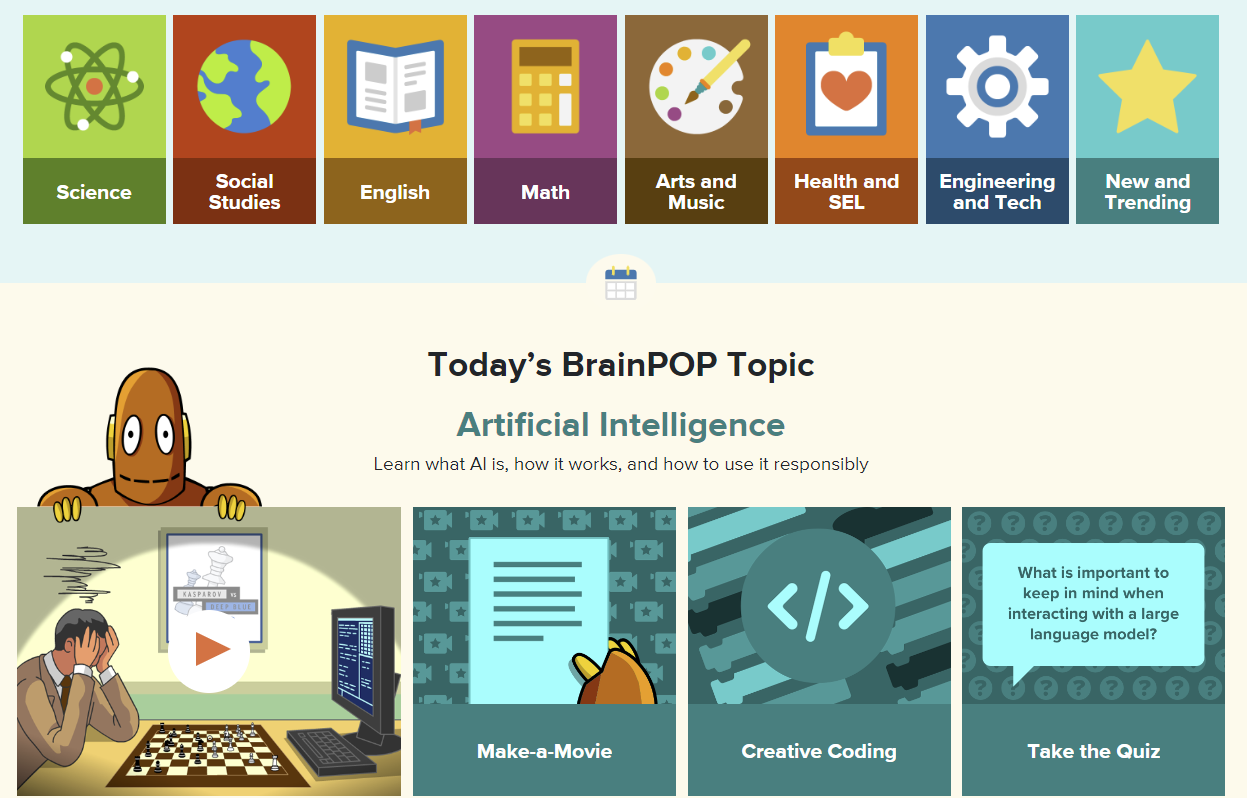
Once a topic is selected, explore the available resources.
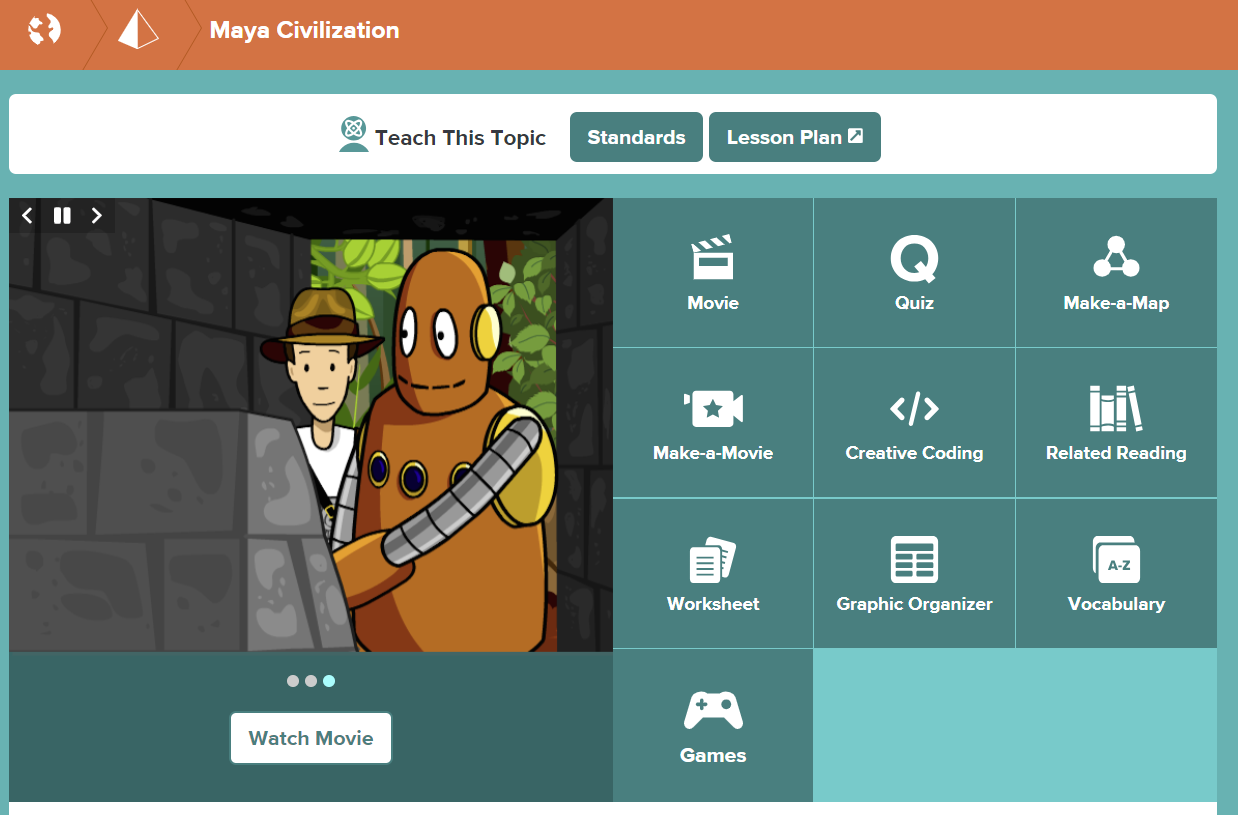
Canadian Reader and What in the World?
The Canadian Reader magazine (Grades 3-5)
The Canadian Reader (Grades 3-5) explores Canadian events, issues, and geography while building informational reading skills.
The magazine is published eight times a year from September to May. Each issue includes:
- Focus on key reading strategies: connections, questioning, visualizing, inferring, summarizing, and synthesizing
- Three student-friendly news articles
- Ready-to-use literacy lesson plans, graphic organizers, and assessments
- Canadian geography map activity linked to an article
- Non-fiction comic with related lesson plan and support materials
What in the World? magazine (Grades 5-10)
What in the World? is a current events resource for students in Grades 5–10 that helps build understanding of important Canadian and international news and events. The magazine is published eight times each school year, from September to May, and is available in two reading levels:
- Level 1: Grades 5–7
- Level 2: Grades 8–10
Each issue includes:
-
Four news articles
-
Relevant background information to enhance understanding of each event or issue
-
On-the-line, between-the-line, and beyond-the-line questions
-
Assignment to analyze a political cartoon and examine a news photo
-
Crossword and quizzes
This subscription is not available to HCOS Registered students.
Logging In
Contact your teacher to receive access to these resources.
Navigation & Use
Les Plan strongly recommends that you save the PDF file to your computer before opening and printing it.
Please contact your teacher for the current links.
Magazine Formats
Magazines are available in two formats: .pdf and .docx.
- The .pdf file contains the complete document and cannot be changed. It has helpful information for parents and answer keys at the bottom of the document.
- The .docx file contains only the articles and questions. Students can complete assignments directly in the .docx document using Microsoft Word or Google Docs.
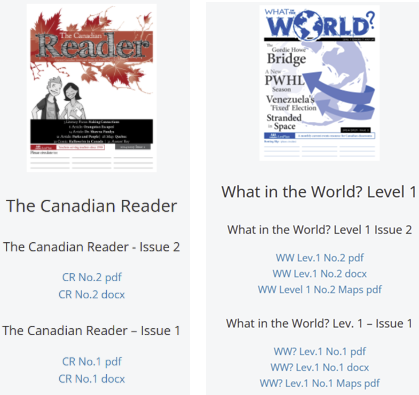
Publication Schedule for 2026/27
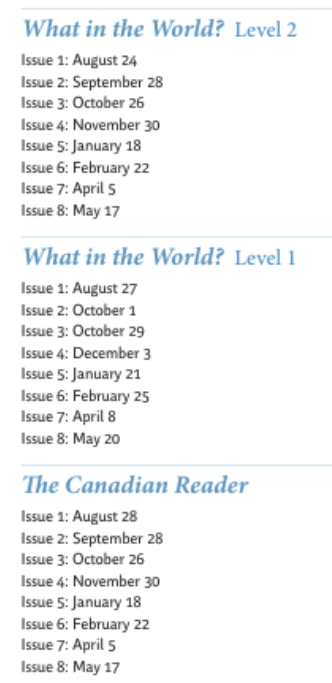
Resource Links
Students' resource links that coordinate with the current magazines can be found here.
Canadian Reference Centre (EBSCO)
The Canadian Reference Centre (Grades 8-12) is a research tool that provides reliable, easy-to-use content for student research.
This subscription is not available to HCOS Registered students.
Logging In
Navigate to The Canadian Reference Centre. Enter the username and password for it from the Subs/Passwords tab in the Search Portal.
This password has already changed for the 2026-27 school year. If you can't log in, check the LC website or the Search Portal for the new password.
Student work is not saved when using the shared account. Students must set up a personal account in EBSCOhost Student folders to save their research in the Canadian Reference Centre.
Navigation & Use
Setting up a personal student account.
Please note that secular content will be included, and parents should supervise their students' searches.
- Log in to the Canadian Reference Centre using the credentials in the Search Portal.
- Select "myEBSCO" at the top right of the page. Then select "Create an account."
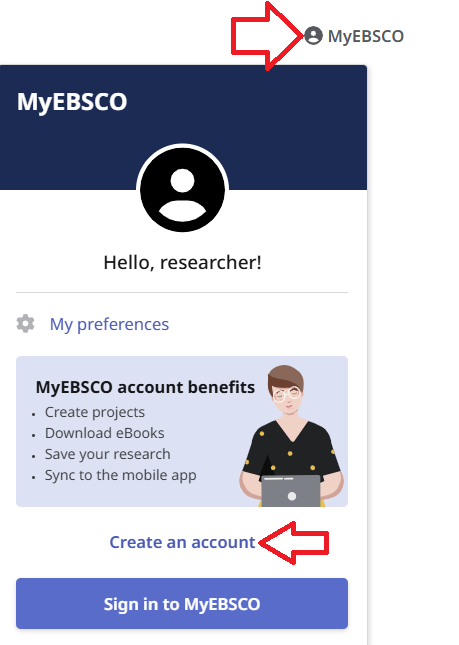
3. Set up your username and password.
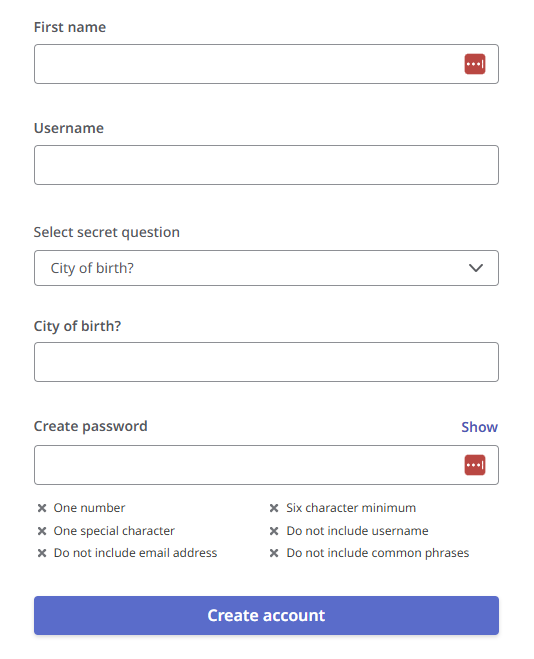
4. Sign in to your student account, where projects can be saved.
EBSCOhost has improved its interface to make searching easier. Check out the Explora Quick Start Guide for helpful articles.
Recommended tutorials:
- Basic Search on EBSCOhost
- Browsing Subject Terms in EBSCOhost Databases
- Advanced Search on EBSCOhost
ClickView and Twig Science
ClickView (Gr. 6-9)is a specialized educational video streaming platform designed for middle schools, offering thousands of curriculum-aligned videos, documentaries, and movies for primary and secondary education. It provides teachers with ad-free, high-quality content, interactive video quizzes, and analytics to increase student engagement and support remote or in-class learning.
Twig Science (Grades 6-10) is an interactive science program that immerses students in the exciting world of science and natural phenomena. It has thousands of short videos covering math and science, plus 80+ hands-on experiments. The Twig Science website is accessed through Focused Education Resources and the BC Digital Classroom.
Logging In
There are three steps to log in to ClickView and Twig.
2. Enter the username and password found in the Search Portal. under the Subs/Passwords tab. (Log in to the Search Portal using your Encom username and password.)
3. Select the "Sign in as a guest" button.
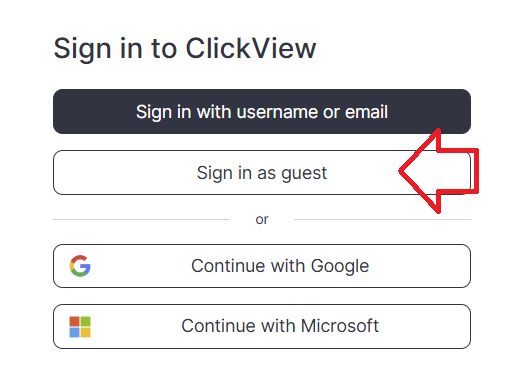
- You are now in the "ClickView" resource. Scroll down the page to the pink "Twig" button to access this Science resource. If you do not see the Twig button, close your tab and use the ClickView link a second time.
Navigation & Use
Select the video below to watch an overview of Twig Science for grade six.
Using the main menu, users can explore Twig Science resources by subject.

Select the "Find videos" button in the top right corner to access the drop-down menu to select how you would like to use Twig Science.

Mindmaps and Twig Videos
There are many different types of Twig videos available for Science and Math. Select "Mind Maps" from the drop-down menu and select a topic. Each heading branches into more specific headings as you narrow your search.
- Experiment Videos are a series of short videos that show actual experiments in lab conditions. Setup, Method and Analysis are shown, along with real-world applications of the science, all accompanied by extensive learning materials.
- Curriculum Videos get straight to the facts in just three minutes. They are directly linked to core learning, and these videos will fit neatly into your lesson plans. Top tip: These videos sit in the larger circles in the center of each topic Mindmap.
- Context Videos place learning in the real world and show students the relevance of their studies. Twig’s context videos show abstract concepts in action in the real world. Top tip: Context videos sit in smaller circles around the edge of the topic Mindmap.
- Science Glossary Videos contain key scientific terms that are defined in just 60 seconds and reinforce abstract concepts. Top tip: Related glossary videos are in the Glossary tab underneath the video player.
Enchanted Learning
Enchanted Learning (K–5) offers crafts, activities, and subject-based worksheets that promote creativity, learning, and enjoyment, making it especially useful for holiday-themed learning. The site includes additional printable resources, enlargeable printouts, and an ad-free experience with simple, child-friendly navigation.
Logging In
There are two steps to log in to Enchanted Learning.

Step 2: Enter the username and password for Enchanted Learning from the Subs/Passwords tab in the Search Portal.
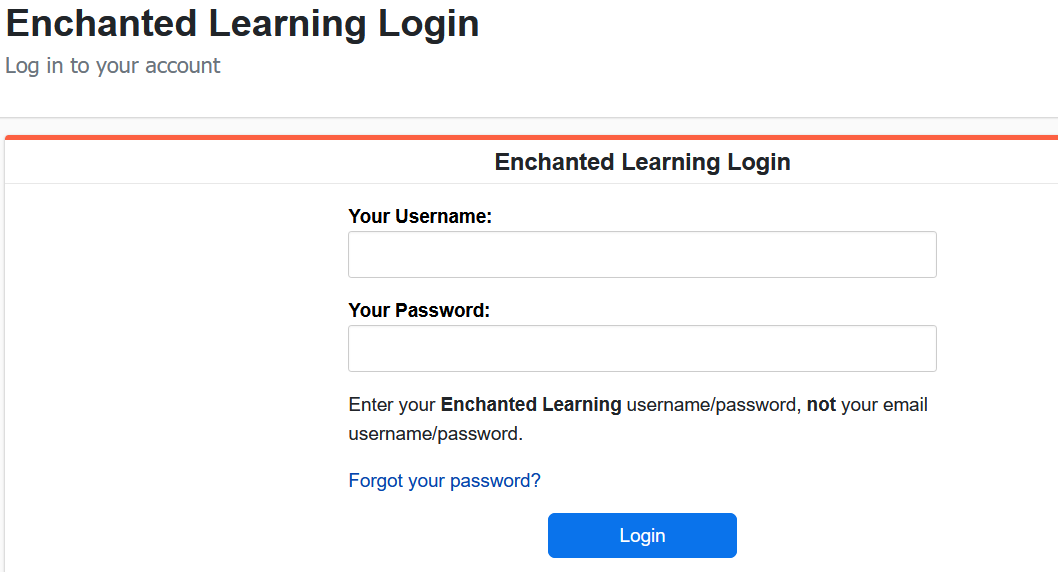
You may find that you are not logged in the first time you try. A second attempt will usually get you into Enchanted Learning.
Navigation & Use
Use the Site Index to view major topics(eg. astronomy, geography, K-3 Themes, printable books, Spanish, etc.).
Students may find it easier to explore the site using the Little Explorers Picture Dictionary. To find a topic, look it up in the dictionary and click on the picture to go to a page on that picture. For example, to find the topic “dinosaurs,” go to the D Page, scroll down until you find the entry for dinosaurs, and select the dinosaur.
To find an activity related to an event that happened on a particular day in history, go to the activity calendar. To see newly added pages, visit the What’s New section.
Everfi
Everfi (Gr. 2-12) covers digital citizenship, STEM, financial literacy, health education, and career readiness. Activities are short, relevant, and engaging.
Logging In
There are six steps to log in to everfi.
Step 1: Email our Subscriptions Facilitator, Margaret Basaraba, for the everfi registration codes.
Step 2: Navigate to everfi.
Step 3: Enter the registration code and select "Next."
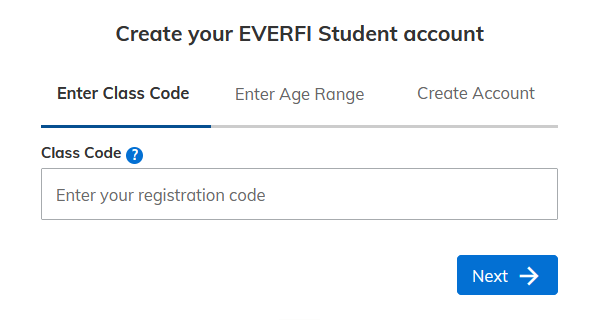
Step 4: Select an age range and select "Next."
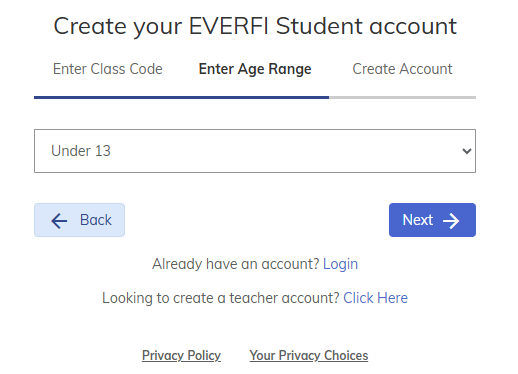
Step 5: Complete the form to create your account. Usernames can only have letters and numbers, no special characters. Remember your username and password so you can log in again.
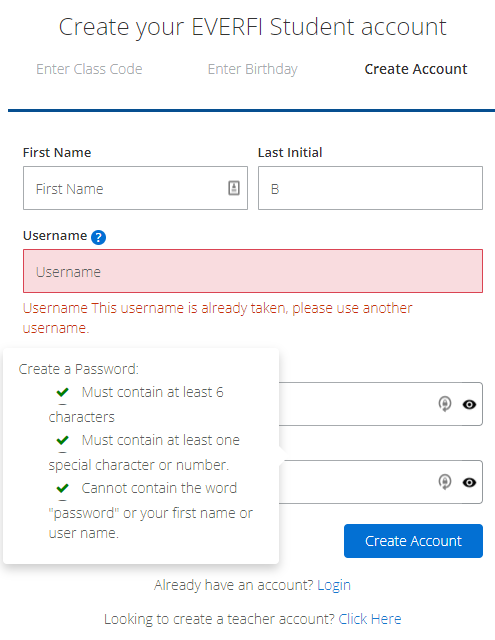
Step 6: After setting up your account, log in here.
Navigation & Use
Below are the classes that we have set up with everfi courses. Students can use the "Listen" option to hear text read aloud.
Compassion Project: Lower Elementary is the only course available for Gr. 2-3.
Grades 2-4 Class
- The Compassion Project: Lower Elementary
- The Compassion Project: Upper Elementary
- Vault: Understanding Money
Grades 5-8 Class
- Character Playbook: Building Healthy Relationships
- Honour Code: Bullying Prevention
- Ignition: Digital Wellness & Safety
- Sustainability Foundations
- Sustainability Foundations: Plants, Animals, and Our World
- Sustainability Foundations: Ready to Recycle
- Vault: Understanding Money
- Venture: Entrepreneurial Expedition
- Understanding Mental Wellness®
- Endeavour: STEM Career Exploration
- Healthier Me: Intro to Wellness™
- Keys To Your Future: College & Career Readiness™
- Alcohol Education: Safe and Smart™
- The Compassion Project®: Upper Elementary
Grades 9-12 Class
- Character Playbook: Building Healthy Relationships
- Crypto Foundations
- Data Science Foundations
- Honour Code: Bullying Prevention
- Ignition: Digital Wellness & Safety
- Minding Your Money: Skills for Life
- Venture: Entrepreneurial Expedition
- Understanding Mental Wellness®
- Endeavor: STEM Career Exploration™
- Marketplaces: Investing Basics™
- Econ Foundations: Economics for High School™
- everfi: Financial Literacy® for High School
- Keys To Your Future: College & Career Readiness™
- Alcohol Education: Safe and Smart™
- Data Science Exploration: STEM Financial Wellness™
Focused Education Resources
Focused Education Resources (K-12), also known as the BC Digital Classroom, is a collection of many resources on a single platform.
See the available resources below.
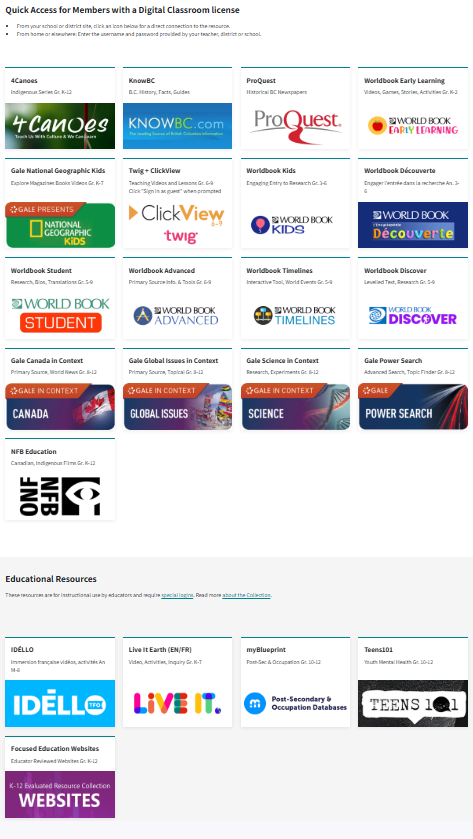
Logging In
On Campus
To log in go here.
No username and password are required if you are on campus at Flex Academy. You can move easily between the different BC Digital Classroom resources.
At Home
Log in here.
Scroll down to select the subscription button you wish to access, and a login page will open. You will then enter the username and password found in the Search Portal. (Log in to the Search Portal using your Encom username and password. Select the Subs/Password tab.)
Once you have logged in to a Focused Ed resource, you can move between the resources without signing in again. If you see a login area (especially on Nat Geo Kids), ignore it and scroll down to use the resource.
Navigation & Use
Focused Education, also known as the BC Digital Classroom, contains the resources listed below.
4Canoes (K-Gr. 12)
4Canoes magazine has articles vetted by the indigenous communities about which they were written.
There are two steps to log in to 4Canoes.
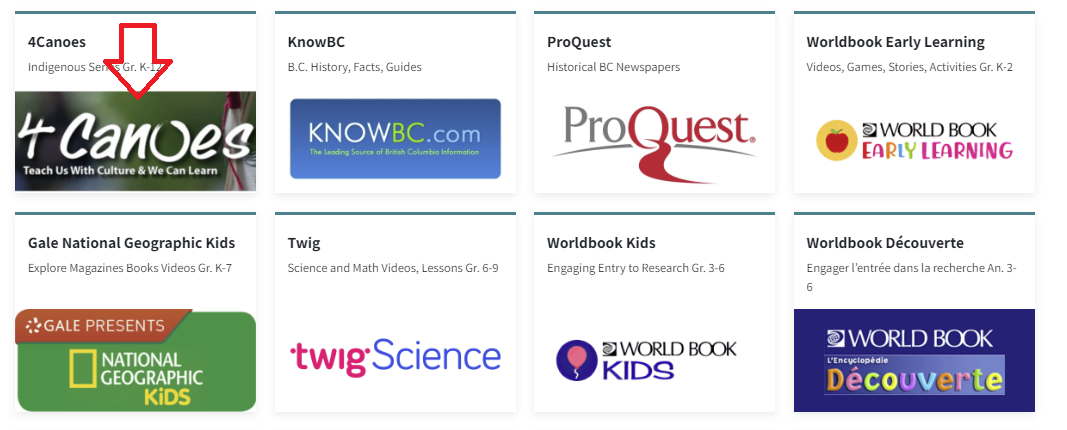
Step 2: Enter the username and password for 4Canoes from the Subs/Passwords tab in the Search Portal.
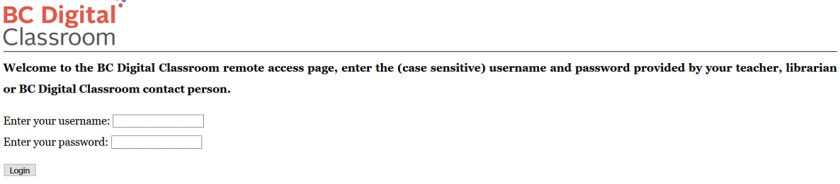
Navigation & Use
A slider bar or forward arrow underneath the magazine allows you to move quickly from one place to another within the magazine. There is also an arrow in the magazine's middle, far-right, and far-left to turn page by page.
The "Recommended Resources" section at the end of some of the articles will enhance teaching.
The "Kids Fun Zone" has engaging activities for younger children. There are traditional interactive stories and activities to accompany them.
It is possible to purchase the print version of these magazines at a 30% discount from Goodminds.com using the code ERAC.
ClickView & Twig (Gr. 6-9)
ClickView (Gr. 6-9) is a specialized educational video streaming platform designed for middle schools, offering thousands of curriculum-aligned videos, documentaries, and movies for primary and secondary education. It provides teachers with ad-free, high-quality content, interactive video quizzes, and analytics to increase student engagement and support remote or in-class learning.
Twig Science (Grades 6-10) is an interactive science program that immerses students in the exciting world of science and natural phenomena. It has thousands of short videos covering math and science, plus 80+ hands-on experiments. The Twig Science website is accessed through Focused Education Resources and the BC Digital Classroom.
Logging In
There are four steps to log in to ClickView and Twig Science.
-
Enter Focused Education here.
-
Scroll down to the "Twig Science" icon and select it.
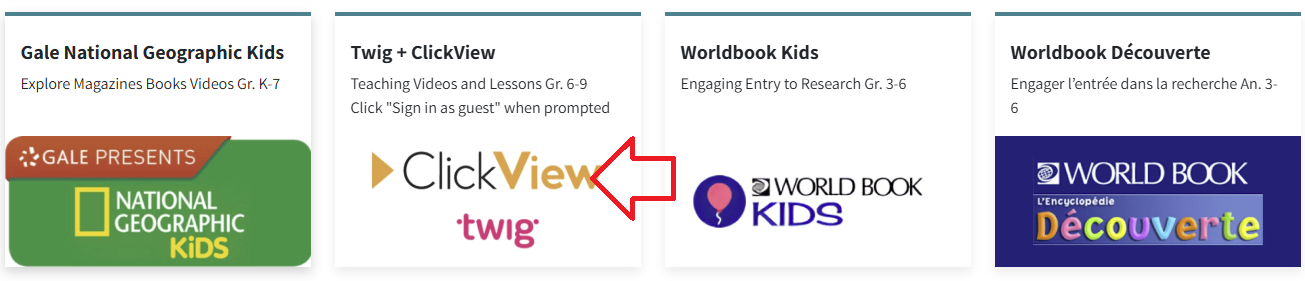
3. Enter the username and Password found in the Search Portal under the "Subs Passwords" tab.
Select the "Sign in as a guest" button.
- You are now in the "ClickView" resource. Scroll down to the pink "Twig" button to access these Science and Math resource videos.
Important: If you do not see the "Twig" button, you are not logged into the Guest account. This platform remembers your login for several hours. If you have already signed in with your email address, you will need to clear your browser history (or cookies/cache) before the platform will let you log in again using the Guest ("Twig") button.
Navigation & Use
Select the video below to watch an overview of Twig Science for grade six.
Using the main menu, users can explore Twig Science resources by subject.
Select the "Find videos" button in the top right corner to access the drop-down menu to select how you would like to use Twig Science.
Mindmaps and Twig Videos
There are many different types of Twig videos available for Science and Math. Select "Mind Maps" from the drop-down menu and select a topic. Each heading branches into more specific headings as you narrow your search.
- Experiment Videos are a series of short videos that show actual experiments in lab conditions. Setup, Method and Analysis are shown, along with real-world applications of the science, all accompanied by extensive learning materials.
- Curriculum Videos get straight to the facts in just three minutes. They are directly linked to core learning, and these videos will fit neatly into your lesson plans. Top tip: These videos sit in the larger circles in the center of each topic Mindmap.
- Context Videos place learning in the real world and show students the relevance of their studies. Twig’s context videos show abstract concepts in action in the real world. Top tip: Context videos sit in smaller circles around the edge of the topic Mindmap.
- Science Glossary Videos contain key scientific terms that are defined in just 60 seconds and reinforce abstract concepts. Top tip: Related glossary videos are in the Glossary tab underneath the video player.
Gale (Gr. 8-12)
GALE is a leading research resource that provides full-text magazine and newspaper articles, as well as content from more than 600 online databases covering current topics. It offers accessibility features such as text-to-speech, voice translation in over 30 languages, Lexile levels for diverse learners, and tools for downloading, sharing, and saving content to Google Classroom and Brightspace.
Find detailed information here.
KnowBC (K-Gr. 12)
KnowBC is BC's leading general reference site, combining many resources, including the Encyclopedia of BC, which contains 4,000 articles and 1,000 pictures about British Columbia.
Logging In
There are two steps to log in to KnowBC.
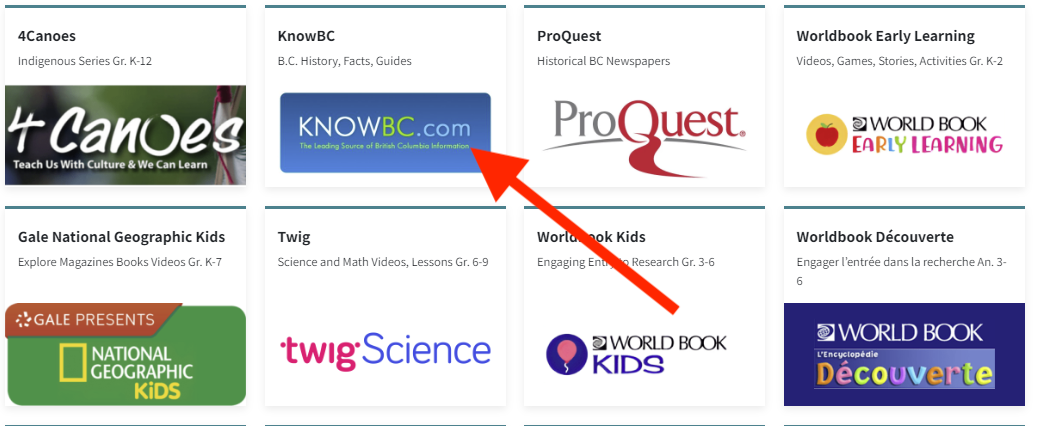
Step 2: Enter the username and password for KnowBC from the Subs/Passwords tab in the Search Portal.
Navigation & Use
Use the search bar on the left side of the page and select “Searching KnowBC” to find a list of links for the many resources that are available to you through KnowBC.
Use the green bar at the top of the home page to find the resources listed there. Use the advanced search button on the top right of the page to search multiple resources at once.

Live It Earth (K-Gr. 8)
Live It Earth features new cross-curricular activities and challenges throughout the school year. Once a month, a live video presentation called "Feature Show" can be accessed, which is then saved to the dashboard for future use. The Live It Earth website is accessed through Focused Education Resources and the BC Digital Classroom.
This subscription is not available to HCOS Registered students.
Logging In
There are four steps to log in to Live It Earth.
Step 1: Contact your support teacher and request a Live It Earth passcode.
Step 3: Enter the passcode from your support teacher.
You are now in Live It Earth, and you have complete access to all of the resources.
Navigation & Use
Watch this short video below.
Select the tabs at the top of the home page to access the various resources. You can toggle between English and French by using the drop-down menu at the top right corner of the page.

myBlueprint (Gr. 7-12)
myBlueprint is not accessed through Focused Education. HCOS purchases myBlueprint to expand our access to a wider grade range.
More information about how to access and use myBlueprint is found here.
NFB Education (K-Gr.12)
The NFB Education (National Film Board) includes creative documentaries, animation, interactive stories, and participatory experiences. Their mission is to provide new perspectives on Canada and the world from Canadian points of view that serve Canadian and global audiences through an imaginative exploration of who we are and what we may be. The National Film Board website is accessed through Focused Education Resources and the BC Digital Classroom.
Logging In
The Education Menu
There is no longer a username and password to enter the Education Menu.
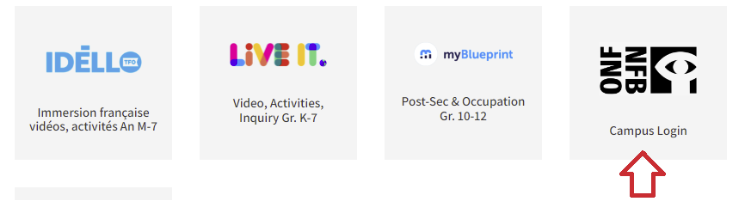
The Media School
Media school is for teachers and students aged 13+. Logging in is required.
Step 2: Select "Sign In" from the left menu bar.
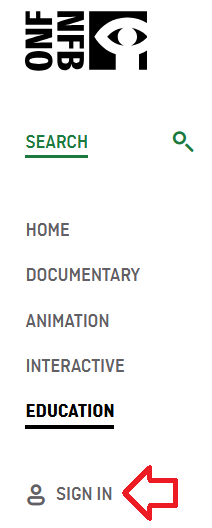
Step 3: Select "Create your NFB account."
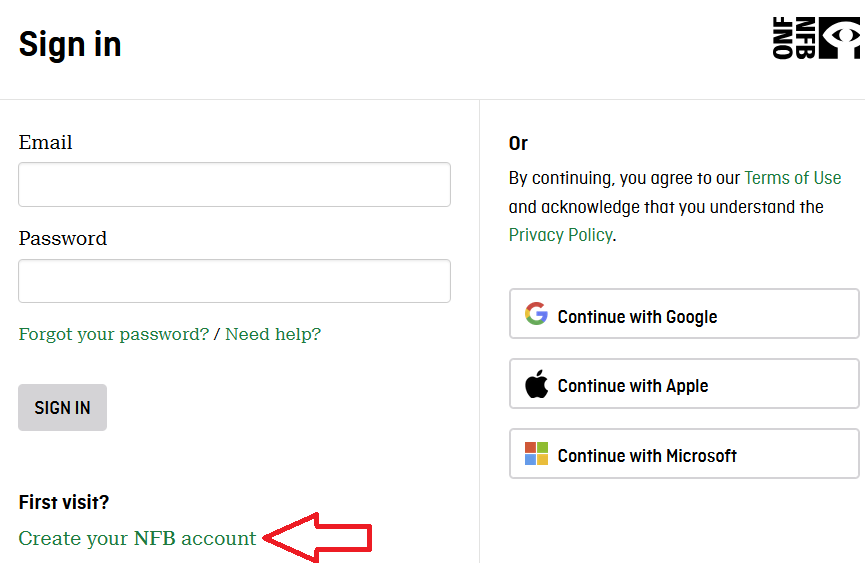
Step 4: Set up your account.
- Create your password.
- Select the box "I have read and agree to the NFB Privacy Policy."
- Select "Sign up."
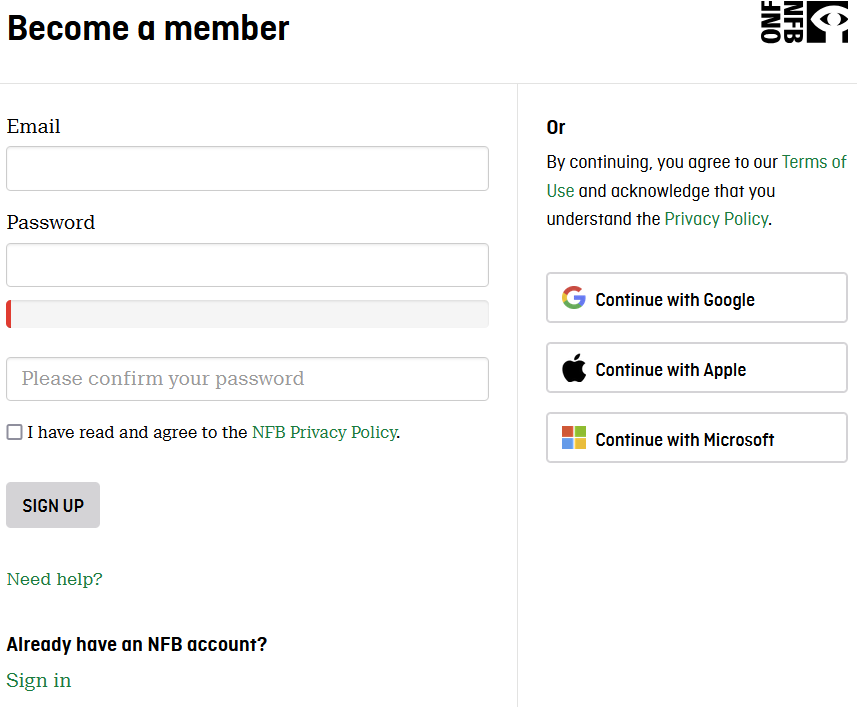
The next time you log in, go to nfb.ca and select "Sign in" from the menu on the left.
Navigation & Use
Select “Education” from the menu on the left of the page.
Select “More Resources” from the top menu bar. Then select “Professional Development” from the drop-down menu.
Digital Storytelling is an introductory workshop on media production. Students can navigate through videos and interactive activities related to the different stages of film production. They will acquire the tools to create digital stories and dynamic videos using accessible equipment (e.g., smartphones, software).
Ocean School is an environmental resource that aims to create a generation of ocean-literate citizens. A team of educators and scientists take learners on a global aquatic expedition that provides the knowledge and tools to produce innovative solutions to the world’s oceans' growing challenges.
Mini-Lessons are set up within school subjects and recommended age groups. They include an educational synopsis, overarching questions, activities, short films, historical context, and online resources.
Educational Playlists are selections of films on curricular themes which address the important issues of the day. Many of the playlists are also linked to the study guides.
NFB Study Guides are designed to facilitate the integration of films into student learning. Study guides are written by Canadian educators and are designed to be a starting point for creating personalized lesson plans.
Difficulties streaming a film?
Please update your browser if the player window does not appear on the film page. If you still cannot see the film player, please get in touch with Margaret Basaraba through LiveChat on school days from 9 am to 3 pm. She will need to know your browser type and version, and if you are trying to watch our films on a school network or via a proxy server.
If you can see the player but can’t play the film you wish to view, please check whether you experience the same problem when viewing other films or the same film at a different resolution. The player window should automatically adapt the quality to your connection quality, but you can also choose your quality level. If you experience this problem with only one film, please contact Margaret Basaraba with the film's name and the resolution setting so the National Film Board team can investigate further. If you experience this problem with all films, please upgrade your browser and/or use a different internet browser (e.g., Safari, Firefox, Chrome).
If the film you are trying to watch starts and stops, try selecting a lower resolution for video playback. Using a wired connection instead of Wi-Fi and reducing the traffic on your network (e.g., downloading other files simultaneously) may also improve playback.
National Geographic Kids (K-Gr. 7)
National Geographic Kids a magazine resource for elementary and middle school students exploring the natural and cultural world.
Logging In
There are two steps to log in to National Geographic Kids.
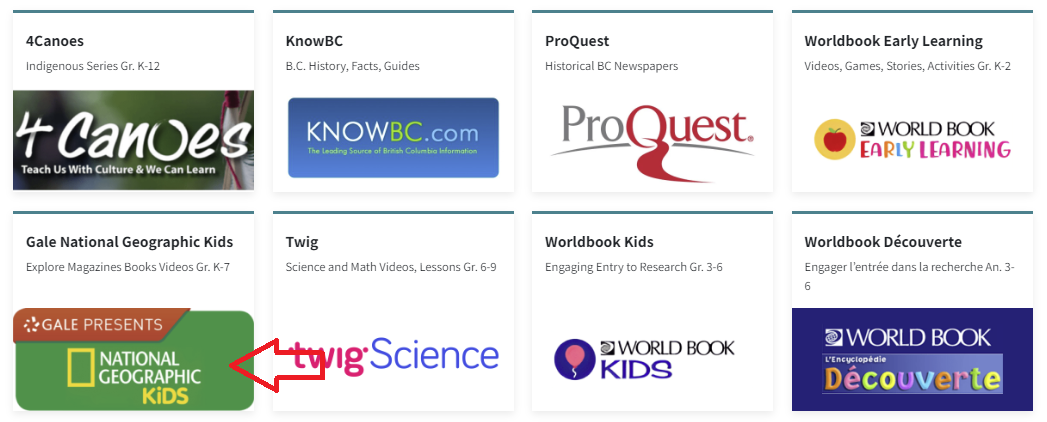
Step 2: Enter the username and password for National Geographic Kids from the Subs/Passwords tab in the Search Portal.
Navigation & Use
National Geographic has magazines, books, videos, and pictures.
Headings on the site can be changed to different languages through the drop-down menu at the top right of the page.

The language and font size of articles can be changed in the menu above the article.
Articles can be cited, downloaded, saved, and printed.

Advanced Search can be used to make your search more specific.

ProQuest-Historical BC Newspapers (Gr. 8-12)
ProQuest (Historical BC newspapers) includes over 365 million pages of world-class collections, 325 years of historical periodical content, and 350 years of global, national, and regional newspapers. ProQuest gives researchers access to more than 125 years of the historical archives of The Province (1894-2010), the Vancouver Sun (1912-2010), and the Times-Colonist (1884 -2010), including in-depth insights into how stories and perspectives evolved over the decades. Students can review primary source material through local and regional stories, events, and people. ProQuest is accessed through Focused Education Resources and the BC Digital Classroom.
Logging In
There are two steps to log in to ProQuest.
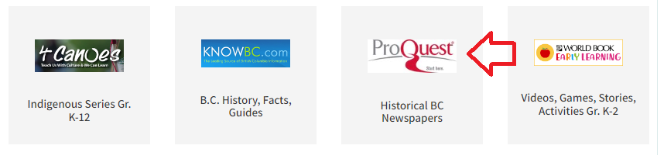
Step 2: Enter the username and password for ProQuest from the Subs/Passwords tab in the Search Portal.
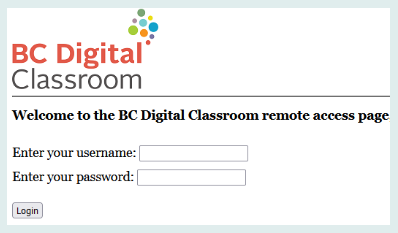
Navigation & Use
To begin using ProQuest, you must accept cookies at the bottom of the page. Until you do this, the homepage is grayed out.
You can search for Historical BC Newspapers using a basic or advanced search. You can also search by publications or databases. You can see in the picture below that you are searching three databases. In the advanced search, you can limit your search by source, document type, and language after entering your search terms.
Once you have started a search, you can return to the home page by clicking on the ProQuest logo at the top left.

Select the hamburger menu (three lines) and choose “All Databases (5)” from the drop-down menu. You can also access the Support Center by clicking the button at the bottom of this menu.
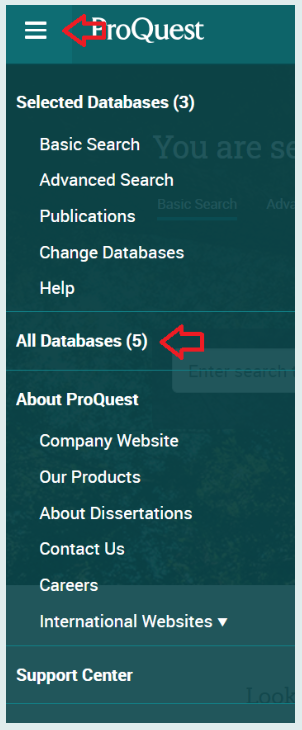
World Book (K-Gr. 12)
World Book is the leading online encyclopedia with resources for every age group.
Find detailed information here.
The French resource, Idello, is only available to French immersion schools.
Teens 101 requires a teacher account to access it.
Correlations and Assessments
Individual Subscriptions from Focused Education may include correlations to the BC curriculum. Check specific SOPHIE pages for information.
Gale (Focused Ed)
Gale Databases (Grades 8-12) is a leading research resource providing full-text articles from hundreds of up-to-date databases, accessible through Focused Education Resources.
Read below to learn more about the specific databases available through Gale.
Gale in Context: Canada
Gale in Context: Canada provides information on Canadian topics, people, places, and events through magazines, journals, news articles, primary sources, multimedia, and vetted websites.
Gale in Context: Science
Gale in Context: Science offers information on major science topics through reference content, magazines, journals, news articles, experiments, multimedia, and vetted websites, and also includes some math topics.
Gale in Context: Global Issues
Gale in Context: Global Issues presents international perspectives on current issues, countries, geography, civics, and science topics through articles, multimedia, primary sources, and statistical information.
Gale in Context: Power Search
Gale PowerSearch is a search platform unlike any other, providing libraries with a sophisticated yet simple solution for managing a wealth of periodical, reference, multimedia and primary source information.
Logging In
There are two steps to log in to Gale Databases.

Step 2: Enter the username and password for Gale Databases from the Subs/Passwords tab in the Search Portal.
Navigation & Use
Gale Databases are designed to function intuitively.
The Advanced Search feature underneath the search bar allows users to add filters and generate more specific results.
Topic Finder

Users can find information organized by topic. Results can be formatted as tiles or a wheel. Below is the result of a search for “First Nations.”
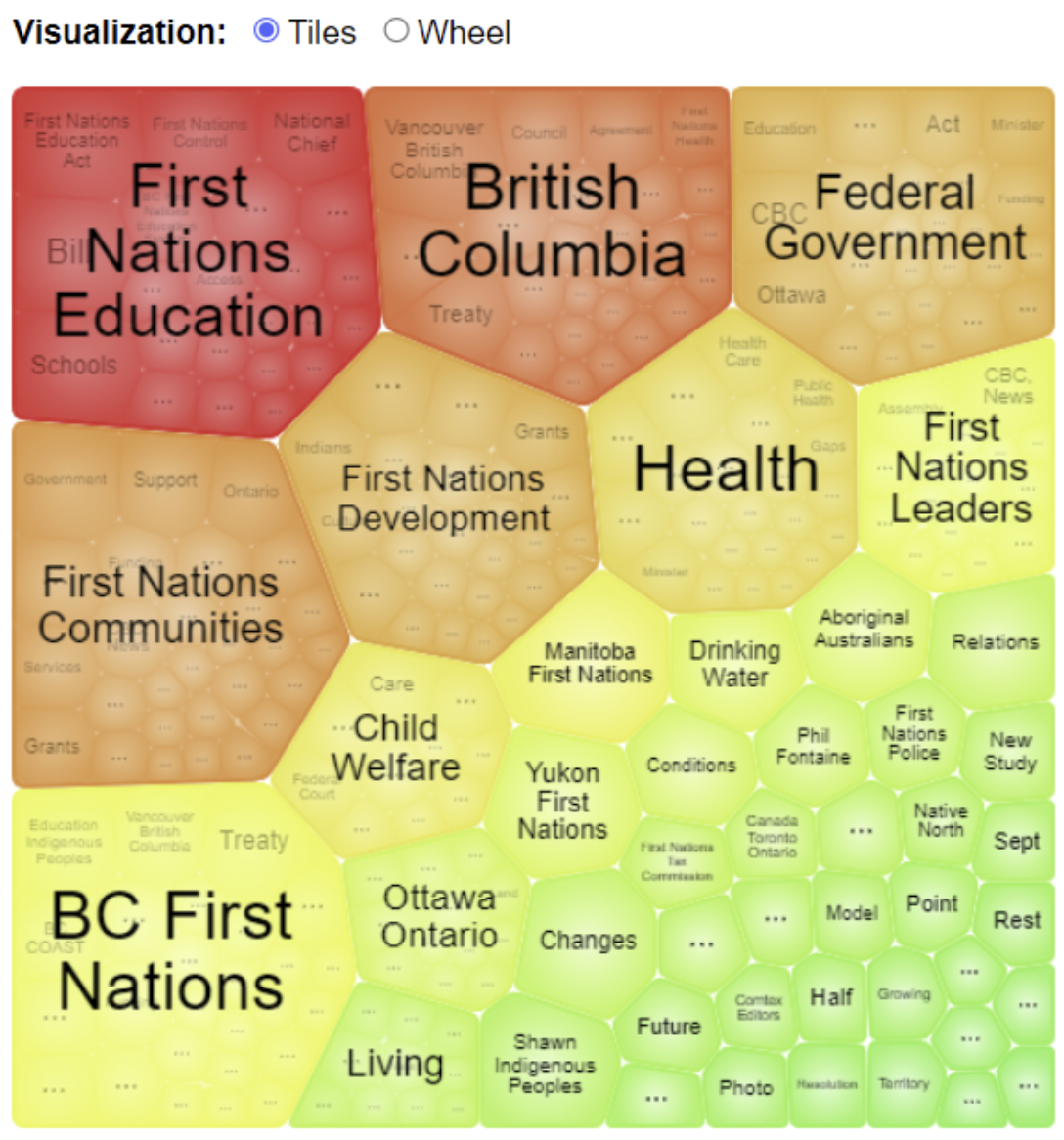
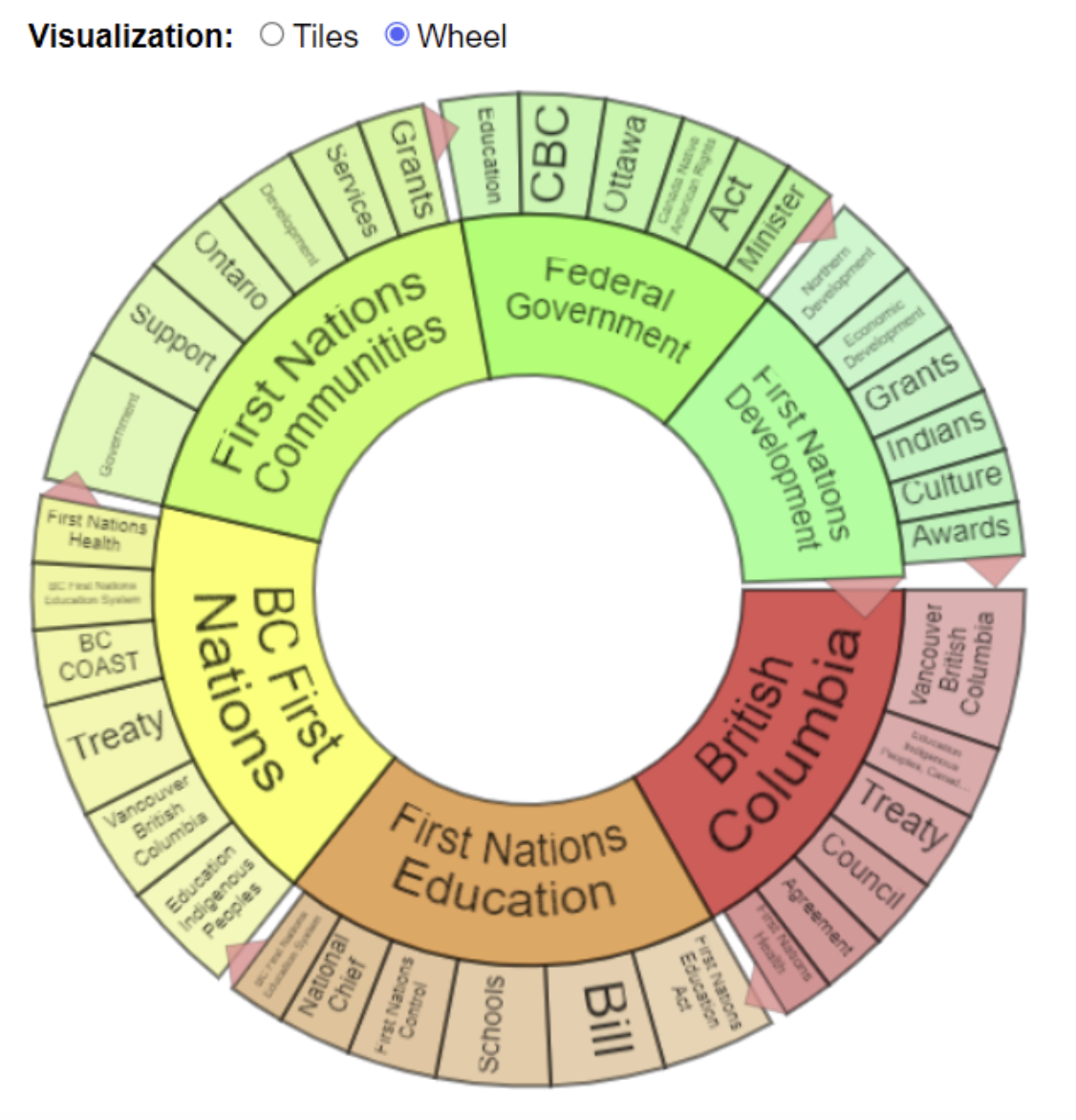
The Educator Resources tab has a research toolkit with tips and strategies for students to fine-tune their research skills.

Content Levels and Lexile Measures allow readers to determine whether an article is written at an appropriate reading level for their learning needs.
The Translate button invites students to translate articles into a different language. Once a language has been selected, click on the "Complete Translation" button. The article's text will be translated, and the speaker button will allow the student to hear the article spoken in the selected language. This could be very useful when learning a second language.
The Listen toolbar features read-aloud options and downloadable MP3s. The settings icon ⚙️ provides assistive technology options, including highlighting words, high contrast mode, speed adjust, and enhanced text visibility. Click on it to learn more and apply these features.
Gizmos
Gizmos (Grades 3-12) is an interactive math and science simulation library. There are over 475 Gizmos to bring powerful new learning experiences to students. Gizmos use an inquiry-based approach to learning, validated by extensive research as a highly effective way to build conceptual understanding.
This subscription is not available to HCOS Registered students.
Logging In
Gizmos has pre-set classrooms that students can sign into and work in independently. Student work is saved, and support teachers can log in to view progress. Email Margaret Basaraba for the class codes you need to set up your students in Math and Science Gizmos.
Setting Up A Student in Gizmos
1. Email Margaret Basaraba and request the class codes for Gizmos.
2. Use this link to go to Explore Learning and select the blue words “Have a Class Code?”

3. Email Margaret Basaraba to receive the class code list. Enter the Math or Science class code for the grade you want your child to work in.

4. Choose the blue bar “Create an Account.” If you already have an account, choose the “Log in to My Account” button. You can also choose to use a different code at this point by choosing the “Wrong Class? Try another class code” button.

5. Create your account by entering information into the form and selecting “Next.”

6. You will see the confirmation that you have signed up for the class. Please bookmark the login link and select “Continue.”

7. Select the “Go to class” button.

8. You are now in a preset class with all the Gizmos available that fit the BC Curriculum Big Ideas.
9. If you wish to sign your child up for another class (for example, you just signed up for Math, and you also want to sign them up for a Science class), select “Join a Class” at the top right of the page.

10. Enter the class code for the new class.

11. Select the blue bar that says, “Join.”

12. You will see the confirmation page that you saw in step 5. Select “Continue.”

13. Now that you are back in your student’s class, you will see two tabs for the two different classes. You can enroll in as many classes as you need. There is some overlap of Gizmos between the grades.
14. To use a Gizmos, choose the rocket button to the right of the Gizmos.

15. When you log back in the second time, select the “Student Login” tab and use your new username and password.

Navigation & Use
Introductory video below.

Parent Account With Answer Sheets
Using the Parent Account
Email Margaret Basaraba for the parent account login credentials, which will allow you to access a teacher account and use the teacher guide and answer keys.
1. To find answer keys for the Gizmos, log in to the parent/teacher account here.
2. Select the "My Products" button.
3. Select the "Parent Account" button found on "My Classes."
4. Select the Gizmo that your student is working on.
5. Scroll down in the Gizmo to select the "Teacher Guide," "Student Exploration Sheet," "Exploration Sheet Answer Key," and "Vocabulary Sheet."

Using Gizmos
Select “Launch” to begin using a Gizmo.

Make your Gizmos full screen by selecting the button at the top right corner of the Gizmos. Press the "Esc" escape key on your computer keyboard to exit full-screen mode.

When your Gizmo opens, you will see “Lesson Info” at the top left.

Selecting the “Lesson info” button opens a definition of the Gizmo, a student exploration sheet, and a vocabulary sheet. Students can type directly into the exploration sheet document by saving the file to their computer and then typing in either Microsoft Word or Google Docs. Vocabulary sheets are also available for student use. The example below is also available in Spanish.
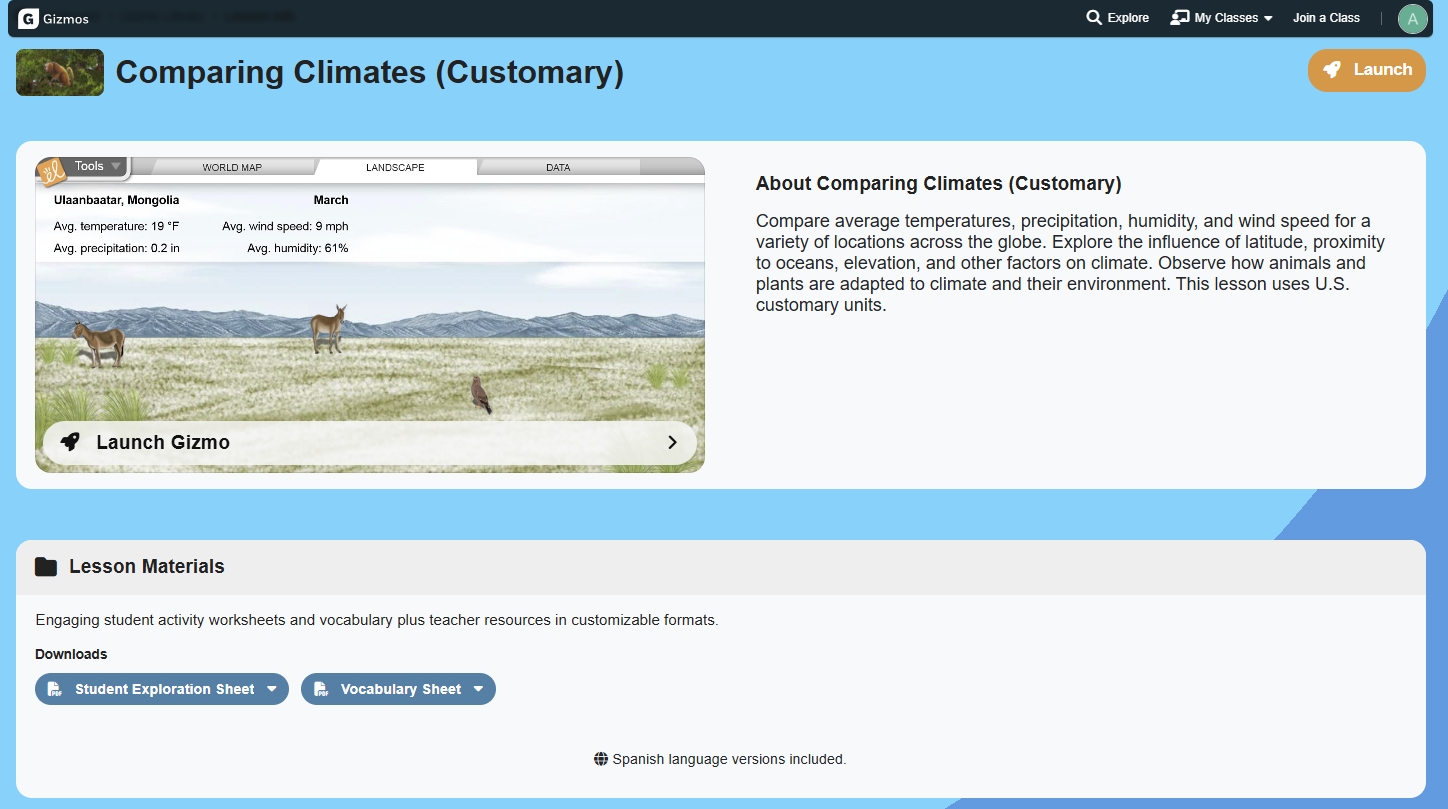
Assessment questions are located below the Gizmo. Exit full-screen mode, then scroll down.
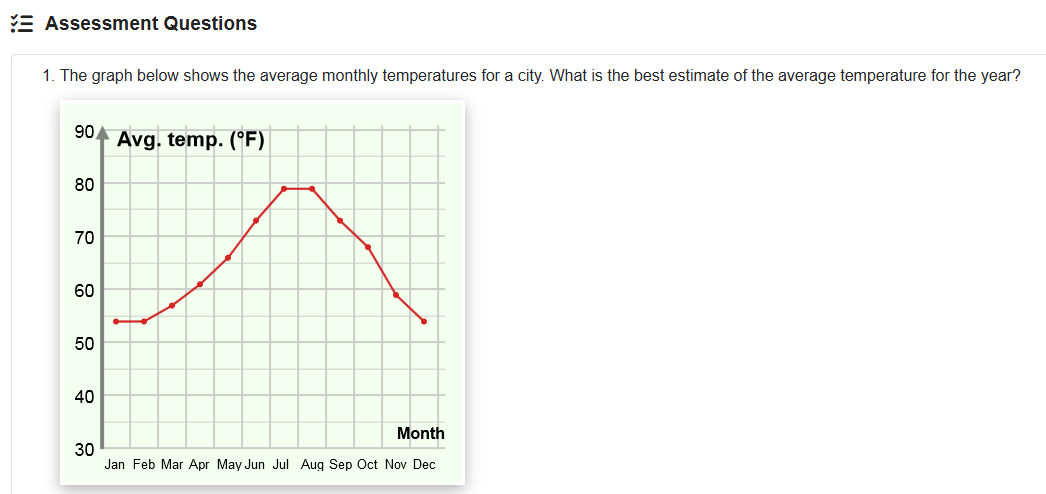
Here are some suggestions for families wishing to use Gizmos with K-Grade 2 students:
- Math Gizmos for Grades K-2 (.docx file)
- Math Gizmos for Grades K-2 (.pdf file)
- Science Gizmos for Grades K-2 (.docx file)
- Science Gizmos for Grades K-2 (.pdf file)
HearBuilder
HearBuilder (K-Grade 8) is an online literacy program that provides systematic instruction in basic concepts, following directions, phonological awareness, sequencing, and auditory memory. This Subscription is recommended for students with dyslexia.
This subscription is not available to HCOS Registered students.
Logging In
2. Enter your username, password, and the login code given to you by your support teacher.
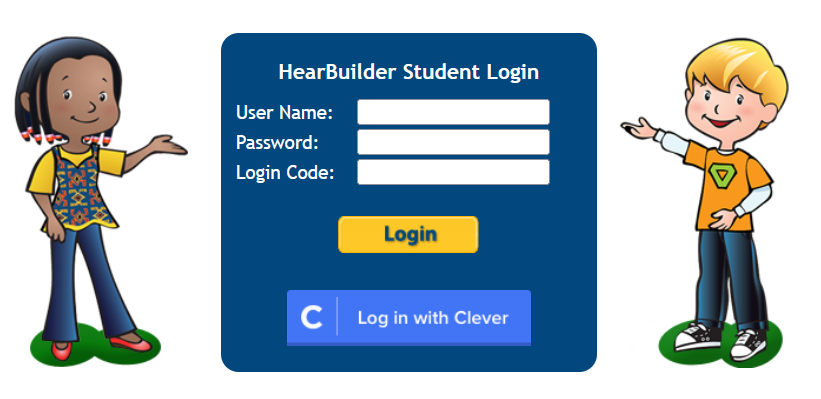
HearBuilder has a limited number of seats. It is available by referral from your support teacher.
Navigation & Use
Once logged in to HearBuilder, choose one of the four programs. Select the "Home" button in the top left corner to return to the home screen. HearBuilder recommends 15 minutes per day, 4 to 5 days per week. Teachers recommend using two of the four programs during each use.
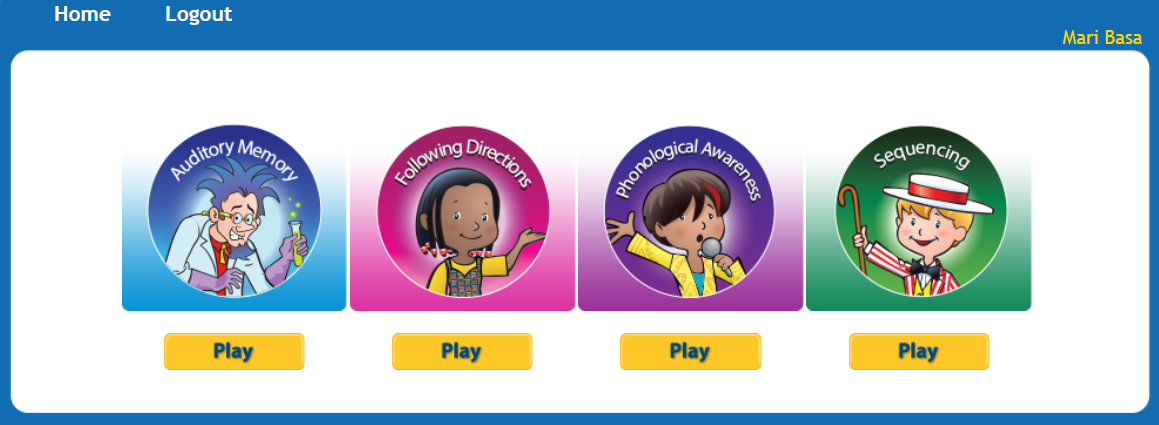
Using HearBuilder on an iPad
HearBuilder works best when used on a computer. When using an iPad, all four HearBuilder program apps shown in the picture above must be downloaded individually. They are HearBuilder Sequencing, HB Auditory Memory, HB Phonological Awareness, and HB Following Directions.
Mathseeds and Mathletics
Mathseeds (K-3) provides structured, engaging math lessons that support and motivate struggling learners. Mathseeds starts with a placement test of up to 60 questions. The program then assesses student work and provides review as needed.
Mathletics (Gr. K-9) is a supplementary math course that builds confidence through personalized learning, exciting games and mastery challenges. It is very grade-specific, aligned with BC curriculum, and organized into units with end-of-unit tests. There is no placement test. Families can choose what units to work on.
These Subscriptions are not available to HCOS registered students.
Logging In
Mathseeds and Mathletics are accessed through Reading Eggs.
1. Log in to Reading Eggs. (If you have forgotten your login credentials, use the "Login" button and choose "Forgot?" in the login box.
2. Enter the login credentials that you received from your teacher.
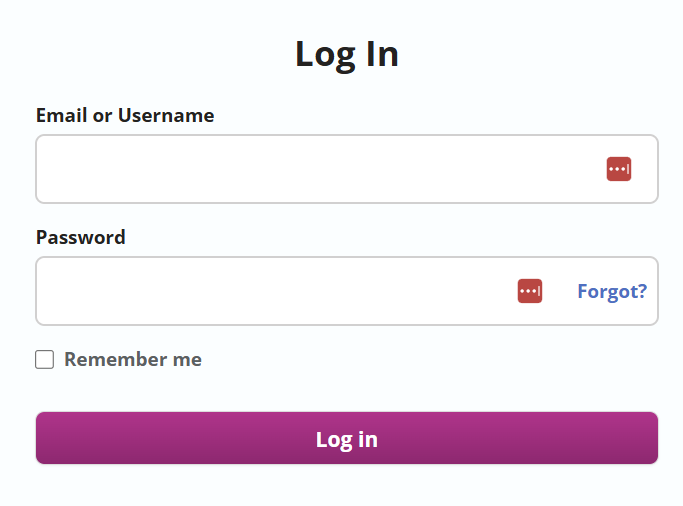
Navigation and Use
Mathseeds
Mathseeds begins with a placement test. It is important for families not to help their children with the questions when they first begin. This ensures that the subscription places students at an appropriate level, rather than one that is too difficult.
Setting up a Mathseeds Parent Account
-
Go to www.international.readingeggs.com/linkschool to create a parent account. Sign up with your email address and chosen password.

-
Add your name.

-
At the “Link to School Account” step, enter your child’s login details and select “finish setup.

-
Select “start” below your child’s name.

Mathletics
Here is The Family User Guide For Mathletics.
Short Mathletics information video for parents.
Download your Mathletics Parent Pack for all the information you need.
Setting up a Mathletics Parent Account
Parent Portal
Receive weekly email reports on your child's progress, use Parent Packs with tips, and have access to the parent blog.
- Sign up for the Weekly Parent Report.

2. This will generate a page that has a button that will take you to the parent portal.

3. Use the “Forgot Password” button to set up your password.

4. Verify your email address by selecting the button in the email that they have sent to you.
5. Log in to the Parent Portal.

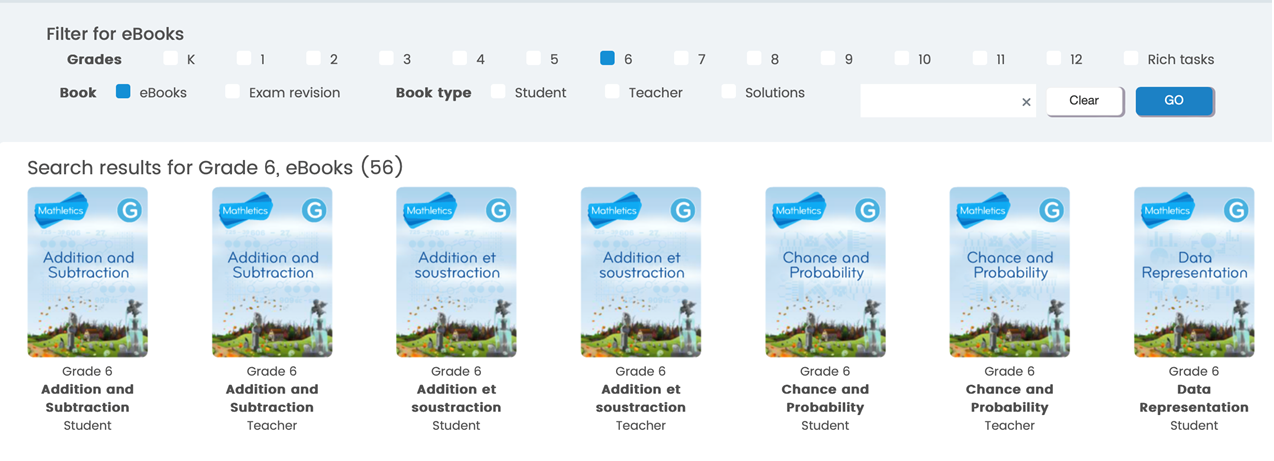
Learning the Times Tables with Mathletics
Yes, Mathletics teaches the times tables through various methods, including a space-themed game called Multiverse, interactive activities, and printable worksheets. It uses a combination of engaging content, including the Multiverse game, curriculum-based activities, real-time challenges, and practice materials, to help students master multiplication facts.
When a student is logged in, select the "Games" button from the top menu bar.

Choose the "Multiverse" button to allow the student to play a space game using the times tables.
Times Table Review can also be found in the downloadable workbooks accessed through the parent account described above, starting in Grade 3 with "Multiplication and Division."
myBlueprint
MyBlueprint (Grades 7-12) is a Career Education planner. The platform is a great asset as our students prepare for the creation of their digital portfolios and the world of work. Some of the features students will find in myBlueprint are:
-
Goals: Create goals with interactive action plans and monitor your progress.
-
Who Am I: Complete five career life assessment surveys and take compatibility surveys to explore available occupations related to personal strengths and areas of interest.
-
High School: Develop a graduation plan and map out course progress. Using the pathway eligibility box, determine eligible post-secondary programs based on the course’s input into the grid.
-
Post-Secondary: Explore the post-secondary database of over 12,000 post-secondary programs across Canada and learn more about admission requirements.
-
Occupations: Investigate over 500 occupations in our database, determine requirements, and create a plan for the future.
This subscription is not available to HCOS Registered students.
Logging In
There are six steps to log in to myBlueprint.

Step 2: Select your school from the drop-down menu.
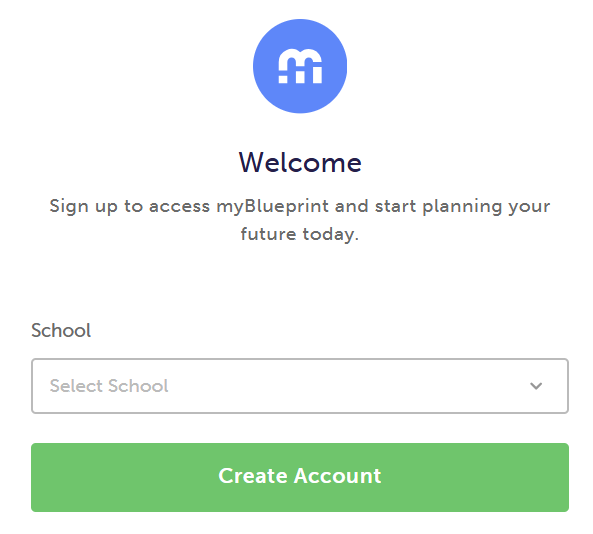
Step 3: Select "Student" for the account type.
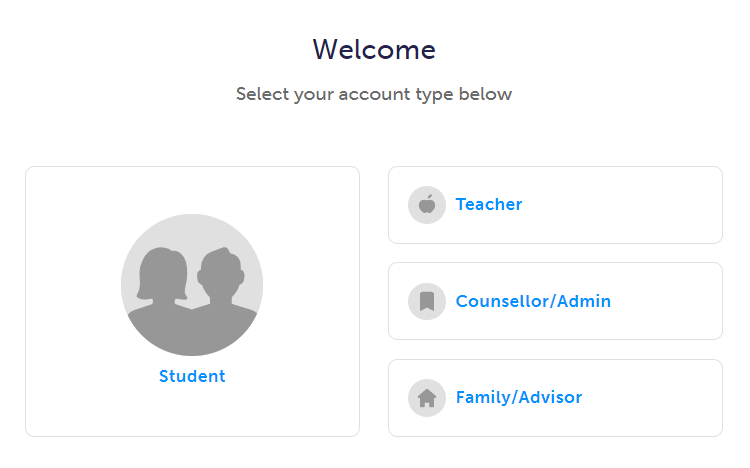
Step 4: Select your grade level, then select the green "Continue" button.
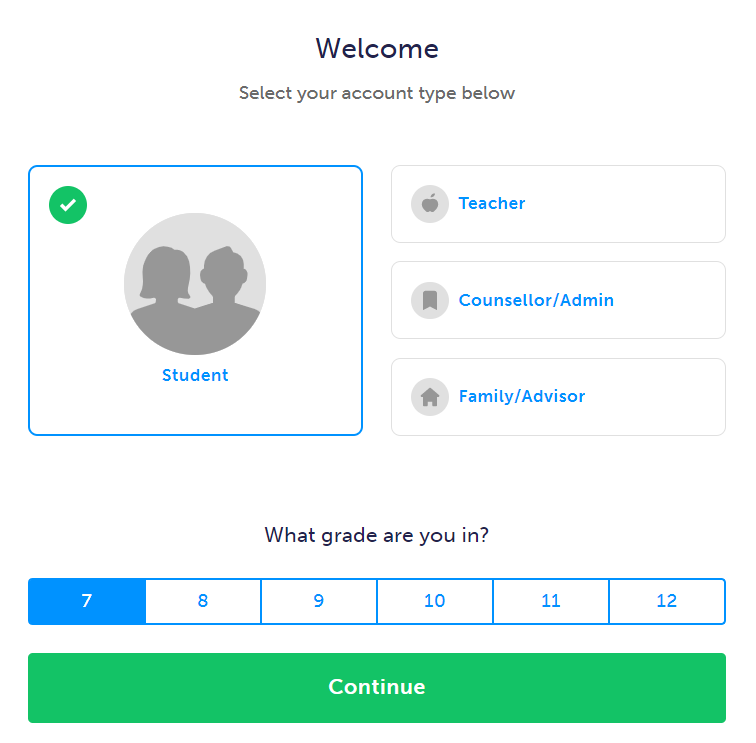
Step 5: Complete the form, then select the green "Continue" button.
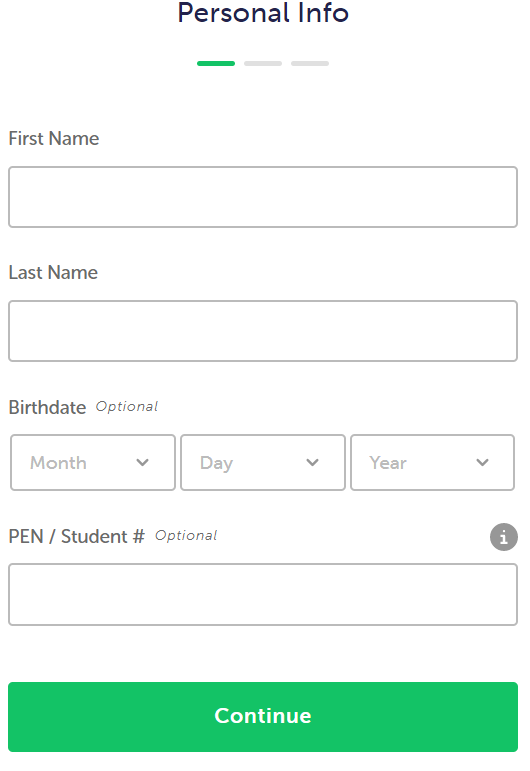
Step 6: Fill in the form with your account information and select "continue."
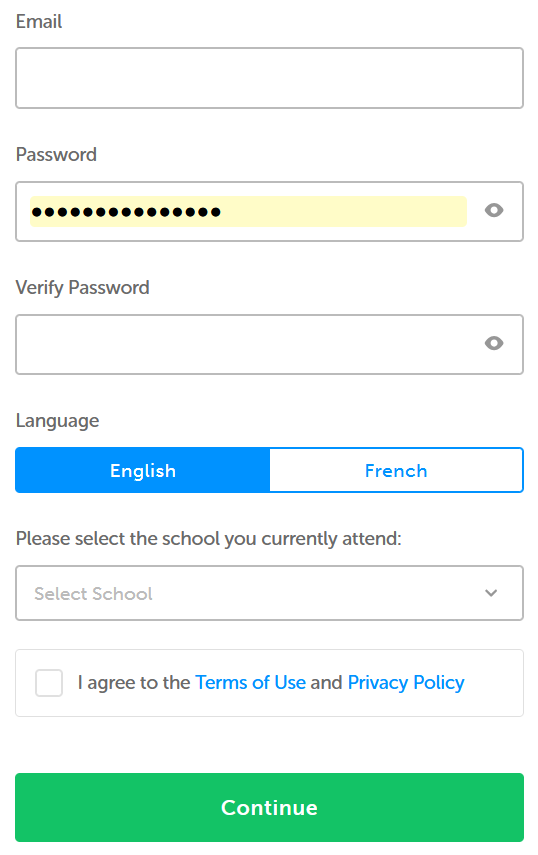
Once your account is set up, visit myBlueprint and click the "Log In" button to enter your username/email and password. Your teacher may have done this in advance, and you will be able to bypass the steps above.
Navigation & Use
Watch the short overview video below.
The best place to start is by visiting the Education Planner Resources hub. There are many resources on a variety of topics, including Getting Started, Implementation & Curriculum, Exemplar Portfolios & Checklists, Lesson Plans, and Course Packages. Be sure to select "British Columbia" in the province filter box to access the resources for BC students.

Here are some selected highlights from the Education Planner Resources hub:
- The Getting Started Guide For Students is a four-page booklet written in student-friendly language with visuals and includes a helpful checklist of everything needed to get started on myBlueprint.
- The Getting Started Guide for Family provides parents and guardians with a step-by-step explanation of creating a Family account, linking it with a student, and exploring its features.
- The Education Planner Videos for quick help in using each step.
Career and Life Assessment Surveys
The "Who Am I?" video explains how students can use the five career and life assessment surveys.
Scholarships
-
MyBlueprint offers Shad Scholarships for Canadian students in grades 10 and 11. Deadline to enter will be January, 2027.
Year At A Glance
The Year at a Glance documents offer a month-by-month breakdown of learning goals, student activities, and valuable resources for successfully implementing the Education Planner for Grade 7-12 students. Click the links below to access the resources for each grade level:
Beyond Graduation
When students reach the end of their Grade 12 year and are ready to graduate, myBlueprint will prompt them to update the email on their account from a school email to a personal one. Adding a personal email will ensure that students will retain full access to their myBlueprint accounts free of charge after graduation.
According to their Privacy Policy, myBlueprint will delete accounts that have been inactive for more than 24 months. Before deletion, students will be notified via email to prompt them to log in to their accounts to retain access. If they do so, the 24-month window resets. If the student still does not log in, the account will be deleted.
Mystery Science
Mystery Science (K-5) is a site with “open-and-go lessons that inspire kids to love science.”
This Subscription is not available to HCOS Registered students.
Mystery Science Explained
-
Hands-on — lead students in the doing of science and engineering.
-
Less prep, more learning — prep in minutes, not hours. Captivate students with short videos and discussion questions.
-
Easy to use – Homeschooling parents can use this site easily.
There are three levels to Mystery Science:
-
Mini-lessons are for families who have very little time or struggle to fit Science in at all. 5-15 min./week
-
Core lessons are for families who have more time for hands-on Science. 40-60 min./week
-
Anchor Layer is for families who want to take their Science lessons to the next level. 2 hrs./week
Every lesson begins with a Mystery that hooks your students. Then, there is a narration of an unforgettable story with stunning images and videos punctuated with opportunities for discussion. Every lesson concludes with simple hands-on activities designed to use supplies you already have (or are easy to get).
Here is how Mystery Science explains its mission.
Logging In
You do not need to log in to use Mystery Science. Contact your teacher to receive links to the lessons you would like to use.
Navigation and Use
If you have created your own personal Mystery Science account (separate from HCOS), teacher-shared links will not open while you are logged in to your personal account. Log out of your personal account, clear your browser cache, and reopen the link your teacher has sent you. No HCOS-provided Mystery Science account or username and password is required.
- Use the Mystery Science by Grade Level document to choose the "Mysteries" that you would like to explore.
- Send your support teacher the list of titles.
- Select the link when you receive it from your teacher.
- Enjoy using Mystery Science.
National Geographic Kids (Focused Ed)
National Geographic Kids (K-Grade 7) a magazine resource for elementary and middle school students exploring the natural and cultural world.
Logging In
There are two steps to log in to National Geographic Kids.
Step 2: Enter the username and password for National Geographic Kids from the Subs/Passwords tab in the Search Portal.
Navigation & Use
National Geographic has magazines, books, videos, and pictures.
Headings on the site can be changed to different languages through the drop-down menu at the top right of the page.
The language and font size of articles can be changed in the menu above the article.
Articles can be cited, downloaded, saved, and printed.
Advanced Search can be used to make your search more specific.
PebbleGo
PebbleGo (K-Grade 3) is a searchable database that builds basic research skills through leveled texts, audio support, and engaging tools across multiple subjects.
This subscription is not available to HCOS Registered students.
Logging In
Use the PebbleGo direct link in the Subs/Passwords tab in the Search Portal.
Navigation & Use
Watch the short video below.

Visit the Resources Centre to locate videos, lesson plans, and content maps.
PebbleGo uses visual navigation tools. Users can search by either typing into the search bar or clicking on the breadcrumb pictures underneath the search bar. Selecting any of the pictures will take you back to that specific page.
Students can choose to play games or answer the question of the day.

PebbleGo also includes assistive technology. Hover your mouse over headings to hear them read aloud. Articles are read aloud by selecting the arrow at the article's beginning. Select highlighted words to read or hear the definition.
Once students have chosen an article, a new bar appears at the bottom of the page with several options.

Reading Eggs, Fast Phonics, & Reading Eggspress
Reading Eggs (K-Grade 7) focuses on a core phonics and sight-word curriculum, using skills and strategies essential for sustained reading success.
Fast Phonics (K-Grade 5) is an online synthetic phonics program that teaches essential phonics skills, including letter‑sound recognition, blending, and spelling. Children explore fun activities, decodable reading books, and meet lovable characters like the Reading Eggs Yeti.
Reading Eggs (K-Grade 2) makes learning to read interesting and engaging for kids through engaging online games and activities. Games, songs, golden eggs, and other rewards motivate students to keep exploring and learning as they build foundational literacy skills.
Reading Eggspress (Grades 2-7) is designed for older readers to build fluency, comprehension, vocabulary, spelling, and writing skills in an engaging way. Teachers can assign read-aloud activities and listen to student recordings to assess fluency and provide feedback.
This subscription is not available to HCOS Registered students.
Please preview content before using it with your students, especially in Reading Eggspress, as there is secular content. These books are optional and are not required reading. Families are advised to actively check texts to make choices that align with their family’s values.
Logging In
There are three steps to log in to Reading Eggs, Reading Eggspress, or Fast Phonics. All three will show up on your dashboard.
Step 1: Contact your support teacher and request login information.

Step 3: Enter your login information.

Step 4: Choose from your Reading Eggs Dashboard which site you would like to use by selecting the button for Fast Phonics, Reading Eggs, Reading Eggspress or the Library.

Navigation & Use
Here is a helpful video on Fast Phonics.
You can also review more tutorial video content on the Reading Eggs site or try a sample lesson in Reading Eggspress.
Sight Words
The "Eggy Words" – Sight Words app will help your child recognize and learn the essential sight words that make up a large part of everyday reading. They will do this while playing a fun game that will keep them engaged for many hours. Eggy Words is compatible with iPad, iPhone and Android devices.
There is a free version, Eggy 100, which contains the first 100 sight words, or you can purchase the full version, Eggy 250, which contains the top 250 sight words your child will need to learn. Both apps are available to download on iTunes, Google Play and Amazon.
Search for "Eggy 100" to download the free Reading Eggs app for sight words.
Placement Test
New students automatically receive a placement test the first time they log in to Reading Eggs.
To start the placement test, log in here.
Select the Reading Eggs button on the dashboard to get started.

You should see the words "Placement Test" on the "My Lessons" button.

Reading Eggs will begin the placement test as soon as your student starts answering questions. The test can include up to 60 questions. It may take a few days to complete if your student answers correctly and works in shorter sessions. The test will automatically end after three incorrect answers.
While your student is taking the test, please avoid giving them the answers. It’s okay to help them understand what the question is asking and how to use the Subscription, but let them choose their own answers.
For the most accurate results, the test should be taken more than once. During the first assessment, part of the process involves learning how to use the program itself. Because of this, students might not answer all questions correctly—not due to their ability, but because they’re still figuring out how it works. As a result, they may be placed at a lower level than they actually belong.
Students can access the placement test at any time by contacting their teacher to reset it.
Reading Eggs printable library.
If you would like to share your student's reading progress with your support teacher, consider using a voice recorder (e.g., Vocaroo) and sharing the file.
Additional Learning Opportunities in Reading Eggs
Story Factory (Lessons 11+) invites students to practice writing skills and storytelling by creating their own storybooks. Students can save their books to My House for later rereading or submit them to a weekly contest.
Reggie’s Shop Arcade (Lessons 7+) and My House (Lessons 11+) motivate learners by awarding Golden Eggs to celebrate their learning achievements. In Reggie’s Shop, students can cash in their Golden Eggs to decorate their house or dress their avatars. In the Arcade, students can also spend their Golden Eggs and play educational games.
Spelling Skills Bank (Lessons 41+) incorporates lessons that test spelling strategies, including word structure, word families, meaning, segmentation, phonics, and repetition to build spelling knowledge.
Puzzle Park (Lessons 41+) allows students to experience brain-stretching puzzles that reinforce comprehension, high-frequency sight word knowledge, vocabulary development, and problem-solving.
Driving Tests (Lessons 41+) assess reading skills, including high-frequency sight words, phonics, and vocabulary. Students are rewarded with an exciting racing game for answering questions correctly.
Storylands (Lessons 61+) focuses on expanding vocabulary and building comprehension skills using activities, levelled texts, and a comprehension quiz in each lesson.
Clinker Castle (Lessons 61+) is a themed Storylands area, designed for early readers to build comprehension and vocabulary. It features 20 interactive lessons and stories centered on a royal family and their pet dragon, offering rewards like golden eggs, avatar items, and map features.
Troubleshooting
-
Refresh your page.
-
Ensure you have a strong internet connection.
-
Ensure you access Reading Eggs via the internet address bar and not through shortcuts or bookmarks.
-
Delete your browsing history (temporary internet files/cache/cookies), as your computer may continually memorize the same error. Google “clear cache” and choose your browser for instructions.
-
Upgrade to Google Chrome.
-
Investigate whether you have a parental lock or anti-virus software blocking the site. Ensure the following URLs are on your safe list:
-
readingeggs.com
-
readingeggspress.com
-
student.readingeggspress.com
-
rightnow MEDIA
rightnow MEDIA (K-Adult) is a video library of Bible study topics for students of all ages, including a "Just for Kids" section. It is available to all HCOS families.
Logging In
Find the invitation link under the Subs/Password tab on the Search Portal. Follow the instructions to sign up for an account on rightnow MEDIA.
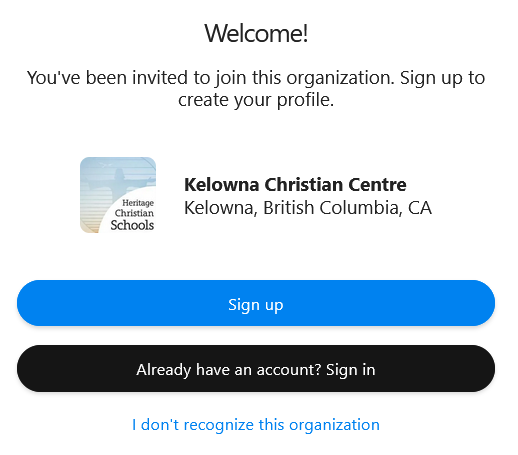
Navigation & Use
Watch this short video below.
Select the "Browse" button in the top left corner to get a quick idea of what is available. Once on the "Browse" page, you can refine your search by selecting the "Advanced Search" button at the far right.
Use the "How to Instill a Christian World View in Students" videos.
Assistive technology options include "audio only" and picture-in-picture settings.
rightnow MEDIA Kids
You can find rightnow MEDIA Kids by selecting the "Kids" button in the top left corner. Select the logo at any time to return to the homepage.

Explore the rightnow MEDIA Roadmaps for in-depth guidance on implementing a year-round Christian Studies curriculum.
Signal Hill Career and Health Education Resources
Signal Hill Curriculum Resources
The Signal Hill Curriculum is a collection of free, developmentally appropriate, values-based lesson bundles designed to help children and teens grow in emotional intelligence, self-awareness, and interpersonal skills. Units support children in discovering their intrinsic value and equip them with tools to navigate relationships, life choices, and personal growth. While the resources are not specifically faith-based, lessons can be infused with a Christian worldview perspective throughout.
Signal Hill lessons are created by educators and made available through the Signal Hill Life Education Society, a nonprofit organization which focuses on promoting human dignity, mental wellness, and character development in young people.
Curriculum Features
-
Units and lessons are available for K-12 students
-
Units and lessons provide coverage in Career Education, Health Education, and core competency development
-
Lessons are grouped into units with specific themes, such as:
-
Emotional regulation and resilience
-
Self-esteem and personal identity
-
Friendship and communication skills
-
Healthy decision-making and goal-setting
-
Leadership and self-reflection
-
All materials are offered as downloadable PDFs with no cost or required login
These resources are designed to be flexible and can be readily adapted to the hybrid or home learning environment.
How Does It Help Me?
This curriculum offers practical, ready-to-use support for families looking to strengthen their child’s social-emotional learning and overall well-being. The materials align well with many required areas of learning in the BC Career and Health Education curriculum. Signal Hill materials are a lovely way to guide your children through conversations about emotions, relationships, and values.
How does it support your child?
-
Supports children in developing language to name and process their emotions
-
Builds foundational skills in empathy, self-reflection, and communication
-
Supports personal growth and healthy self-image
-
Encourages confidence, goal-setting, and responsible decision-making
-
Provides a framework to discuss challenges like anxiety, comparison, or social stress
How does it support you as a parent?
-
Provides clear, professionally designed lesson plans that are open-and-go
-
Offers conversation prompts and reflection questions to strengthen the parent-child connection
-
Equips parents to proactively address mental wellness and character development at home
Materials are written with different grade ranges in mind: K-2, 3-5, 6-8, and 9-12. As such, the resources can be easily adapted to suit your family's needs.
How Do I Access and Use It?
Accessing and using the curriculum is simple and flexible. You can begin immediately without creating an account or making a purchase.
Step-by-Step Instructions
Step 1: Visit the curriculum store
Step 2: Choose your child’s grade level
-
Select from the following categories:
-
Kindergarten – Grade 2
-
Grades 3 – 5
-
Grades 6 – 8
-
Grades 9 – 12
-
Step 3: Browse available lesson bundles
-
Each bundle focuses on a specific theme, such as:
-
“Big & Small Feelings” (K–2): emotional awareness and empathy
-
“Being a Good Friend” (3–5): healthy communication and friendship
-
“My Identity” (6–8): understanding values and personal strengths
-
“Just Breathe” (9–12): mental health, anxiety, and self-care
-
Step 4: Download the resources
-
Click on the lesson bundle you are interested in. Materials are typically provided as a PDF document. All content is free of charge.
Step 5: Review and implement the lessons
-
Each bundle contains several full-length lessons (typically 4–12), including:
-
A clearly stated objective and theme
-
Step-by-step teaching instructions
-
Reflection and discussion questions
-
Activities such as journaling, role-playing, drawing, or small group dialogue
-
Step 6: Adapt and use at your own pace
-
You can complete one lesson per week or work through the material at your family’s own rhythm. The lessons are not time-sensitive and can be revisited as needed. All lesson plans can be adapted to a variety of ages, so if your children are younger or older than the lesson target, you can likely still use the plan successfully with some tweaking.
TeachingBooks
TeachingBooks (K-Grade 12) is an online database that enhances children’s and young adult literature with videos, audio, and discussion resources. It includes the following features:
Logging In
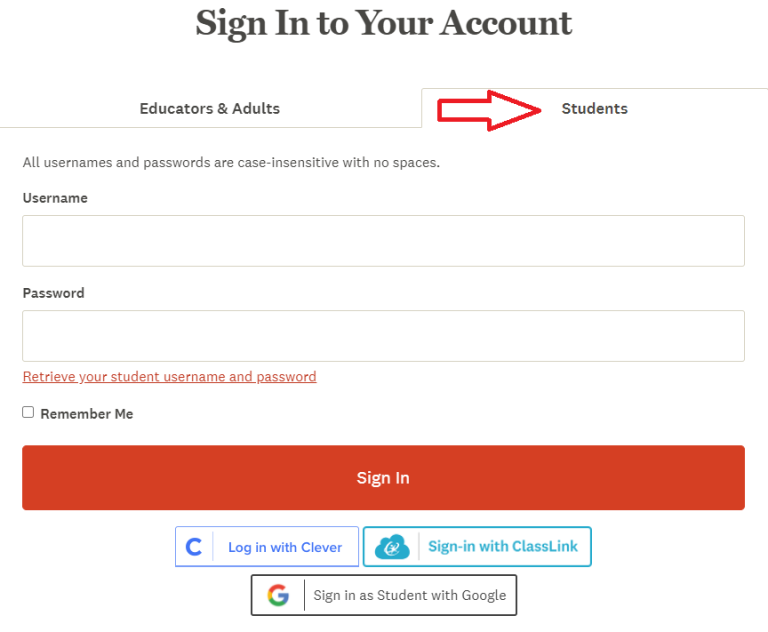
Navigation & Use
On-Demand webinars
Learn all the best practices for Teaching Books from their short On-Demand webinars. These can also be found by searching for the word 'webinar' in their search bar.
Search TeachingBooks when logged into our school account, and a Sora logo will appear, displaying titles that are part of our collection. Select the Sora logo to check out your item. Learn more at TeachingBooks.net/SoraDiscovery.
TeachingBooks can also be accessed through Sora.
TeachingBooks has an Early Literacy Toolkit available for parents. These include book suggestions, printables, graphic organizers, instructional supports, timely topics, and ready-to-use ideas.
Digital Escape rooms are a fun way to engage students and enhance learning. Navigate to Digital Escape Rooms, then select a book title from the list. Scroll down to select "Book Guides, Activities, and Lessons." Scroll down to the Digital Escape Room button on the next page.
Games include Book Cover Jigsaw Puzzles, Book Description Word Search, Concentration, and Author/Illustrator Name Game.
Fluent French and Spanish speakers may wish to use French Language Resources or Spanish Language Resources. Please note that these resources are not for French or Spanish language learners.
Touch-type Read & Spell
Touch-type Read and Spell (TTRS) (Grades 3-12) is a highly accessible, multi-sensory course that teaches touch-typing, reading, and spelling simultaneously. TTRS has 24 levels, each with 31 modules. Modules contain words organized into groups of spelling patterns. Students practice typing these patterns using the correct fingering for touch-typing. At the end of every four modules, there is a dictation module to reinforce patterns previously practiced. The keyboard and screen can be customized for sensory comfort and support.
This course is designed for students who also have difficulty synthesizing phonemes. Engaging the skill of touch-typing aims to provide an additional avenue of learning. It is an excellent resource for students challenged by dyslexia.
This subscription is not available to HCOS Registered students.
Logging In
There are three steps to log in to TTRS.
Step 1: Fill in this short machform.
Step 2: Wait for an email from Subscriptions Coordinator Margaret Basaraba with a username and password.
If you are a Flex family, don't use the steps above. Navigate to TTRS and enter the username and password provided by your Flex teacher.
Navigation & Use
Student accounts that are inactive for one year will be removed from the platform at the end of the school year.
Select the short video below to hear Mark's story.

Once you have logged in to the dashboard, you will see a bar at the top that allows you to access the TTRS main course, including statistics, subjects, messages, settings, notifications, and your profile information.
Hand-Placement while typing
The Hand Placement keyboard will not appear when using an iPad in a browser. Please download the TTRS app onto your iPad to see the hand-placement keyboard.
Subjects and Free Writing
The Subjects tab allows students to practice words within specific areas of interest (e.g., Art, Fitness, Gaming, Music, GCSE Religious Education through Christianity) or English and Spanish Language Arts content (e.g., spelling, grammar, parts of speech).

Parents are encouraged to preview the age range suggestions for subjects to ensure the chosen subjects are age-appropriate.
Find free writing pages by selecting the "TTRS Course" button on the top menu. Select the green "free writing" button to get started.
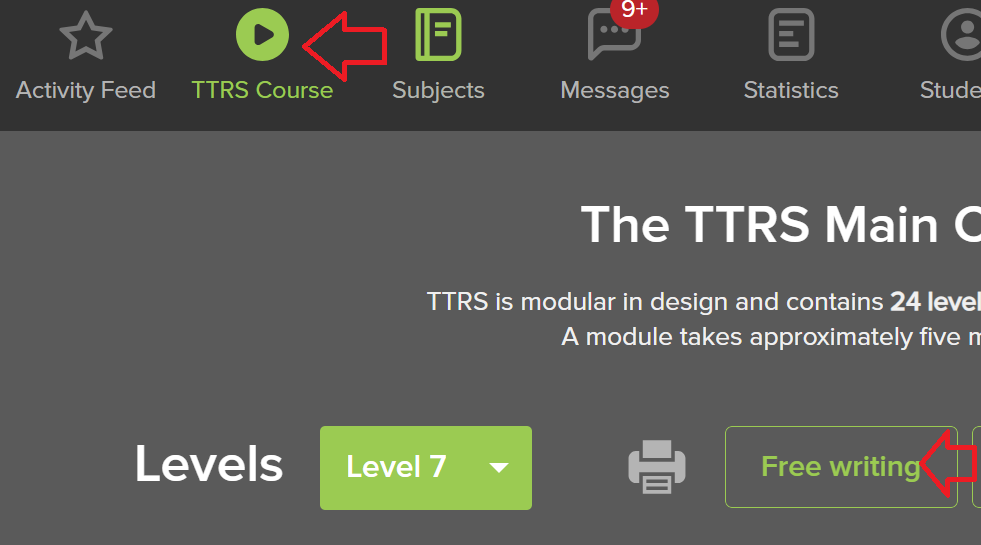
Visit the TTRS Help Centre for more information on adjusting settings. It may also be helpful to download this printable daily checklist to help you keep track of your progress.
Glitches
TTRS has encountered numerous issues with its new platform.
TTRS does not work well on an iPad. I highly recommend using this Subscription on a computer.
Find helpful suggestions from TTRS here.
If TTRS refuses to save your work, you can move on by following the instructions below. Please email Margaret Basaraba if you are having issues with TTRS.
Log in to your account and select the "TTRS" Course button from the top of the page.

Select the toggle arrow to the left of the "Level" number.

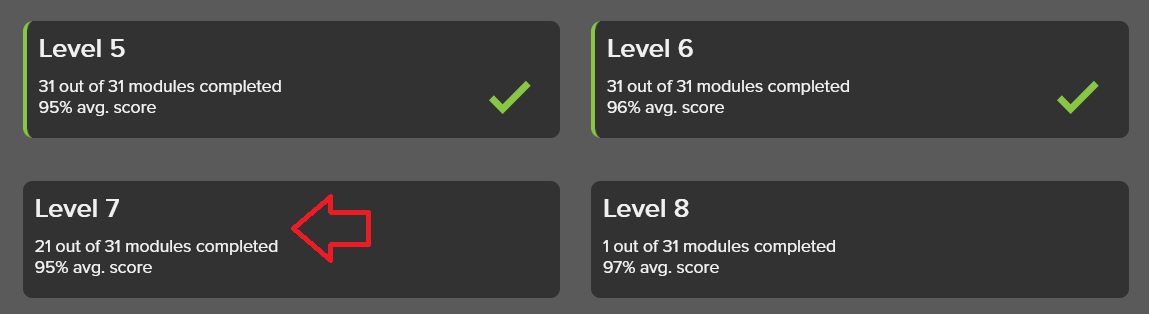
You can choose any level button.
Turning Audio Off
The default setting is for TTRS to read aloud the words that are being typed. The audio track accompanies the letters as they appear on screen, reinforcing sound-letter correspondence, which is a crucial skill for sounding out words in reading.
To turn the audio off, select "Settings" from the top menu bar.

Next, click on the "Audio and Typing" button.

Toggle off any of the audio buttons that you do not want to use. They will be gray when off and orange when on. The "Play end of module applause" button gives a brief amount of applause as students finish a module.
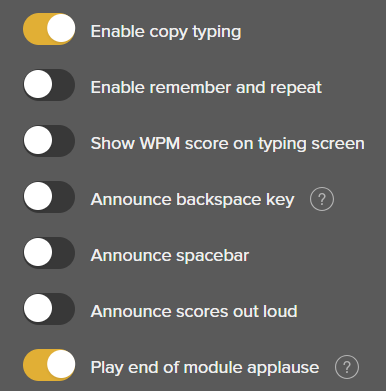
Every fourth module is in dictation mode, where the words are not displayed; instead, they are spoken aloud. If your sound is turned off, you will not be able to hear or see every fourth module.
Games
Games are available in TTRS after completing several modules. Email Margaret Basaraba to have games activated in your account settings.
Finding Reports
Select the "My Stats" tab to see how your student is doing.

The next page to load will show you the reports from the "Main Course." If your student is working in the "Subjects" area of the course, you will need to select "Subjects" to see those reports.

Tynker
Tynker (K-Grade 10) teaches coding as students create games and animated projects. Students gain a solid foundation in programming and computational thinking, which prepares them to transition to any mainstream object-oriented programming language. After learning the fundamentals, students can transition to JavaScript or Python within the Tynker learning system.
HCOS Enrolled students who wish to receive teacher-guided instruction in Tynker can email Mr Mark Lamden for more information about enrolling in the online ADST: Levelled Coding module. Check with your support teacher for Mr Lamden's contact information.
Tynker courses include:
- Icon coding 7-Course Pack, Space Cadet and Dragon Spells, Programming 1A and 1B
-
Programming 100, 300, Barbie, You Can Be Anything
-
Programming 101, 102, 201, 202, 301, 302
-
JavaScript, Python, Web Development 101
-
Drones 101, WeDo Coding, Augmented Reality, micro: bit 101 and MicroPython 101
This subscription is not available to HCOS Registered students.
Logging In
There are seven steps to log in to Tynker.
Step 1: Email Margaret Basaraba for help setting up an account. If your students already have a Tynker account, you can email Margaret Basaraba to ask for additional classes to be added to their account.

Step 3: Select "Student."
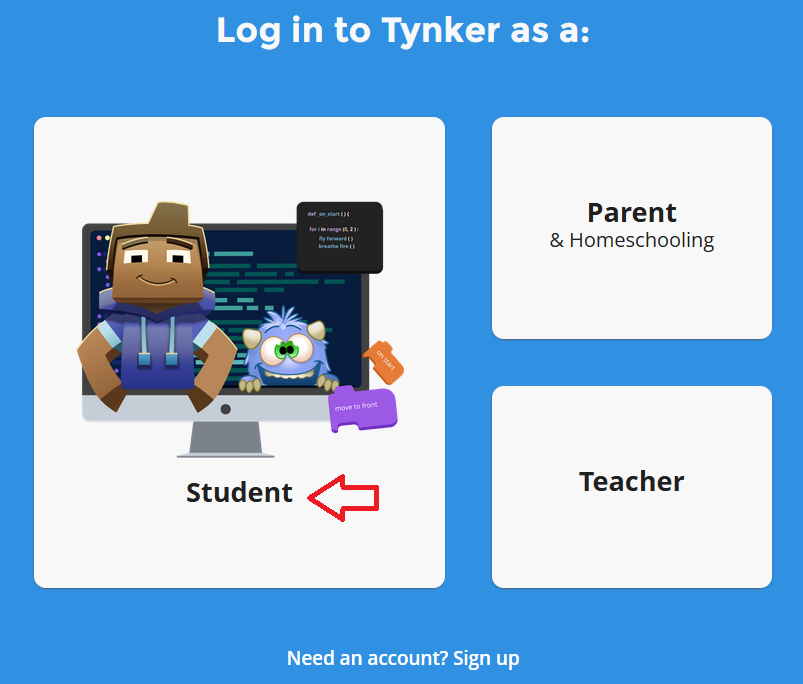
Step 4: Enter the username and password provided by Margaret or your support teacher, then click the orange "Log in" button.

Step 5: Select the drop-down menu at the top right of the page and choose "join a class."
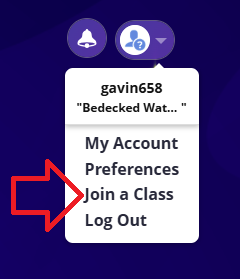
Step 6: Enter the class code provided by Margaret or your support teacher.
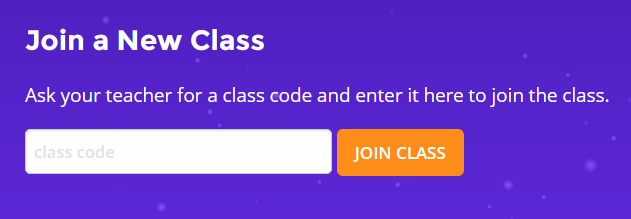
Step 7: Choose the course you wish to enter by selecting the picture.

Navigation & Use
Watch this short video to learn more about how students can use Tynker. Additional video tutorials are available at the Tynker Support Centre.
Completing Lessons
Each lesson will be brightly lit before it is completed. There will be many steps inside the lesson to complete it. Select the picture to open the lesson.

As each lesson is completed, it will be grayed out.
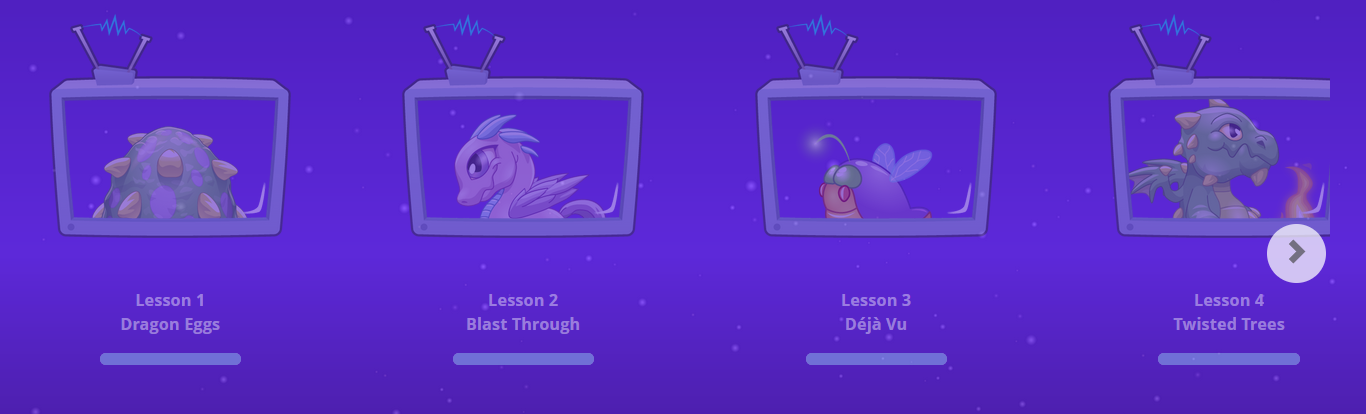
As you start each lesson, you will see locks on each of the parts of the lesson that are not completed. Tynker will move you through each of these steps. When the lesson is complete, all the locks will be gone, and only numbers will remain.

To log out during a lesson, select "Replay." Go to the top right and select "log out."
A progress bar will appear if you have only partly completed a lesson.
Students can repeat previous parts of a lesson by selecting an earlier number.

Students can move forward to a new lesson by selecting the gray arrow by the Tynker logo in the top left corner.

All of the numbers will be shown when a lesson is complete.

Sound can be turned off by selecting the three dots at the top right corner and then toggling the "Sound" switch.
Minecraft Mods
The "Community" button found in the Tynker student account allows parents to link their student's Tynker account to Minecraft. A student must have a paid Minecraft account to use this option.
World Book (Focused Ed)
World Book (K-Grade 12) is the leading online encyclopedia.
Click below to learn more about the specific features offered by World Book.
Early Learning (K-Grade 3)
Early Learning supports early elementary students with “Trek’s Travels,” “Welcome to Reading,” and “Know It.” These sites include narrative stories, interactive games, and a visual encyclopedia to support early reading, numeracy, and knowledge. Pre-readers will enjoy listening to stories. Readers can control the story's pace as word-by-word highlighting guides them. They can also play games and enjoy sorting, painting, and matching puzzles. Print-and-go activities will also interest your primary-aged students.
World Book Kids (K-Grade 5)
World Book Kids is an online encyclopedia designed for a younger primary elementary audience with easy-to-read articles, illustrations, and engaging activities. Students can enjoy science projects, experiments, biographical searches, animal comparisons, and mapping searches, including World Book Maps with printable PDF maps.
World Book Student (Grades 5-8)
World Book Student gives elementary and middle school students access to encyclopedia and reference articles, biographies, videos, animations, historical features, educational tools, and activities. Students will learn about research skills needed to complete research projects, including the planning process, evaluating sources, and creating citations. Students will also learn how to use MyResearch, which allows them to save all their research. Students can also create timelines to make their social study projects sparkle with 21st-century options. The biography centre will help students research famous Canadians and inspiring people. Surf the Ages website is for ancient civilizations research. Quizzes and activities are made easy for teachers and students to access. In the Headlines provides a history feed from news of the day.
World Book Discover (Grades 3-9)
World Book Discover is a collection of resources for differentiated learning, including read-aloud, text translation, video, and easy-to-read information. This resource supports students who need additional support with research articles, tools, and multimedia and interactive videos. There is also a life skills component to help students build financial literacy and health education skills.
World Book Advanced (Grades 9-12)
World Book Advanced gives students access to refined optimized searching of encyclopedias, multimedia, eBooks (including Shakespeare and Dickens, library, and other classics), and primary source databases. It also includes research tools such as dictionaries, atlas, and research guides with bibliographical citation builders. Students have the ability to create individual accounts, save their content, create timelines, and develop citations in MLA format. Primary and secondary sources are covered in all databases. The Pathfinders feature helps students research popular topics and links to media, biographies, government, and history.
World Book Timelines (K-Grade 12)
World Book Timelines is optimized for tablets and offers hundreds of pre-generated timelines across eight broad topics, which cover various time periods in history or span the life of historical public figures. Featuring more personalization and customization options than any other World Book site, World Book Timelines allows users to create their own timeline from scratch, adding events, descriptions, and media.
L’Encyclopédie Découverte (Grades 8-12)
L'Encyclopédie Découverte offers students a colourful engagement in the French language. Categories include: People, Exploring the World, Science and Math, Religions of the World, Plants and Animals, History, Arts and Literature, and Sports and Hobbies. Rich with images and engaging activities, L'Encyclopédie Découverte gives students added value and experience alongside their French language studies. This site is for students who are already fluent in French and is not meant to be a language-learning resource.
Logging In
There are two steps to log in to World Book.
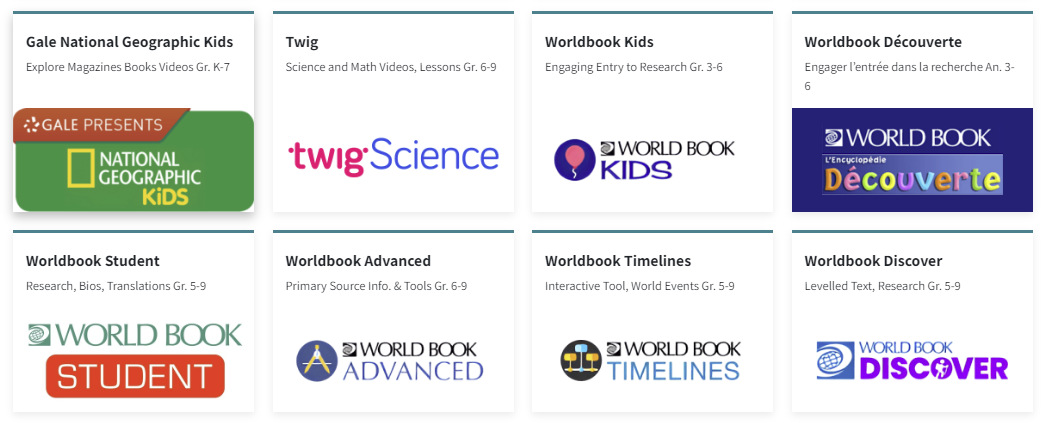
Step 2: Enter the username and password for World Book from the Subs/Passwords tab in the Search Portal.
Navigation & Use
Select the video below to watch a short overview of World Book Online.
World Book Online Video Tutorials is a collection of brief video tutorials to help familiarize users with the resources available on World Book.
Saving Your Research
World Book allows students to set up their own “My Research” page for saving their work. Click the hamburger menu (three lines) at the top right corner to access.

Next, select “My Research” from the navigation options.
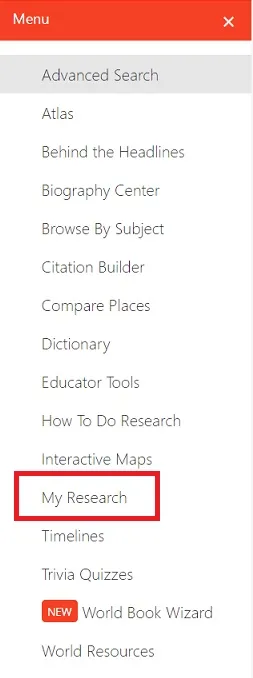
Finally, select “Create an Account” to set up your folder with your username and password.
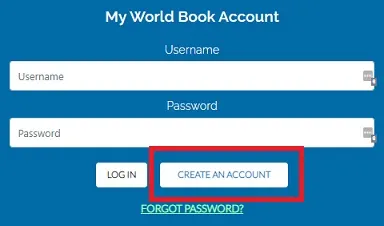
Users can now save a WorldBook article to their "My Research" page by selecting the "Tools" setting in the upper right corner of the article.
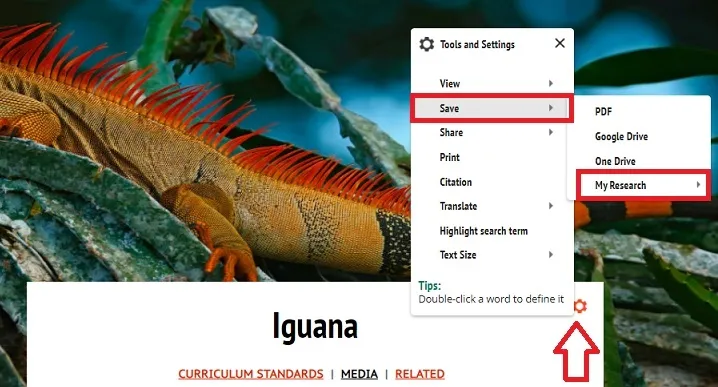
Unit Study Kits
Unit Study Kits are a carefully researched compilation of reading and listening resources, curated subscriptions, and choice-based activities based on BC's curriculum's Big Ideas and Core and Curricular Competencies. Learners will engage in questioning, researching, discussing, exploring, creating, reflecting, and designing as they interact with these engaging activities and topics while inquiring about the world around them.
This short video will help you get started with Unit Study Kits on the Learning Commons website.
In this video, Rachael Rennie shares how to use HCOS Unit Study Kits. Below are timestamps to help you navigate to specific topics in the video:
1:54-2:16 What are Unit Study Kits?
2:17-10:17 What’s inside a Unit Study Kit?
10:47-13:21 Why use Unit Study Kits?
13:22-15:17 Tips for Using Unit Study Kits
15:18-15:40 Where to find Unit Study Kits
15:58-18:36 Unit Study Kit Tour
20:40-23:01 How can Unit Study Kits be adapted?
23:02-24:44 How long should it take to complete a Unit Study Kit?
Purpose & Goals
Unit Study Kits provide a flexible option for families who seek to build academic skills and knowledge with Social Studies and Science units aligned to the BC Curriculum. Many of our kits offer flexibility for whole-family learning. We encourage families and teachers to collaborate in the kit selection and planning process.
Our kits support learning in a variety of areas, including:
-
A cross-curricular approach, including Career Education and ADST activities
-
Differentiated learning options
-
A Guided Inquiry approach directly tying into Core Competencies, written from a Biblical worldview
-
Digital Literacy integration
-
First Peoples Principles of Learning integration
Learn more about Unit Study Kits at specific grade levels by exploring the following categories:
Grades K-3
Our Grades K-3 Unit Study Kits are filled with fun and flexible activities to bring God’s world to life for our youngest learners. Families will discover beautiful books, intentionally selected videos, and engaging activities.
Grades 4-5
Students in Grades 4-5 are gaining confidence as learners and enjoy being challenged with thought-provoking content, skill development, fascinating books and videos, and a wonderful array of knowledge-building activities.
Grade 6
Our newly revised Grade 6 humanities-based kits contain specific assignments that allow students to delve deeply into curricular topics while still providing them with room to express themselves as unique children of God.
Grades 7-9
Unit Study Kits for Grades 7-9 students are designed to begin preparing them for the HCOS Grad program. Units provide structured learning opportunities within a framework that promotes choice while allowing students room to express themselves as learners.
HCOS Unit Study Kits are available in both physical and digital formats. In Grades K-6, a blended instruction guide is used for all kits. In Grades 7-9, you will access a digital guide for links and other digital resources; however, you can also borrow a physical kit from the Learning Commons.
Unit Study Kit Components
HCOS Unit Study Kits are available in a digital format, with an option to order the physical kit.
Digital Unit Study Kits
Nothing will be mailed to you when you choose a digital kit, as all your resources will be digital. Digital Unit Study Kits are accessible through the Learning Commons using your Encom username and password. You will also need passwords for the various subscriptions used in the kits. To view these, log in to the Search Portal and choose the Subscriptions Icon in the menu at the top. This will take you to the Subscriptions page, where you will find usernames, links, and passwords.
Unit Study Kits comprise the Unit Study Kit guide and accompanying eBooks, audiobooks, and subscriptions linked directly within them. These guides are digital documents with fully clickable links. Blended guides contain links to digital books, videos, and other virtual tools, games, and interactive resources. All instructions for activities are found within the kit guide. We recommend that you log into Sora and the subscriptions before starting, saving the passwords in your browser as you go.
Digital Unit Study Kits are available to all HCOS students.
Physical Unit Study Kits (Optional Add-on)
Physical Unit Study Kits can be booked through the Learning Commons Search Portal. When you order a physical kit from the Learning Commons, you will be mailed an assortment of physical books to accompany your learning. The kit will be shipped to your home, and HCOS will send a courier to pick it up afterward. You must still access the digital unit study kit (guide) online.
Physical Unit Study Kits are available to HCOS-enrolled students only.
French Unit Study Kits
These kits have been written for students in grades 5 - 9 but can also be used for older students. They provide reading and viewing content as well as offering listening, speaking and writing suggestions. Any work completed by students should be shared with their support or course teacher for evaluation. They are intended to be supplementary in nature and will not cover all aspects of Core French, especially conversational components. These kits can be found on our website by selecting "French" in the subjects filter:

Watch the video below to learn more about how to use French Kits:
0:25 - 0:45 Receiving and reviewing physical books from the Learning Commons
1:08 - 1:12 Table of Contents - components of each kit
1:12 - 1:41 Vocabulary
1:42 - 3:39 Reading
3:40 - 4:14 Post-reading Questions
4:15 - 4:49 Reference book activity ideas
4:50 - 5:24 Comic Book Activity suggestions
5:25 - 5:56 Videos and Music
5:57 - 6:14 BrainPOP suggested videos
6:15 - 6:49 Writing Project Ideas
6:50 - 7:30 Speaking and Conversation Ideas
7:31 - 8:04 Reflection
8:05 - 8:13 Standards
Used Bookstore
Welcome to the HCOS Used Curriculum Store
You will find books and curricula from many of your favourite publishers: A Beka, Saxon, Sonlight, RightStart Math, Tree of Life, and more! We have curricula covering Math, Socials, Science, Language Arts, Health, Bible, and Art, as well as novels and MakerEd/manipulatives. If you are looking for something in particular, email Shandra Wiebe at swiebe@onlineschool.ca; she will check to see if a copy is available.
Webstore Policies
Please read the product descriptions carefully. The edition of the item will be noted where information is available. Descriptions include a list of all items in a set.
Condition is noted as follows:
-
As New: A copy that has been unopened or is in “new” condition, with no marks or wear.
-
Good: A copy that has been read but remains in clean condition. All pages are intact, and the cover is intact. The spine may show signs of wear. It may have some pen/pencil markings or show other signs of previous use.
-
Fair: Noticeably used book. Pages may contain marginal notes, underlining, and/or highlighting. These will be noted in the description.
Searching for Items
To Search, click on the Shop tab. Categories appear on the left. Once you click on a title, you will see Tags that can help refine your search by grade or other filters. You can also enter the title or publisher into the Search Bar for results.
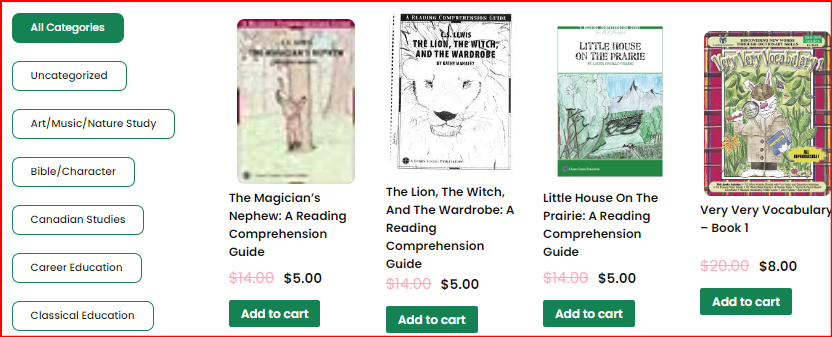

Payment & Shipping
Payment options include credit card (PayPal), HCOS PO numbers, or cash for in-person pick-ups.
Shipping costs are based on the number of items purchased and the weight and bulk of certain items.
-
Flat rate - 1-5 Items in order: $25.00
-
Flat rate - 6-10 items in order: $30.00
-
Flat rate - 11-20 items in order: $35.00
- Flat rate - Over 21 items in order: $40.00 + depending on weight.
- Shipping paid with HCOS PO - amount added manually
-
Free shipping up to 1 kg. if combined with library bookings. An extra charge based on the weight of purchases added to the library order will be applied.
-
Local Pick Up
Additional shipping fees added to specific items:
-
Bulky Items are an additional $9.00
-
Heavy items are charged an additional fee based on weight.
Items shipped outside of BC but within Canada may incur extra shipping charges. We do not ship outside of Canada due to shipping costs.
-
Add the items to your cart
-
When done adding items, click on the cart
-
Enter the promotional code if there is one active
-
If you are using a PO Number for payment, enter: HCOS PO in the coupon code box, then enter the PO number in the comments box at the bottom of the Shipping page.
**If there is a sale with a percentage off coupon (i.e. thanks10), it must be entered as the FIRST coupon before the HCOS PO coupon to receive the discount.
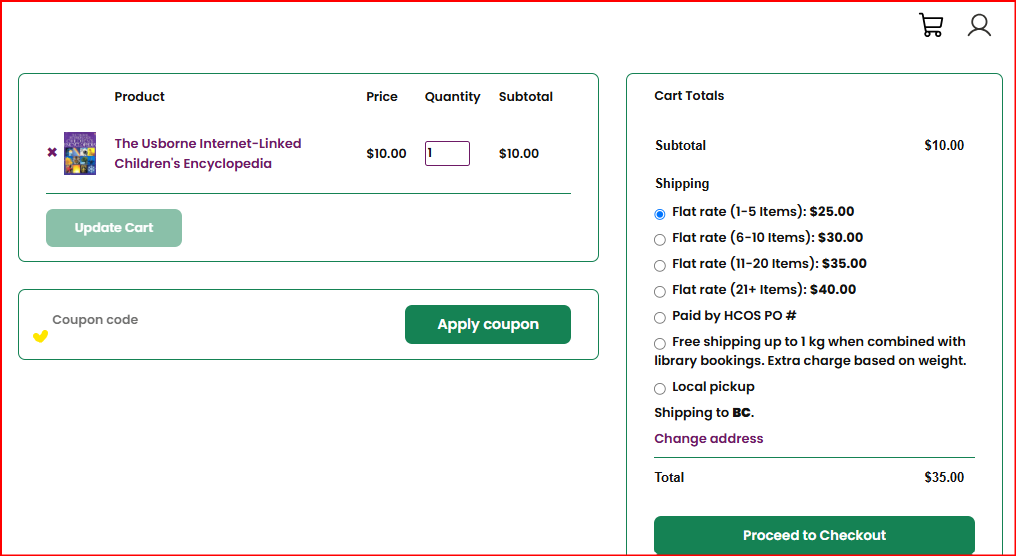
5. Click Apply Coupon - the total should show the discount after the coupon is applied.
6. If the HCOS PO coupon is used to pay, the total will show as zero. The discount amount will not show, but has been applied.
7. Choose your shipping method:
-
Free shipping on the first 1 kg/2.2lb. when you have an order of Curriculum from the Learning Commons booked within 2 weeks of your purchase. You will be notified of the extra charge for additional weight of items over 1 kg. purchased from the Shop. This charge is usually less than the cost of shipping the items separately. Let us know when you have booked your LC items so we can include purchases. Email Kelly Wiebe at shipping@onlineschool.ca or Shandra Wiebe at swiebe@onlineschool
-
Paid by HCOS PO - The shipping will be added to the order manually and deducted from funding.
-
Pay to have items shipped immediately. Choose the correct shipping option based on the number of items in your order.
-
Local Pick up - choose if you can pick up items in person.
8. Enter your billing information & address on the next screen. If your shipping address is different from the billing address, click the box on the shipping screen.
9. You will be sent to a PayPal screen if you pay by credit card. You will receive an email confirmation of your purchase.
Product Descriptions
Please read the product descriptions carefully. The edition of the item and condition (e.g., new, like new, fair) will be noted where information is available. Descriptions include a list of all items in a set.
It is your responsibility to ensure you are purchasing the correct edition or volume needed.
Returns & Refunds
We do not offer returns or refunds but will issue a credit if an item is not working (e.g., CD, DVD).
Research
Learning Commons' recommended tools for teaching students digital safety and how to research online.
The What and How of Research
What is Research?
Research is the process of asking questions, finding reliable information, analyzing what you’ve learned, and presenting your findings. It helps develop critical thinking, creativity, and problem-solving skills—key elements of the Applied Design, Skills, and Technologies (ADST) process in the BC Curriculum.
Students must know how to define a problem, locate information in their school library or database, select appropriate resources, organize notes, and present their work to their peers. They must also understand how to accept peer feedback and edit their work for mistakes. A basic introduction to preparing a cited list of references is required using MLA standards.
The BC Ministry of Education has produced a scope and sequence of what is required for research skills and digital citizenship in BC’s Digital Literacy Framework.
Why is Research Important?
Through research, students gain a deeper understanding of topics, practice evaluating information, and learn to apply new ways of thinking. Good research skills help students become independent learners who can effectively analyze information and communicate their ideas.
How to Research
To start with research, ask a clear question about what you want to learn. Once you have your question, look for trustworthy sources, like your school’s databases, educational websites, and books or journals. Make sure to check if the information is reliable, relevant, and not biased. As you gather information, take notes in an organized way, using graphic organizers or digital tools, and be sure to put the information into your own words to avoid plagiarism. When sharing what you’ve learned, you can present your findings in different formats, like a report, a slideshow, or a visual project. Don’t forget to cite your sources and review your work with feedback from peers and teachers to make it even better. By following these steps, you'll develop strong research skills and learn how to present your ideas clearly.
This short webinar by Cynthia Duncalfe and Margaret Basaraba will help you get started.
- 0:20 - 1:00 Overview of Session
- 1:00 - 1:51 What is Research?
- 1:52 - 3:26 The Research Process
- 3:27 - 5:19 How to Evaluate Websites
- 5:20 - 9:02 Creating a Works Cited (or Bibliography)
- 9:03 - 10:15 Using our Research Template
- 10:44 - 12:37 Finding Subscriptions and Passwords
- 12:38 - 13:41 Overview and Finding Information in SOPHIE
- 13:42 - 14:23 Usernames and Passwords in the Search Portal
- 14:24 - 15:07 Subscription Information in SOPHIE
- 15:08 - 17:03 FocusedEd
- 17:40 - 18:54 World Book
- 18:55 - 20:54 Gale in Context Canada
- 20:55 - 21:07 PebbleGo PebbleGo Next
- 21:08 - 22:01 KnowBC
- 22:02 - 26:00 EBSCO Explora
The Research Process

Research Templates
These research templates will guide students through the research process.
-
Expectations for Grade 1 students: Write one fact and draw a picture.
- Expectations for Grade 2 students: Write two facts and add images and citations.
- Expectations for Grade 3 students: Write three facts and add images and citations. Grade 3 students can use the Grade 4-6 Research Template when they learn how to create a bibliography.
-
Make your own copy of the Gr 4 - 6 Research Template
-
Make your own copy of the Gr 7 - 9 Research Template
- Feel free to make a copy of this Notetaking Template for students in Grades 1-3.
Learn More
- More about research skills
Research Using HCOS Subscriptions
Which Subscriptions Can I Use for Research?
Grades K - 2
Grades 3 - 6
Grades 6 - 9
Grades 10 - 12
Tutorials on Using Our Research Subscriptions
Finding Credible Information Online
How to Evaluate Websites
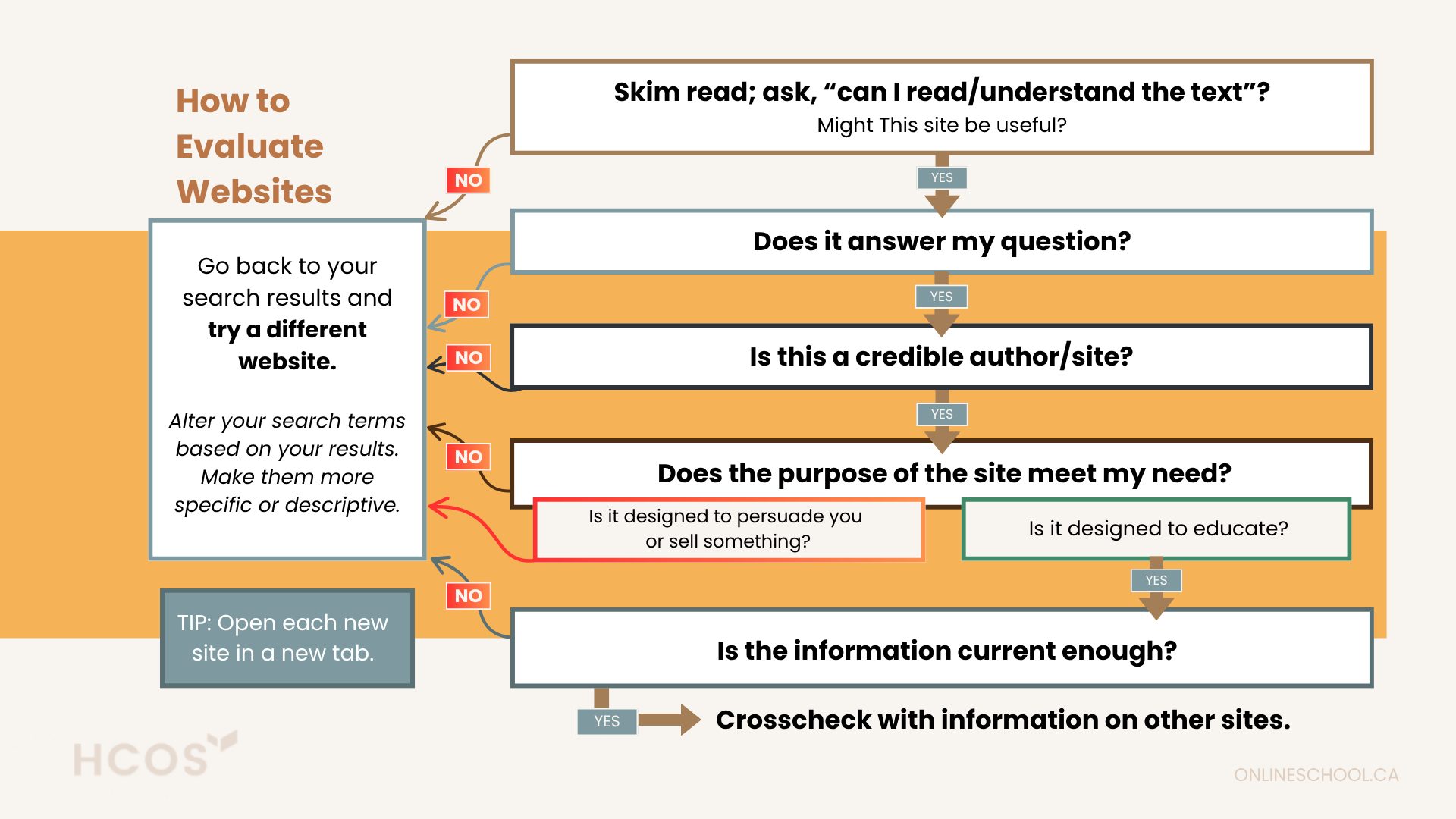
Other Resources
Infographics
Searching Online
- Consider using a safe search engine such as Advanced Google in grades 5-12, or if in grades K-4, Kiddle
- Most search engines store your search history and other data about what you browse online. DuckDuckGo is a search engine and browser that doesn't track your online activity or personal data.
- If students use Google, parents should ensure the SafeSearch filter is “on.” Advanced Search will provide more relevant results.
- Grade 10-12 students could use Google Scholar
Tips for Effective Searching
-
Use good keywords and quotation marks to refine your questions.
-
Be aware of advertisements on the website page, as this might indicate a paid site.
-
Check the source URL for relevancy (.gov, .edu, .ca, etc.)
-
Select sources that both challenge and confirm your existing perspective.
Questions for Determining Whether a Source is Credible
-
Does this writing seem too good to be true? You may wonder about its validity or truth. Ask these questions: Does this article seem unbelievable? Does it conflict with something you already know to be true? Is it greatly exaggerated?
-
Who wrote this information? Identifying the author can help you determine the credibility and truth of your source. Determine the author’s education, training, or experience/knowledge on the topic. Does he or she have a professional title or belong to an established and respected organization? Can you take extra steps to learn more about the author, i.e., on an “About Me” page? Who owns the website? Sometimes, the owner and author may be different. To find the owner, search the URL on Whois.
-
What type of website is this? A political organization? A non-profit organization? A social media celebrity? Check the URL. Read the “About” section or profile bio. Do another search for more information about the source.
-
Who else links to the site and why? What is their reputation? Do they stand to gain anything by attacking or supporting a point? Type the website link into your search engine with quotation marks and see what reviews appear.
-
When was this article written? How old is the information on the website? This will determine its reliability and accuracy. There should be a date when the information was written, and links included on the site should be updated and working. Check the bottom of the website to see the latest update.
-
Can the information be verified? To check the accuracy of an article or website, look at the sources used in the article, whether they are listed in the article, and whether there is a good bibliography or other links to provide additional sources of information. Can you find other sources which share identical information?
-
How does the tone of the writing reflect credibility? The way an article is written will reveal clues about its credibility. Check for good grammar, spelling, punctuation, and style of language. Is the language demanding, critical, or over-emotional? Is the writing too informal and more colloquial? Does it only share one point of view? If you notice a bias, what facts does it use to back it up? Does it appear to make people angry or try to manipulate people?
-
Why does the author write this information? Every author comes from a particular worldview or perspective. Some people will write articles to contribute to unreliability, bias and untruth. That does not discount argumentative essays or passion/opinion pieces. However, use your judgement and the clues about credibility as shared above before using this as a reliable source.
Searching for Images
Searching for images can be an interesting adventure. You need to find ones that fit your topic, can be used (usage rights), and do it “safely.” Google is often the first place people turn to. There are ways to ensure you can use images you find online (tools, usage rights, labelled for reuse, etc.). However, other sites can be more efficient for searching images that are free to use. Here are some recommended places to search for images.
- Library of Congress: Prints & Photographs Online Catalog
- Wikimedia Commons
- Unsplash
- Pixabay
- Pexels
- Gettyimages
- Veezzle Free Stock Photos
Citing Digital Images
As students build research skills, they learn how to reference work done by other people. In an increasingly digital world, it is important to learn how to give proper attribution for both written and visual artifacts, including digital images. Though it is relatively simple to take a screenshot or save an image from the internet, students need to follow the appropriate steps to ensure credit is given to the original author. There are a few options for finding and sourcing images correctly.
Option 1: Google Images Search
You can search for any image using Google Images.

Step 2: Next, click "Tools" to open the toolbar. Find "Usage Rights" and select "Creative Commons licenses." This will filter your results to only display images licensable under Creative Commons (CC) licenses.
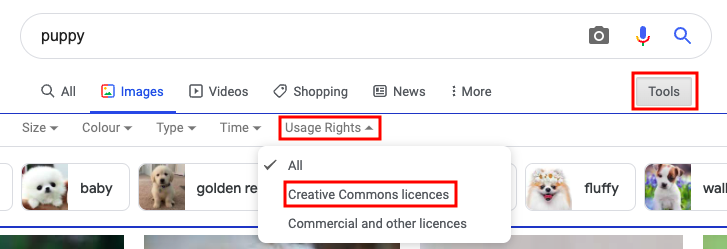
Step 3: When you find the image you would like to use, click on it. The image will pop up into a larger window and you will be able to locate the license details underneath the image. Click on the "License details" hyperlink to find out the specific details of how to properly attribute your chosen image.
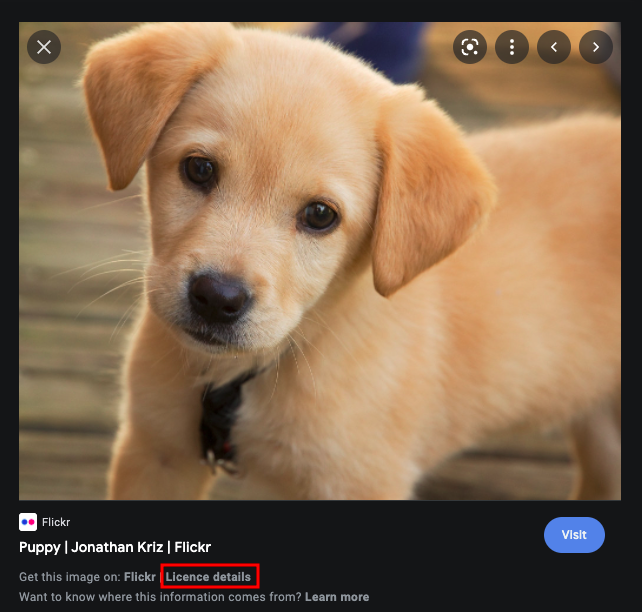
Step 4: Insert the image into your project, then add your attribution with a link to the CC license. For example, the MLA citation for the above image would look like this:
Kriz, Jonathan. Puppy. Flickr. October 2010. https://www.flickr.com/photos/27587002@N07/5170590074. CC BY 2.0.
Option 2: Google Apps
You can add images using the toolbar within Google apps (e.g., Google Docs, Google Slides, Google Drawings). It takes a few extra steps to find the license for attribution.
Step 1: In the toolbar, click "Insert" -> "Image" -> "Search the web." A Google window will pop up on the right side of your document.
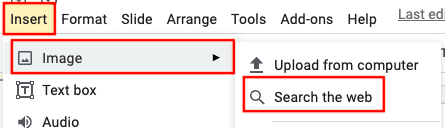
Step 2: Type a word or description in the search bar to find an image. Once you locate your desired image, click on the magnifying glass with the plus sign to preview the image.
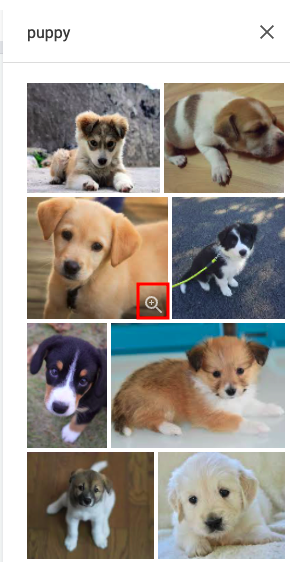
Step 3: Click the title of the image at the top left hand corner to visit the original website where the image is located.
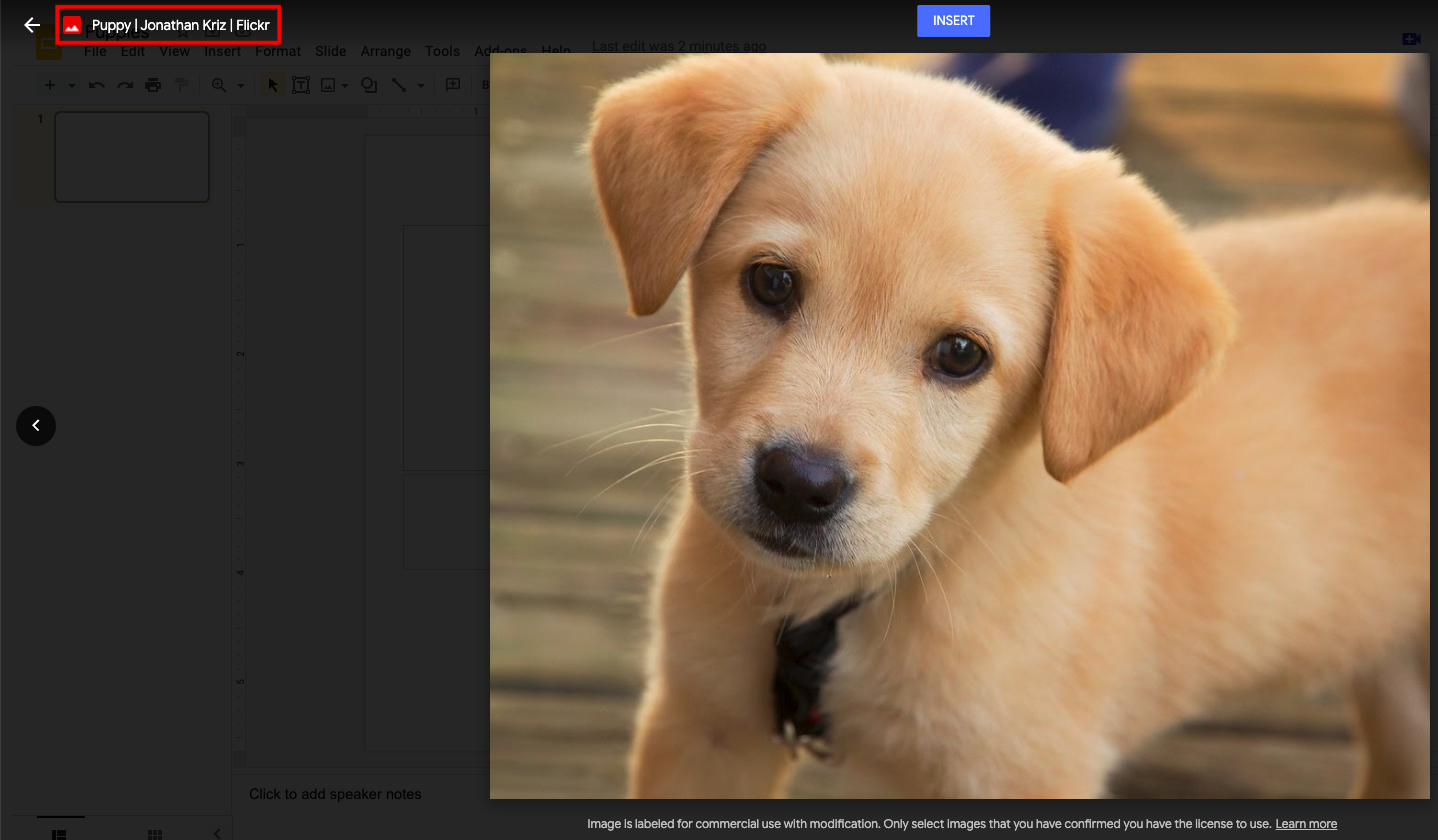
Step 4: Find the license information on the original website, and include it in your citation.
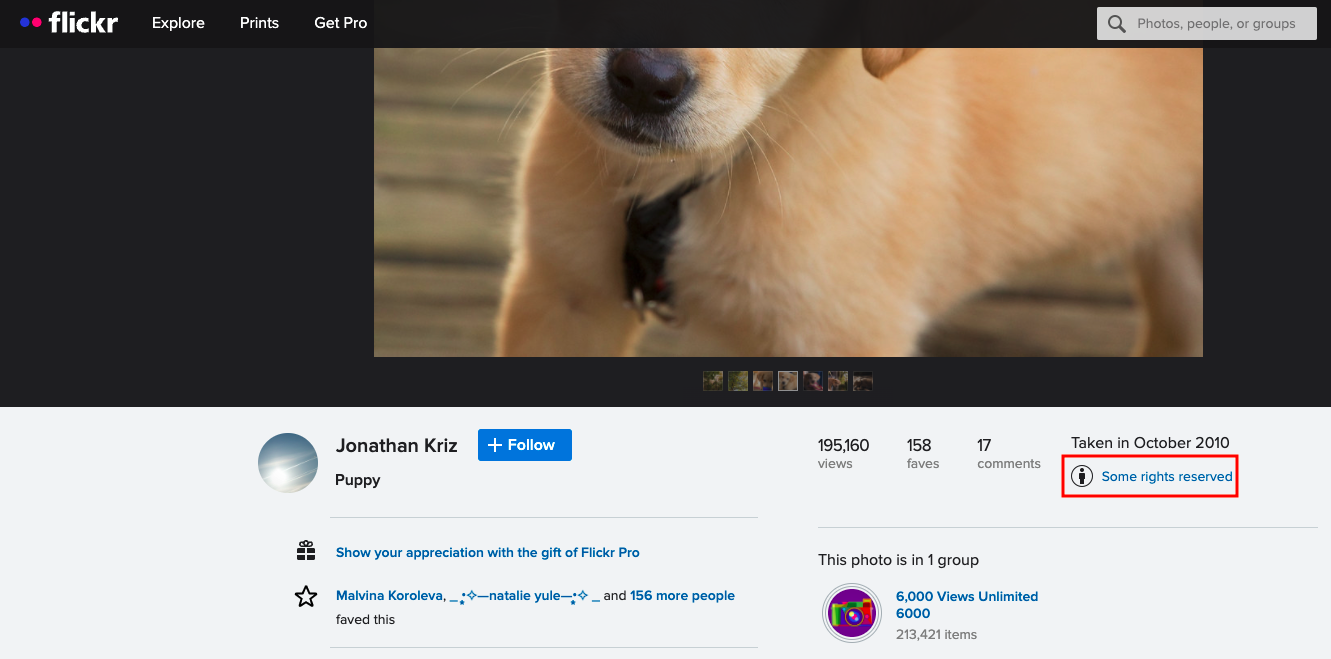
If you are unable to find CC licensing information on the website, you may include the license information from Google as appropriate attribution (e.g., "Image is labeled for commercial use with modification").
Option 3: Open Source Image Websites
Another option is to search for your image on an open source image website. These are websites where photographers and artists can post their work as freely-usable images for you to use and enjoy. Some popular open source image websites are Pexels, Pixabay, and Unsplash. These images do not fall under CC licences; rather, each website has a specific license allowing you to download and use images for free with no requirement for attribution (though it is appreciated if possible). You can read more about licenses on each of the websites (Pexels, Pixabay, Unsplash). The reference for an open source image might look like this:
The main thing to remember about using digital images is that if a license cannot be easily found, you should look for another image using Google Images filters or open source image websites. This allows you to be confident that you are using ethical image sourcing practices.
Avoiding Plagiarism and Citing Sources
What is Plagiarism?
Plagiarism is when someone presents another person’s work, ideas, or words as their own without proper credit. It can happen accidentally or intentionally, but either way, it’s a serious issue in academic and professional settings.
According to the Merriam-Webster dictionary, to plagiarize means:
- To steal and pass off the ideas or words of another as one’s own.
- To use someone else’s work without crediting the source.
- To commit literary theft.
- To present an existing idea or product as new and original.
Why is Avoiding Plagiarism Important?
Plagiarism isn’t just about breaking the rules—it affects learning, creativity, and integrity. When you give credit to original authors, you show respect for their work while also strengthening your own. Proper citations help:
- Build credibility – Your work is more trustworthy when sources are properly cited.
- Strengthen arguments – Well-researched work shows a strong foundation of knowledge.
- Encourage learning – Engaging with different perspectives helps you develop your own ideas.
- Protect academic integrity – Honesty in research builds a reputation of integrity.
Visit Plagiarism.org for tips on how to avoid plagiarism and properly credit sources.
How to Take Notes to Avoid Plagiarism
Good note-taking helps you avoid accidental plagiarism and ensures you credit sources correctly. It's easy to mix up ideas when researching, so keeping organized notes strengthens both your understanding and integrity. Follow these strategies to stay ethical and accurate:
- Use Your Own Words – Rephrase information to reflect your understanding.
- Track Sources – Record the author, title, date, and page number for easy citation. This makes it easier to cite sources correctly later.
- Use Quotation Marks - If you must copy exact wording, use quotation marks and note the source details immediately to avoid forgetting where it came from.
- Organize by Topic – Structure your notes in categories or key ideas rather than copying large chunks of text.
- Review Before Writing – Before drafting your work, compare your notes with the original sources to ensure you properly paraphrase and cite information where needed.
- Label Summaries, Paraphrases, and Quotes – Clearly mark your notes to differentiate between your own thoughts, paraphrased ideas, and direct quotes.
- Use a Citation System – Jot down citations as you take notes to save time later.
- Write Immediate Reactions – Writing personal insights helps separate your thoughts from sources.
- Use Multiple Sources – Gathering information from multiple references ensures a well-rounded understanding and reduces the risk of plagiarism.
More Information and Plagiarism Tools
Tools and Resources to Help You Avoid Plagiarism:
-
HCOS Academic Integrity Policy (including the use of artificial intelligence)
-
Plagiarism Information for Parents - Help students understand academic honesty.
- Plagiarism Checker - Scan your work to ensure originality.
- Avoiding Plagiarism Infographic - A visual guide to staying plagiarism-free.
Citing Sources
What is a Bibliography or Works Cited?
Citing your sources isn’t just about following rules but being a responsible researcher and thinker. When you give credit where it’s due, you contribute to a culture of honesty, respect, and learning. A bibliography or works cited lists all the sources you have used while researching your work. Whenever you use an idea that isn’t your own, you must cite where it came from.
What to Include in a Citation:
Example:

Please refer to the Research Templates for more instructions on citing various kinds of sources (book, webpage, etc. Gr 4 - 6 Research Template; Gr 7 - 9 Research Template
Citing Sources When Using Subscriptions
Some Subscriptions supply a citation that you can copy.
- Gale in Context: Canada (Gr. 8-12) - find the citation at the end of the article
- Pebble Go (K-3) and PebbleGo Next (Gr. 3-5) - find the "cite" button at the bottom of the page.
- World Book Student (Gr. 5-8) - find the "How to cite this article" button at the end of the article.
- World Book Advanced (Gr. 9-12) - citations are listed at the end of the article.
Tip: Even when a source provides a citation, always double-check it against MLA or APA guidelines to ensure accuracy.
More Information
- Citation for Beginners Video
-
Citing Digital Images (SOPHIE) – How to properly credit online images.
-
Citing Artificial Intelligence (SOPHIE) – How to cite content created by AI tools.
-
Schrock Research and Style Manual – Citation guide for Grades 1-6 (MLA 9 format).
Free Citations Generators
Digital Citizenship and Online Safety
What is Digital Citizenship?
Digital citizenship is the ability to navigate digital environments safely, responsibly, and respectfully. It involves making informed choices, protecting personal information, and engaging positively in online communities.
“Although we live and interact in the digital world similarly to the offline world, we're not always as mindful of our online actions. We can sometimes act without realizing how it could affect our reputation, safety and growth as digital citizens. In the meantime, everything we do online affects and defines our digital world and selves.
Digital media also provide unique opportunities for everyone to get involved, speak out, and make changes online and offline. Our actions in our online world can have a real impact, and we all have a role to play as active digital citizens (Media Smarts).”
The Why and How of Digital Citizenship
Above all else, guard your heart, for it is the wellspring of life. Proverbs 4:23
We encourage our students to become discerning digital learners—able to explore online safely while maintaining healthy boundaries. Here are some key guidelines to help new online learners:
-
Discuss online responsibility: Talk with students about screen time, appropriate websites, and the importance of digital discernment. Stay informed about the websites and apps they use.
-
Set clear family rules: Establish guidelines for screen time, safe browsing, and online behavior.
-
Keep devices in common areas: Placing computers in open spaces, such as the living room, promotes supervision and accountability.
-
Encourage balance: Set tech-free times and promote physical activity to balance screen time.
-
Teach critical thinking: Help students evaluate online content for credibility and accuracy.
Students who are new to using technology can learn more through these BrainPOP videos.
Online Safety
Tips for Privacy and Data Security
In today’s digital world, protecting personal information is more important than ever. Practicing smart online habits helps ensure privacy, security, and a safer experience for everyone.
-
Research before you use: Investigate apps, websites, and online services before signing up.
-
Think before posting: Be mindful of the long-term impact of sharing personal information online.
-
Educate students on online risks: Teach them to avoid sharing personal details and to recognize potential dangers.
Resources
For Parents and Educators
-
Read more at ProtectKidsOnline.ca
-
Online Parenting Book by The White Hatter
- MediaSmarts
For Students
- Be Internet Awesome: Helping kids be safe, confident explorers of the online world.
- Digital Literacy & Well-Being Curriculum by Common Sense Media: K–8 lessons to prepare students for life in the digital world.
- AI Literacy Lessons for Grades 6–12
- Security Awareness Lessons for students ages 8-11.
- Videos on Internet Safety: Being Safe on the Internet; Internet Safety by BrainPOP Jr
- RightNow Media – Bullying Videos (McGee and Me! Series) – Please email Margaret Basaraba for an invitation.
Sora eBook Curations
Digital Citizenship and Online Safety for Young Learners
Before your students begin exploring social media, it’s important to introduce them to the basics of online privacy. Help them understand that personal information—such as their full name, address, and school—should not be shared online. Encourage open conversations about what is safe to post and who they can trust online.
"Safety Smart with Timon and Pumbaa" is a fun and engaging educational video created by Disney in collaboration with Underwriters Laboratories (UL) to teach children about online safety. In this video, Timon and Pumbaa explore key topics such as:
- Keeping personal information private (not sharing names, addresses, or school details online).
- Recognizing safe and unsafe online interactions (understanding who to trust).
- Thinking before clicking (avoiding suspicious links or downloads).
- Being kind and respectful online (digital etiquette and cyberbullying awareness).
With humour and relatable storytelling, the video helps children understand how to navigate the digital world responsibly while making safe choices. It’s a great resource for introducing Kindergarten to Grade 2 students to the basics of digital citizenship.
Visiting the Physical Learning Commons
Browsing Resources - Drop in to pick up or drop off materials, view curriculum, or browse used curriculum for sale.
Monday-Wednesday 9:00 AM - 4:00 PM; Thursdays: please call or email to set up an appointment.
If you would like assistance with curriculum and how to navigate the Search Portal, please contact Shandra to make an appointment.
Shandra Wiebe at swiebe@onlineschool.ca or call 1-250-980-5607
Visiting with Children
Best Time: 3:00 PM – 4:00 PM (Flex Academy classes run during the school day) or contact Shandra for a suitable time.
-
Parents or caregivers with children are asked to remain with their children at all times.
-
Due to limited space, children are not permitted in the shipping room, where the curriculum and resources are located. They are allowed only in the main library. They may read books while you peruse the curriculum.
-
If you feel sick or are experiencing flu-like symptoms, please drop off items and do not visit. Please use hand sanitizer when entering and exiting the Learning Commons.
Shipping Inquiries: Kelly Wiebe, kelly.wiebe@onlineschool.ca Monday - Thursday 8:00 AM - 4:00 PM
Learning Commons location:
-
-
We are in the Flex Academy building at 907 Badke Rd, Kelowna, BC, V1X 5Z5.
-
Park in Visitor Parking spots between the school and the church.
-
You will see signs for HCOS Learning Commons shipping/receiving. Walk down the driveway beside the school building to the far end until you come to the door with a Learning Commons sign. Please ring the doorbell!
-
-