Logging Into Encom
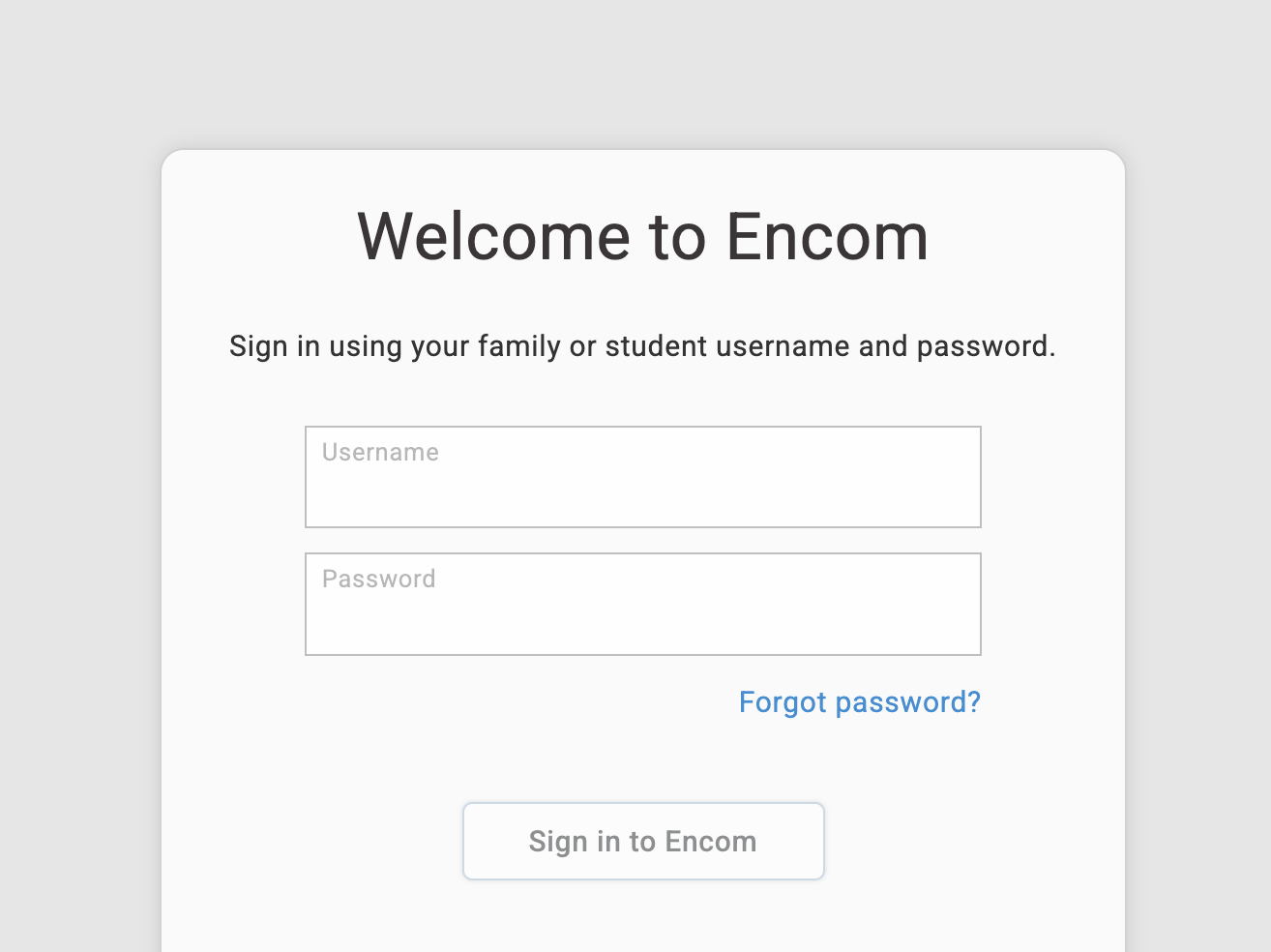
Sign into Encom
You can access Encom here, or from our FLEX homepage by clicking on the Log In button near the bottom of the page in the quick access section:
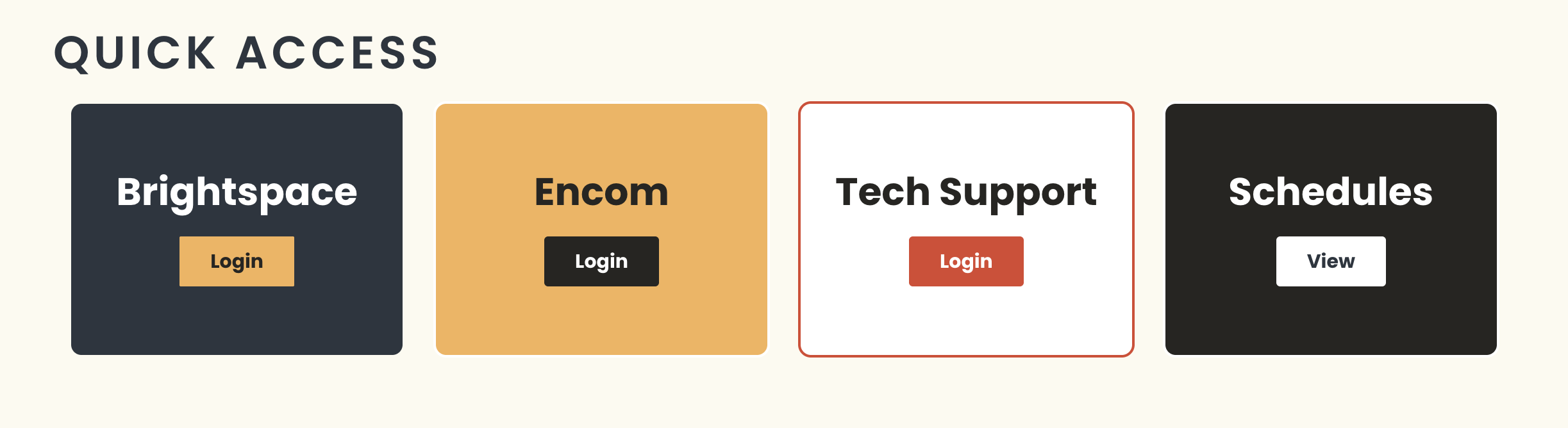
Select Encom:
You might want to pause and bookmark Encom before you move on.

Now sign-in with the username and password that you received by email when you first registered with Flex Academy. If you have lost this information, please click on the Lost Your Password? link on Encom. You will receive an email with a link to reset your account information.